
























It’s Time to Address the ELPH-ant in the Room: the Canon PowerShot ELPH 360 HS
Sep 1, 2025
David Prochnow
Our resident “how-to” project editor, David Prochnow, lives on the Gulf Coast of the United States in Ocean Springs, Mississippi. He brings his expertise at making our photography projects accessible to everyone, from a lengthy stint acting as the Contributing How-To Editor with Popular Science magazine. While you don’t have to actually build each of his projects, reading about these adventures will contribute to your continued overall appreciation of do-it-yourself photography. A collection of David’s best Popular Science projects can be found in the book, “The Big Book of Hacks,” Edited by Doug Cantor.
Share:

No, the Canon PowerShot ELPH 360 HS has not been discontinued. It’s just wildly popular and supply can’t keep up with demand. If you have your heart set on obtaining this camera, just place your name on a notification list and you’ll soon be enjoying this pocket-sized powerhouse.
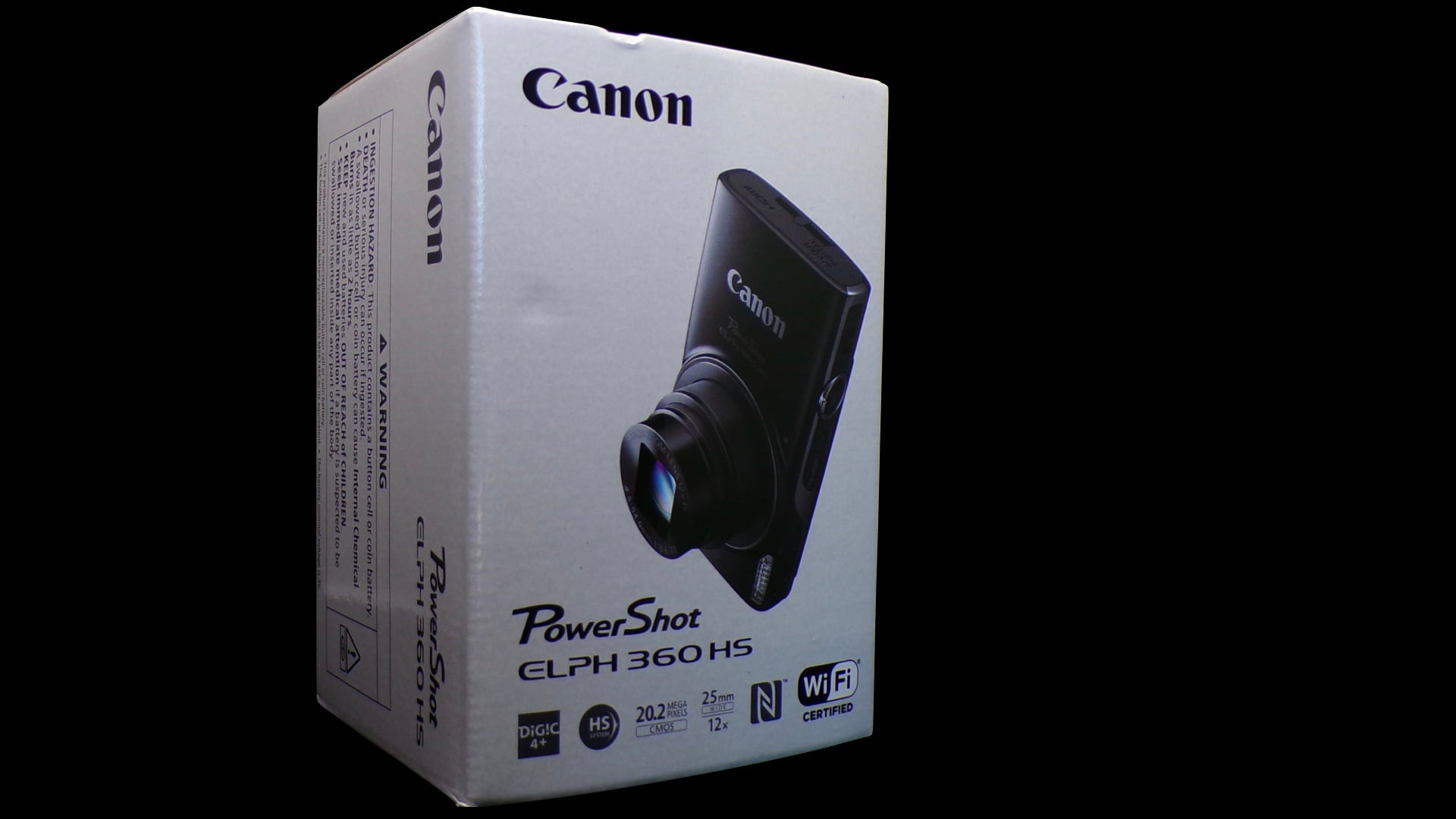
So, what does this approximately nine-year old 20MP zoom lens camera have to offer? Plenty, but, in order to realize its full potential, you’re gonna have to learn how to exploit its strengths. Although the Canon ELPH 360 HS bears a casual resemblance to dozens of other point-and-shoot cameras on various shopping sites, this camera is vastly superior in build quality and performance. First off, despite the size of the ELPH, its all metal body gives a noticeable heft to it. Now, throw in its built-in automatically retractable lens cover, image stabilization, 12X optical zoom, WiFi connectivity, and robust firmware and you have a perfect point-and-shoot camera.
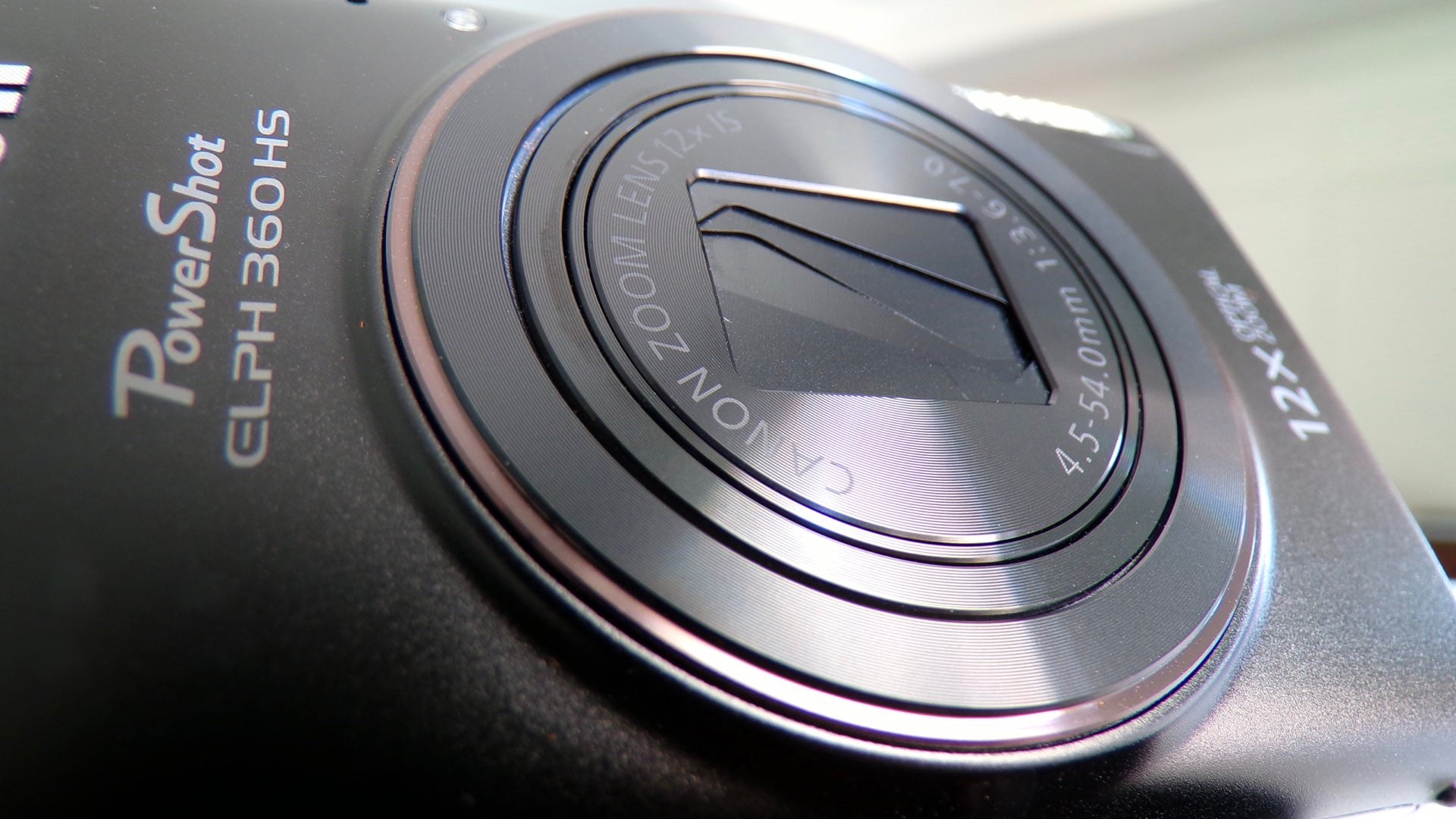
In order to exploit these strengths, there are six power points that are embodied in this Canon PowerShot camera. While these six points are hiding in plain sight on the camera and inside its menus, successfully applying them to your photographic repertoire will make this your “go-to” camera for every situation.

1. If you have a heavy/fast shutter trigger finger, you might notice that you’re photographs don’t seem very clear. In this situation, the culprit is the lack of autofocus. You must press the shutter button halfway to engage autofocus prior to taking a photograph or the resulting image might not be in focus.
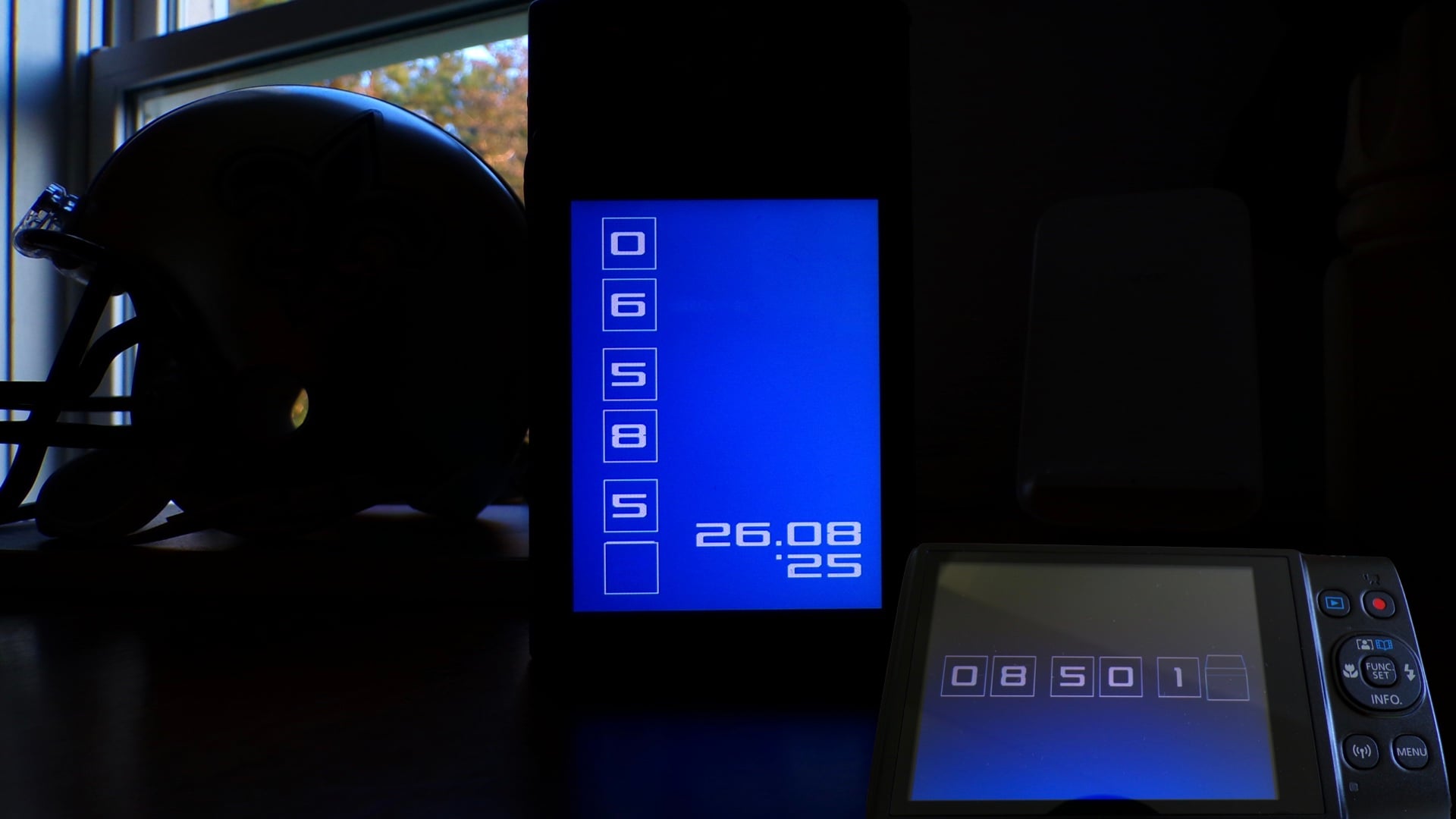
2. A hidden, fun feature is you can display a clock by pressing and holding the Func/Set button for a couple of seconds. Once the clock is displayed on the LCD, the arrow keys can be used for changing the screen color. And if the camera is OFF, you can press and hold the Func/Set button while pressing the power button. Remarkably, you can rotate the camera into a vertical orientation and the clock will, likewise, change into a portrait display. Oh, and, in this vertical orientation, both the time AND the date are displayed. This means that the flat side on the ELPH can be used for converting your camera into a lovely nightstand clock. Finally here is a camera manufacturer who actually lets you use the onboard clock for, well, telling the current time. Brilliant!
3. Rather than relying on the stock color modes of the Canon PowerShot ELPH 360 HS, you can make your own color simulation. Dubbed, My Colors, this custom color setting allows you to modify the contrast, sharpness, saturation, red value, green value, blue value, and skin tone coloration that will then be applied to your photographs. Access to this mode is through the Menu button.
Digital, In-Camera Cyanotypes
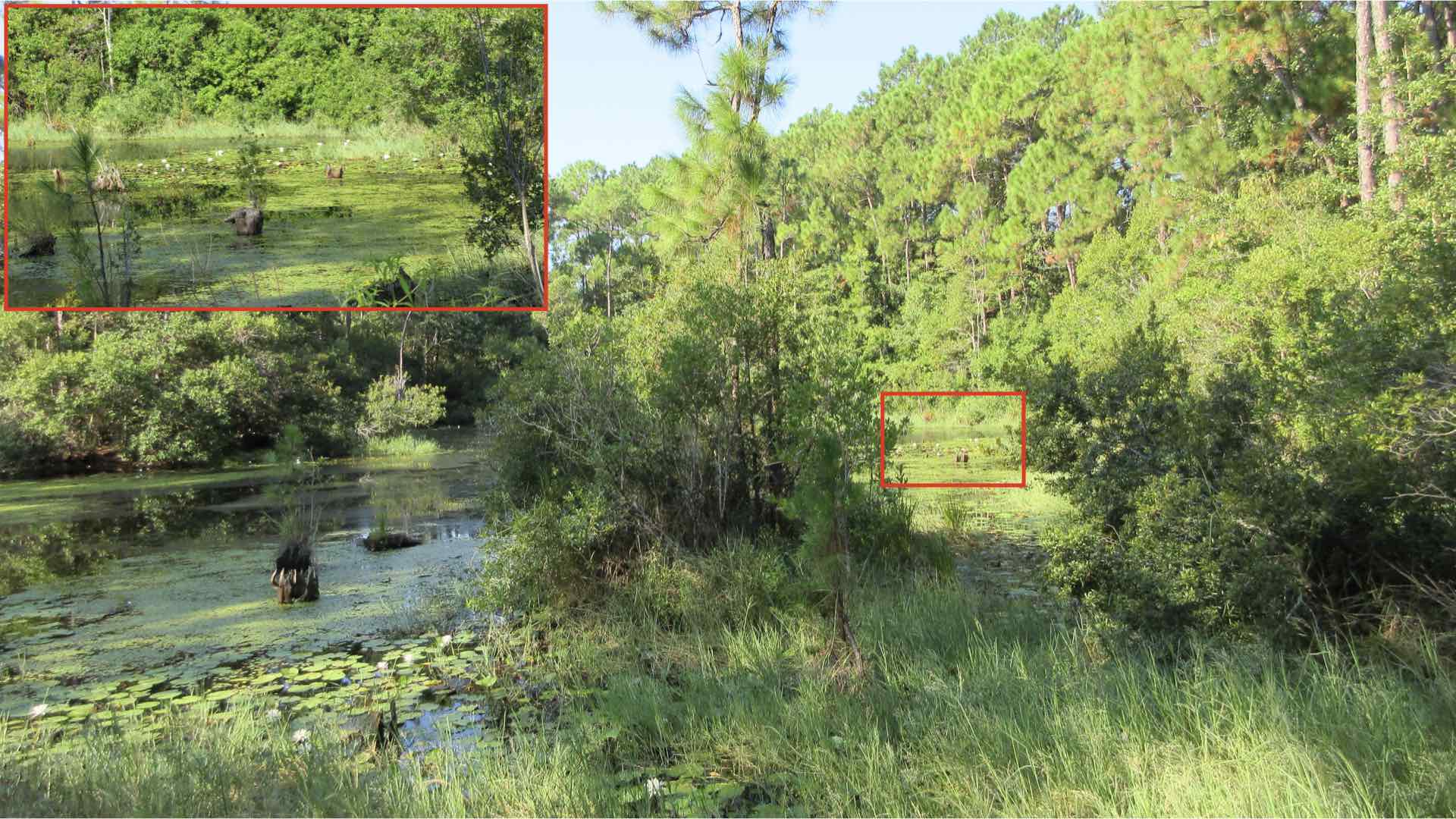
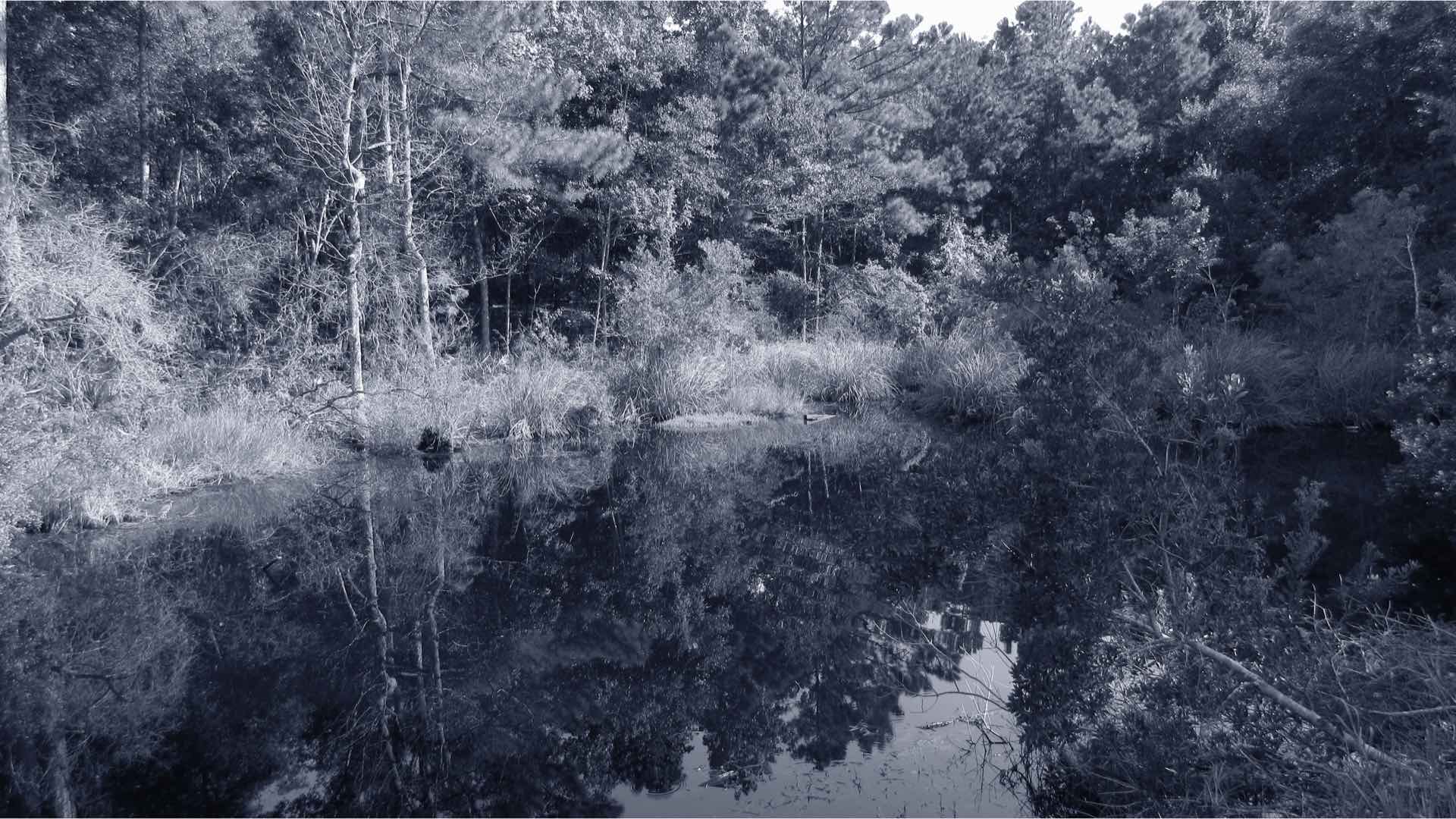
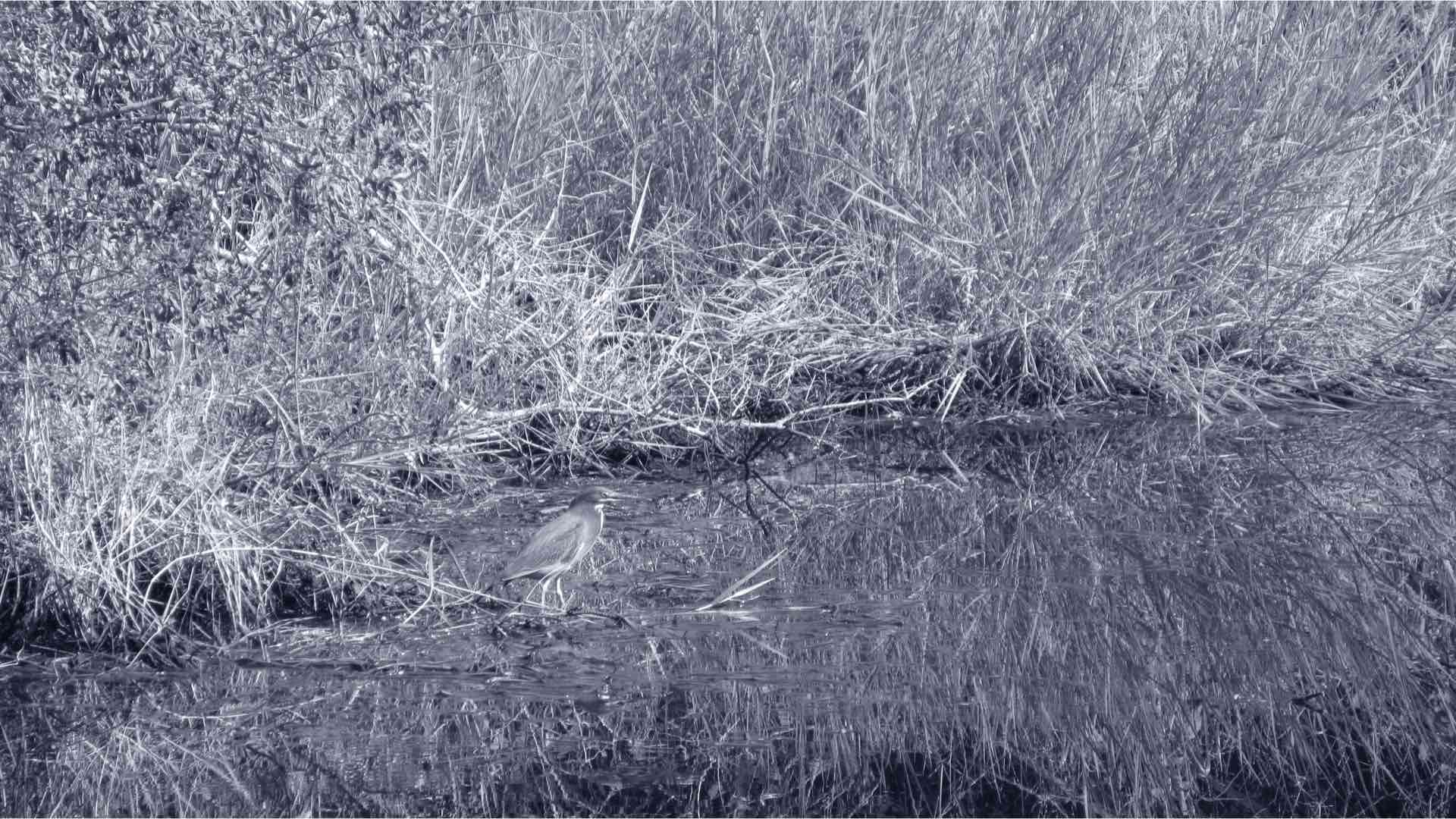
4 . Hooray, a digital camera that can shoot in-camera cyanotypes! No more toxic chemicals, creating large negatives, or contact printing, just point and shoot for making a 20MP cyanotype that is ready for sharing. Simply, select Monochrome Mode then use the arrow keys for toggling between black & white, sepia, and blue and white prints. Adjustment of the camera’s exposure compensation can help to strengthen your in-camera cyanotype. This is a major power advantage for this little camera. Exploiting this built-in camera feature could result in a new wave of cyanotype exploration and experimentation.
5. Ugh, I forgot the remote control. Don’t worry, just “wink-wink, nudge-nudge” to engage the self-timer through the wink of your eye. Wink Detection will trigger the shutter via a 2-second self-timer. If you’re wink-challenged, you can alternatively blink both eyes for the same effect.
6. After you’ve taken your best photographs of the day, assemble them into an album. An epic photo album deserves an equally epic musical soundtrack. There are three types of background music can be added to your photographic albums. Best of all, this album-building magic is performed in the ELPH camera.
Two More Steps
Obviously, this is the little “elf” camera that can and does rise to a “giant” photographic stature. Yes, it’s the complete package, but there are two must-have accessories that you need to add to your Canon PowerShot ELPH 360 HS camera to fulfill this destiny.
Your primary accessory is another battery. The ELPH has a lot of electrical activity that goes into its photography. Motors, LCD, and electronics take a heavy toll on the postage-stamp sized Canon battery. Therefore, a second battery, from Watson is a must buy purchase. The Watson NB-11L costs $19.95.

Carrying a camera as small as the Canon ELPH can be a “slippery” proposition. In order to thwart any heartache from an inadvertent, unexpected drop, a Zing Designs Camera Pouch, Medium is the perfect answer. This waterproof neoprene bag has a cinch cord that doubles as a carrying strap and can easily accommodate both the camera and battery. The Zing case costs $13.99.
All told, the Canon PowerShot ELPH 360 HS is the perfect stash camera. Throw one in your gym bag, stash one in your automobile glove compartment, or hide one in your purse, no place is too small or too remote to NOT have this quality camera at your beckoning call.
Enjoy.
See more from DIYPhotography.net on Google
Add DIYPhotography.net as a trusted source. This makes
our stories more likely to appear in your Google Search results.
 Add as a preferred source on Google

David Prochnow
Our resident “how-to” project editor, David Prochnow, lives on the Gulf Coast of the United States in Ocean Springs, Mississippi. He brings his expertise at making our photography projects accessible to everyone, from a lengthy stint acting as the Contributing How-To Editor with Popular Science magazine. While you don’t have to actually build each of his projects, reading about these adventures will contribute to your continued overall appreciation of do-it-yourself photography. A collection of David’s best Popular Science projects can be found in the book, “The Big Book of Hacks,” Edited by Doug Cantor.
Related Posts
 Kendall Jenner Digital Camera: Why the Canon PowerShot Elph 360 HS Became a Celebrity Favorite
 Godox releases new V1 firmware for Nikon, Canon and Sony to address overheating issues
 Photographer creates epic “laundry monsters” to address water pollution problem
 Myths in the photography industry that lead to burnout and how to address them
Join the Discussion
DIYP Comment Policy
Be nice, be on-topic, no personal information or flames.
3 responses to “It’s Time to Address the ELPH-ant in the Room: the Canon PowerShot ELPH 360 HS”
You’re? You need a copy editor.
i dont know why old cameras are coming back. when you you can capture better shots on your mobile phones. to add that phones have a lot of editing apps too.
I bought a Canon ELPH 360 HS as a walk around camera on spec alone. When I got it I took a look at it and put it away. Later I took it out and walked around .This camera is brilliant photo quality is remarkable and It transfers photos to my phone. computer tablet. A wonderful little guy