





The Best Camera App for Android That Will Actually Transform Your Photos
Sep 2, 2025
Darlene Lleno
Darlene Lleno brings a unique perspective to DIY Photography as someone who grew up surrounded by camera gear but chose words over lenses. With five years of writing experience, she specializes in photography content that’s both technically informed and genuinely passionate. Growing up with a photographer twin brother meant camera talk was everyday conversation in her household. While he mastered capturing moments, Darlene discovered she preferred being the subject and the storyteller behind the scenes. As a travel enthusiast and mother of two, she understands the importance of preserving life’s precious moments. When not exploring new destinations or writing for DIY Photography, you’ll find her reading or tending to her garden. Her approach to photography writing is refreshingly authentic, she may not be behind the camera, but she knows exactly what it takes to help others capture the shots that matter most.
Share:

Your Android phone probably takes decent pictures, but here’s the thing: the best camera app for Android can turn those decent shots into something amazing. Most people stick with their phone’s built-in camera and wonder why their photos don’t look as good as what they see on social media.
The truth is, your Android device has way more potential than the default camera app lets you use. Third-party camera apps unlock manual controls, RAW shooting, and professional features that can make your photos look like they came from an expensive camera. It’s like having a sports car but only driving it in first gear.
Professional Camera Apps That Actually Work
When we talk about professional mobile photography, we’re not just throwing around fancy words. These apps give you real control over your photos, the same kind of controls that photographers have been using for decades. The difference is now you can fit all that power in your pocket.
1. ProShot: The App That Works Like a Real Camera
ProShot might be the closest thing to having a professional camera on your phone. This best camera app for Android gives you auto, program, manual, and custom modes just like those expensive cameras you see photographers carrying around.
What makes ProShot special is how easy it makes adjusting settings. You get complete control over exposure, ISO, shutter speed, white balance, and focus without digging through complicated menus. The app can record 8K video on newer phones and lets you adjust everything in real time while you’re filming.
Here’s what you get with ProShot:
- Full manual controls for photos and videos
- RAW shooting that saves all the image data
- Light painting mode for creative long exposures
- Professional color profiles for video
- Zero lag when changing settings
- Support for advanced camera features
The app works best on newer Android phones that support Camera2 API. This basically means your phone can talk to the camera hardware in more advanced ways.
2. Camera FV-5: Like Having a Pro Camera in Your Pocket
Camera FV-5 puts all the important camera controls right at your fingertips. Instead of letting your phone guess what you want, you get to control exposure compensation, ISO settings, focus modes, white balance, and everything else that matters. This best camera app for Android skips all the scene modes and gives you real control.
The app shines in these areas:
- Electronic viewfinder with live histogram
- Exposure bracketing for perfect HDR shots
- Built-in timer for time-lapse photography
- RAW photo capture with full 16-bit color depth
- Long exposures up to 30 seconds
- Manual focus that actually works well
Camera FV-5 works with over 14,000 different phone models, which is pretty impressive. The free version lets you test everything out, but you’ll want the Pro version for full resolution and RAW capture.
3. Adobe Lightroom Mobile: The Complete Package
Adobe’s Lightroom mobile deserves a spot on this list because it combines professional shooting with world-class editing tools. The best camera app for Android doesn’t always have to be just about taking pictures. Starting with version 2.0, Lightroom mobile supports DNG RAW capture on Android 5.0 and newer devices.
What you get with Lightroom mobile:
- Professional and automatic shooting modes
- DNG RAW capture for maximum flexibility
- HDR mode that combines multiple shots
- Manual controls for all the important settings
- Seamless editing tools built right in
- Cloud sync across all your devices
The Lightroom camera can shoot in RAW format, which gives you the same advantages as expensive cameras. You get much better dynamic range and can fix problems in post-processing that would ruin a regular JPEG photo.
Perfect Camera Apps for Beginners
Starting with photography can feel overwhelming when you see all those manual controls and technical terms. These apps bridge the gap between basic phone cameras and professional tools, giving you room to grow without throwing you in the deep end.

4. VSCO: Instagram’s Favorite Camera App
VSCO built its reputation on film-inspired filters, but the camera app deserves attention too. This best camera app for Android option combines beautiful presets with gentle manual controls that won’t intimidate newcomers.
What makes VSCO beginner-friendly:
- Gorgeous film presets that make any photo look professional
- Simple manual controls when you’re ready to learn
- Built-in community for inspiration and learning
- Excellent editing tools integrated with the camera
- Free version includes plenty of features
The app teaches you about photography naturally. You start with presets, then gradually explore manual controls as you get more comfortable.
5. A Better Camera: Smart Features Made Simple
A Better Camera lives up to its name by adding intelligent features to your phone’s camera without making things complicated. The app includes modes for specific situations that beginners often struggle with.
Why beginners love A Better Camera:
- HDR mode that actually works reliably
- Night mode for better low-light photos
- Macro mode for close-up shots
- Group shot mode that picks the best faces
- Simple interface with helpful shooting tips
The app basically gives you training wheels for photography, helping you get better results while you learn the fundamentals.
6. Camera MX: Clean Design, Powerful Features
Camera MX offers professional features wrapped in a design that makes sense to beginners. You can start shooting right away, then discover advanced features as you get more comfortable.
Camera MX highlights:
- Live photo effects you can see before shooting
- GIF creation for social media
- Manual focus that’s actually easy to use
- Video recording with stabilization
- Regular updates with new features
Free Options That Don’t Disappoint
Not everyone wants to spend money on camera apps, and that’s totally fine. There are some solid free options that give you professional features without the price tag.
7. Open Camera: Powerful and Completely Free
Open Camera offers HDR with automatic alignment, full manual controls through Camera2 API, burst mode, RAW file support, and noise reduction for low light situations. This completely free best camera app for Android gives you professional features without any cost or annoying ads.
What makes Open Camera worth downloading:
- Full manual controls on supported devices
- HDR and exposure bracketing
- Focus bracketing mode for macro photography
- On-screen histogram and focus peaking
- Completely customizable interface
- No ads or hidden costs
Since it’s open-source, the app gets regular updates from developers who actually care about photography. Some features depend on your phone’s hardware, but most modern Android devices work great with it.
8. Google Camera (GCam) Ports: Pixel Power for Everyone
Google Camera ports bring the magic of Pixel photography to other Android devices. These unofficial versions of Google’s camera app offer advanced computational photography features that made Pixel phones famous for their camera quality.
Why GCam ports are worth trying:
- Superior HDR+ processing for better dynamic range
- Night Sight for incredible low-light photos
- Portrait mode with excellent edge detection
- Astrophotography capabilities on supported devices
- Active development community creating device-specific versions
The main downside is that you need to sideload these apps, and finding the right version for your specific phone can take some research. But when it works, the results often rival expensive flagship cameras.
9. Snapseed: Google’s Hidden Camera Gem
While primarily known as an editing app, Snapseed also includes basic camera functionality that’s surprisingly capable. This free Google app combines simple shooting with powerful editing tools in one package.
Snapseed’s camera features:
- Clean, intuitive interface perfect for beginners
- Basic manual controls when you need them
- Instant access to professional editing tools
- RAW editing support for advanced users
- Completely free with no ads or subscriptions
The app shines when you want to shoot and edit in one seamless workflow, making it ideal for social media content creation.
Understanding Manual Controls Made Simple
Using manual controls means you decide how your photos look instead of letting the camera guess. Your phone’s auto mode just tries to make everything properly exposed, but that might not be what you actually want for creative shots.
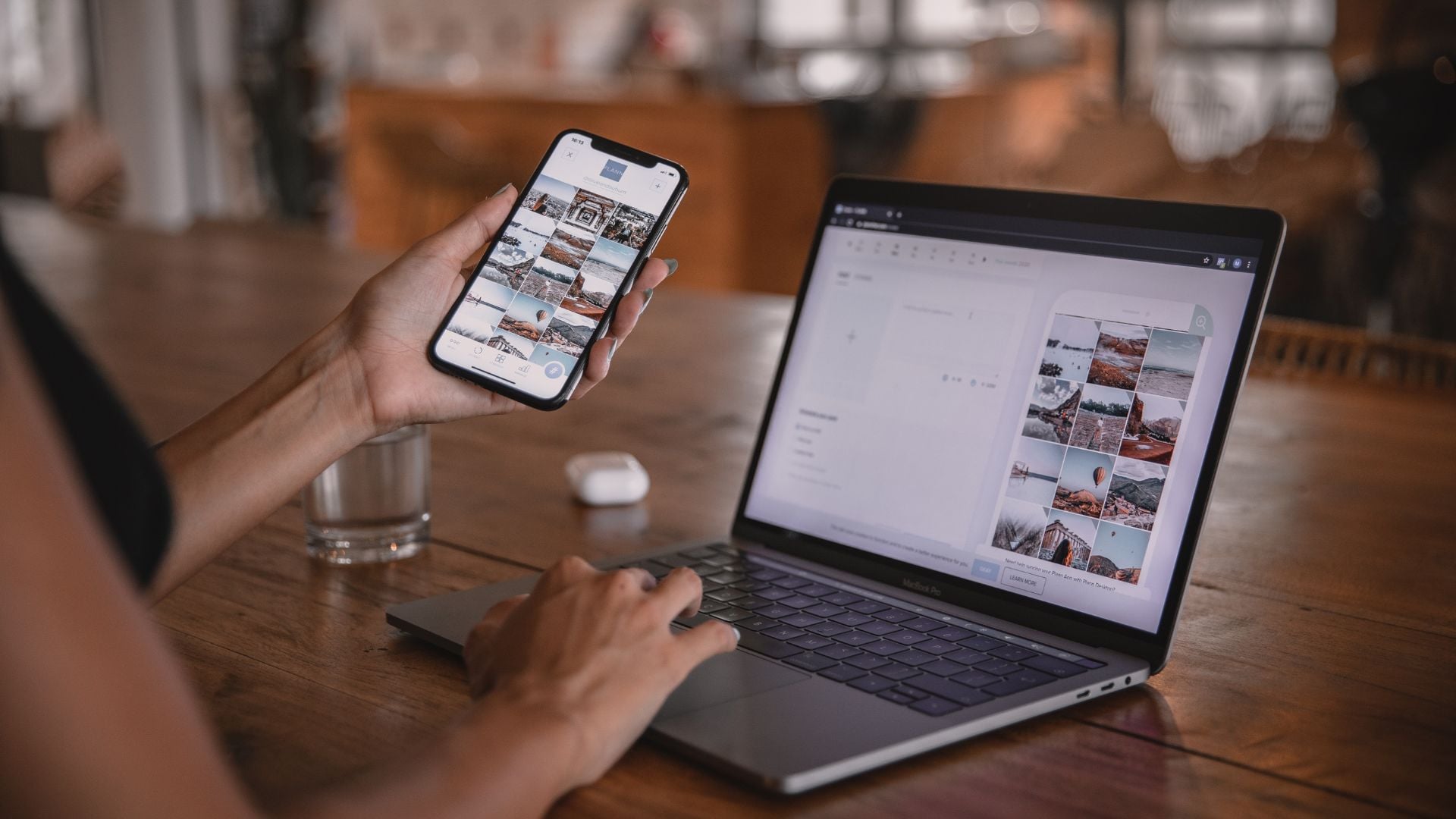
The best camera app for Android should give you access to what photographers call the exposure triangle. This includes ISO (how sensitive your sensor is to light), shutter speed (how long the camera collects light), and aperture (the size of the lens opening).
ISO Control: Changes how sensitive your camera sensor is to light. Higher numbers work better in dark situations but can add grain to your photos. Modern phones can handle high ISO settings much better than older cameras could.
Shutter Speed: Controls how long the camera collects light. Fast speeds freeze motion, slow speeds create blur effects. This is especially important for street photography where things happen quickly.
White Balance: Adjusts color temperature so whites look white instead of yellow or blue. Getting white balance right can completely change the mood of your photos.
Manual Focus: Lets you pick exactly what’s sharp in your photo instead of letting the camera decide.
Exposure Compensation: Fine-tunes brightness when you want something slightly different than what the camera thinks is “correct.”
Learning these controls is similar to understanding manual exposure on traditional cameras. Once you understand them, you’ll have creative freedom that auto mode just can’t match.
RAW Photos Make a Huge Difference
RAW photos store all the data your camera sensor captures without any processing. They look flat and boring straight out of the camera, but that’s actually good because you can edit them however you want later. The best camera app for Android should definitely support DNG format, which is the standard for RAW files.
Why RAW photos matter:
- Much better highlight and shadow recovery
- You can change white balance without losing quality
- Superior noise reduction when editing
- Professional color grading capabilities
- Files that won’t become outdated
Many photographers find RAW particularly useful for portrait photography, where skin tones and lighting adjustments can make or break a photo.
Picking the Right App for How You Actually Shoot
Different photographers need different tools. Here’s how to pick the best camera app for Android based on what you actually shoot.
If You’re Serious About Photography
Professional and enthusiast photographers need comprehensive manual controls, reliable RAW capture, and consistent performance. ProShot and Camera FV-5 lead this category by offering DSLR-equivalent functionality on your phone.
When you’re working with clients or building a portfolio, having proper tools matters just as much as knowing the right techniques. The best camera apps provide similar flexibility for mobile shooting.
For Content Creation and Social Media
Video-focused creators should check out ProShot for its 8K recording, real-time manual controls during filming, and professional color profiles. These features make it perfect for YouTube, TikTok, and Instagram content that needs to look polished.
Mobile content creation has gotten incredibly sophisticated. Many creators now use smartphones for specific purposes and get results that rival traditional cameras when they know what they’re doing.
Casual Photographers Who Want Better Quality
If you just want better photos without getting too technical, Adobe Lightroom Mobile or Open Camera work really well. Both apps improve image quality significantly without overwhelming you with complicated controls.
Getting the Most Out of Your Camera App
Once you install your chosen best camera app for Android, spend some time configuring it for your specific phone and shooting style. Most professional apps include tutorials that explain device-specific features.
Important Setup Tips
Enable Camera2 API if the app asks. This unlocks advanced features that basic camera interfaces can’t access. Configure your preferred file formats – JPEG for quick sharing, RAW for serious editing, or both if you have storage space. Set up custom storage locations so you know where everything gets saved.
Test manual focus calibration for your device. Every phone is slightly different, and getting this right makes a huge difference in photo sharpness. Try all the features before you need them for important photos.
Dealing with Common Problems
Professional camera apps need more processing power than basic camera software. Make sure your phone has enough storage space and RAM for smooth performance. RAW files take up much more space than JPEGs, so consider cloud backup solutions.
Battery management becomes important during long shooting sessions. Manual controls and RAW processing drain battery faster than basic photography. Always carry portable chargers during extended shoots and close unnecessary apps to maximize camera performance.
The best camera app for Android often has a learning curve that might seem intimidating at first. Start with automatic modes and gradually try manual controls. Most apps include helpful guides, but external resources provide deeper insights into photographic principles.
Stop Settling for Ordinary Photos When You Can Use the Best Camera App for Android
The best camera app for Android is honestly the one you’ll actually use regularly. Technical specs matter, but not as much as finding an app that fits how you like to shoot and produces results you’re happy to share.
Start with free alternatives like Open Camera to understand manual controls before investing in premium apps. Most paid apps offer refund periods, so you can test them risk-free on your specific device.
These camera apps unlock your Android phone’s full potential, turning everyday moments into photos that can compete with traditional cameras. Whether you’re capturing family memories, building a photography portfolio, or creating social media content, the right app makes all the difference.
Try different options, practice manual controls with confidence, and discover how much better your Android camera can be with professional software behind it. The transformation from basic snapshots to professional-quality images starts with choosing the right tools and learning how to use them effectively.

Darlene Lleno
Darlene Lleno brings a unique perspective to DIY Photography as someone who grew up surrounded by camera gear but chose words over lenses. With five years of writing experience, she specializes in photography content that’s both technically informed and genuinely passionate. Growing up with a photographer twin brother meant camera talk was everyday conversation in her household. While he mastered capturing moments, Darlene discovered she preferred being the subject and the storyteller behind the scenes. As a travel enthusiast and mother of two, she understands the importance of preserving life’s precious moments. When not exploring new destinations or writing for DIY Photography, you’ll find her reading or tending to her garden. Her approach to photography writing is refreshingly authentic, she may not be behind the camera, but she knows exactly what it takes to help others capture the shots that matter most.


Join the Discussion
DIYP Comment Policy
Be nice, be on-topic, no personal information or flames.
2 responses to “The Best Camera App for Android That Will Actually Transform Your Photos”
I like this.
quero um aplicativo de tirar foto com uma qualidade insana