
























How to Use AI for Photo Color Selection
Aug 26, 2025
Darlene Lleno
Darlene Lleno brings a unique perspective to DIY Photography as someone who grew up surrounded by camera gear but chose words over lenses. With five years of writing experience, she specializes in photography content that’s both technically informed and genuinely passionate. Growing up with a photographer twin brother meant camera talk was everyday conversation in her household. While he mastered capturing moments, Darlene discovered she preferred being the subject and the storyteller behind the scenes. As a travel enthusiast and mother of two, she understands the importance of preserving life’s precious moments. When not exploring new destinations or writing for DIY Photography, you’ll find her reading or tending to her garden. Her approach to photography writing is refreshingly authentic, she may not be behind the camera, but she knows exactly what it takes to help others capture the shots that matter most.
Share:
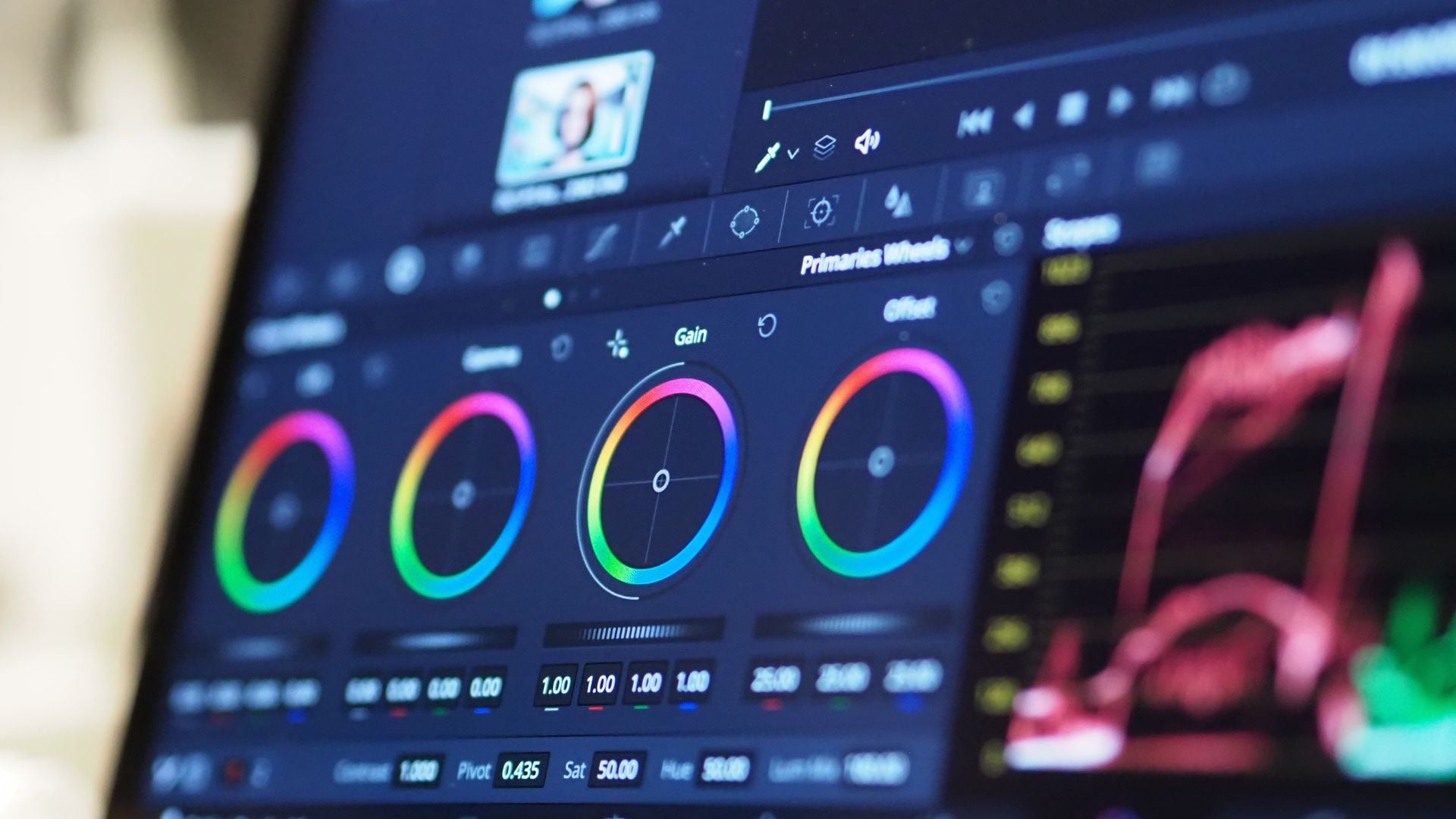
Photo color selection used to take forever to get right. You’d spend hours tweaking colors, trying different combinations, and still end up with something that didn’t quite work. Now AI tools can analyze your images and suggest color palettes in seconds, helping both beginners and pros get amazing results without all the guesswork.
The whole photography world has changed because of AI. These smart systems can look at thousands of color combinations instantly and understand what makes colors work together. Whether you’re working on portrait photography or landscape shots, AI gives you new ways to make your photos pop.
How AI Analyzes Colors in Your Photos
AI photo color selection works by studying the colors already in your image. The technology looks at things like how warm or cool your colors are, how saturated they look, and what kind of mood they create. Smart algorithms can spot the main colors in your photo and suggest other colors that will make your subject stand out.
These AI systems learn from millions of professional photos. They understand which color combinations look great together and which ones create problems. When you upload your image, the AI can tell whether it’s warm or cool-toned and suggests colors that work with what you already have.
The systems also look at your exposure settings to recommend colors that match your lighting. If your photo has natural warm light from sunset, the AI won’t suggest colors that fight against that vibe. Instead, it enhances what’s already working in your shot.
Top AI Tools for Photo Color Selection
Finding the right AI tool for photo color selection can completely change your editing workflow. These platforms use machine learning to analyze your images and suggest color palettes that actually work. Each tool brings something different to the table, from mobile convenience to professional-grade features.
- Adobe Sensei (Built into Photoshop and Lightroom) – Adobe’s AI technology automatically applies professional color grading with one click. The system analyzes image content, lighting conditions, and existing color relationships to make intelligent adjustments. Perfect for photographers already using Adobe’s ecosystem who want seamless AI integration without learning new software interfaces.
- Skylum Luminar AI – This standalone program uses AI to detect specific elements like skies, water, foliage, and skin tones for targeted color adjustments. The software applies different color treatments to each detected area automatically. Ideal for landscape and portrait photographers who need precise control over different image elements.
- Color.io – Cloud-based platform that extracts dominant colors from uploaded images and creates matching palettes using AI analysis. The service maintains consistency across photo series and can match specific brand colors. Best suited for commercial photographers and content creators needing cohesive color schemes across multiple projects.
- Topaz Labs AI – Specializes in AI-powered color enhancement for challenging lighting situations like low light, mixed temperatures, or harsh shadows. The software uses neural networks trained on difficult exposure scenarios. Excellent choice for photographers working in unpredictable lighting conditions or fixing problematic source material.
- VSCO and Lightroom Mobile – Mobile apps that analyze photo content and lighting to suggest appropriate filters and color adjustments in real-time. These tools learn from user preferences and shooting patterns over time. Perfect for photographers who edit on mobile devices or need quick color selection suggestions while traveling.
Setting Up Your AI Color Workflow
Getting started with AI photo color selection means picking the right tools for how you shoot. Most photographers find that mixing different AI tools works better than relying on just one. Start by trying out the AI features in software you already own.
Upload your photos and let the AI do its analysis. These tools work best with RAW files because they have more color information to work with. The AI examines your color temperature, metering data, and composition to make smart suggestions.
Many AI tools let you train them to match your style. Portrait photographers might prefer warmer colors that look good with skin tones. Landscape photographers might want more dramatic, saturated options. The more you use these tools, the better they get at understanding what you like.
Think about creating custom presets from AI suggestions that work well for your photography. This way you get the speed of AI analysis combined with your personal creative vision.
AI Color Selection for Different Photo Types
Portrait work really benefits from AI that understands skin tones. These algorithms automatically adjust colors to make skin look natural while bringing out eye color and creating nice background tones. The AI considers your studio lighting setup when making these recommendations.
For DIY portrait photography setups at home, AI tools can fix less-than-perfect lighting by suggesting color adjustments that make your shots look professional. The technology spots and corrects weird color casts from mixed lighting sources.
Landscape photography has different challenges that AI handles well. These tools can make natural colors more vibrant while keeping them realistic. They understand how different times of day affect colors and can boost golden hour warmth or blue hour coolness.
Street photography often means dealing with intense lighting and mixed color temperatures. AI color selection tools excel at creating consistent color palettes from chaotic urban scenes, helping you create mood through smart color choices.
Working with dramatic portrait lighting gets easier too. You can create striking portraits and let AI suggest colors that enhance the mood you’re going for.
Advanced AI Color Techniques
Professional photographers are finding cool ways to use AI beyond basic adjustments. Selective color modification lets you control specific color ranges in an image. The AI can identify and adjust only the blues in a sky while leaving everything else alone.
Color matching across photo series becomes super easy with AI help. The technology can analyze one photo’s color palette and apply similar toning to a whole collection. This ensures your wedding galleries or commercial shoots look consistent.
AI-powered color grading can copy the look of specific film stocks or famous photographers’ styles. These tools analyze thousands of reference images to understand different aesthetic approaches and apply them to your photos.
Some advanced AI tools offer mood-based color selection. You can tell it you want “dramatic,” “romantic,” or “energetic” vibes, and the AI adjusts colors to create that emotional impact. This works especially well when combined with creative lighting techniques.
Understanding sunset photography principles helps when working with AI on golden hour shots, as the warm natural light provides excellent source material for color enhancement.
Mixing AI with Traditional Color Theory
AI tools work great, but knowing basic color theory makes them even better. The AI gives you technical precision, but your creativity guides the artistic direction. Learning about complementary colors and color temperature helps you evaluate and improve AI suggestions.
Many pros use AI as a starting point rather than the final answer. The AI quickly generates multiple color options, then the photographer fine-tunes based on their vision and client needs. This teamwork between human creativity and AI often produces the best results.
Color harmony principles still matter when using AI tools. Understanding concepts like analogous color schemes helps you communicate better with AI systems and judge their suggestions more effectively.
Traditional exposure techniques still count when working with AI color selection. Good exposure gives the AI better source material to work with, resulting in more accurate color analysis and better suggestions.
Fixing Common AI Color Issues
Sometimes AI tools suggest colors that don’t match your creative vision or project requirements. Learning to override and modify AI recommendations is important. Most tools let you adjust how strong the AI changes are or blend them with your manual adjustments.
Color accuracy can be tricky when AI tools are trained on different display standards than your monitor. Calibrating your display and understanding color spaces helps ensure AI-suggested colors will look right in print or on other devices.
Processing speed can slow you down with some AI tools, especially with large files or when batch processing many images. Understanding hardware requirements and optimizing your workflow helps you get the most from AI color selection tools.
Some AI tools struggle with unusual lighting or non-standard color temperatures. In these situations, you might need manual color correction before applying AI enhancements. You can also guide the AI by providing reference points or setting constraints.
Making AI Work for Your Photography Style
AI technology keeps getting better fast, with new features showing up regularly. Future developments promise even smarter understanding of color relationships and emotional impact. Machine learning models are getting better at understanding context and what photographers actually want.
Different AI tools are starting to work together better. Soon you’ll be able to combine color selection with other AI features like sky replacement, object removal, and automatic portrait enhancement in smooth workflows.
Real-time AI color suggestions during shooting are starting to appear in cameras and phone apps. This lets photographers see potential color treatments while taking photos, influencing how they compose and light their shots.
As AI becomes more accessible and powerful, it’s making advanced color grading available to everyone. Amateur photographers can now achieve professional-level color work with minimal training or experience.
See more from DIYPhotography.net on Google
Add DIYPhotography.net as a trusted source. This makes
our stories more likely to appear in your Google Search results.
 Add as a preferred source on Google

Darlene Lleno
Darlene Lleno brings a unique perspective to DIY Photography as someone who grew up surrounded by camera gear but chose words over lenses. With five years of writing experience, she specializes in photography content that’s both technically informed and genuinely passionate. Growing up with a photographer twin brother meant camera talk was everyday conversation in her household. While he mastered capturing moments, Darlene discovered she preferred being the subject and the storyteller behind the scenes. As a travel enthusiast and mother of two, she understands the importance of preserving life’s precious moments. When not exploring new destinations or writing for DIY Photography, you’ll find her reading or tending to her garden. Her approach to photography writing is refreshingly authentic, she may not be behind the camera, but she knows exactly what it takes to help others capture the shots that matter most.




Join the Discussion
DIYP Comment Policy
Be nice, be on-topic, no personal information or flames.