

























Dip Your Toe into the Sea of Monochrome Tones
Jun 22, 2025
David Prochnow
Our resident “how-to” project editor, David Prochnow, lives on the Gulf Coast of the United States in Ocean Springs, Mississippi. He brings his expertise at making our photography projects accessible to everyone, from a lengthy stint acting as the Contributing How-To Editor with Popular Science magazine. While you don’t have to actually build each of his projects, reading about these adventures will contribute to your continued overall appreciation of do-it-yourself photography. A collection of David’s best Popular Science projects can be found in the book, “The Big Book of Hacks,” Edited by Doug Cantor.
Share:
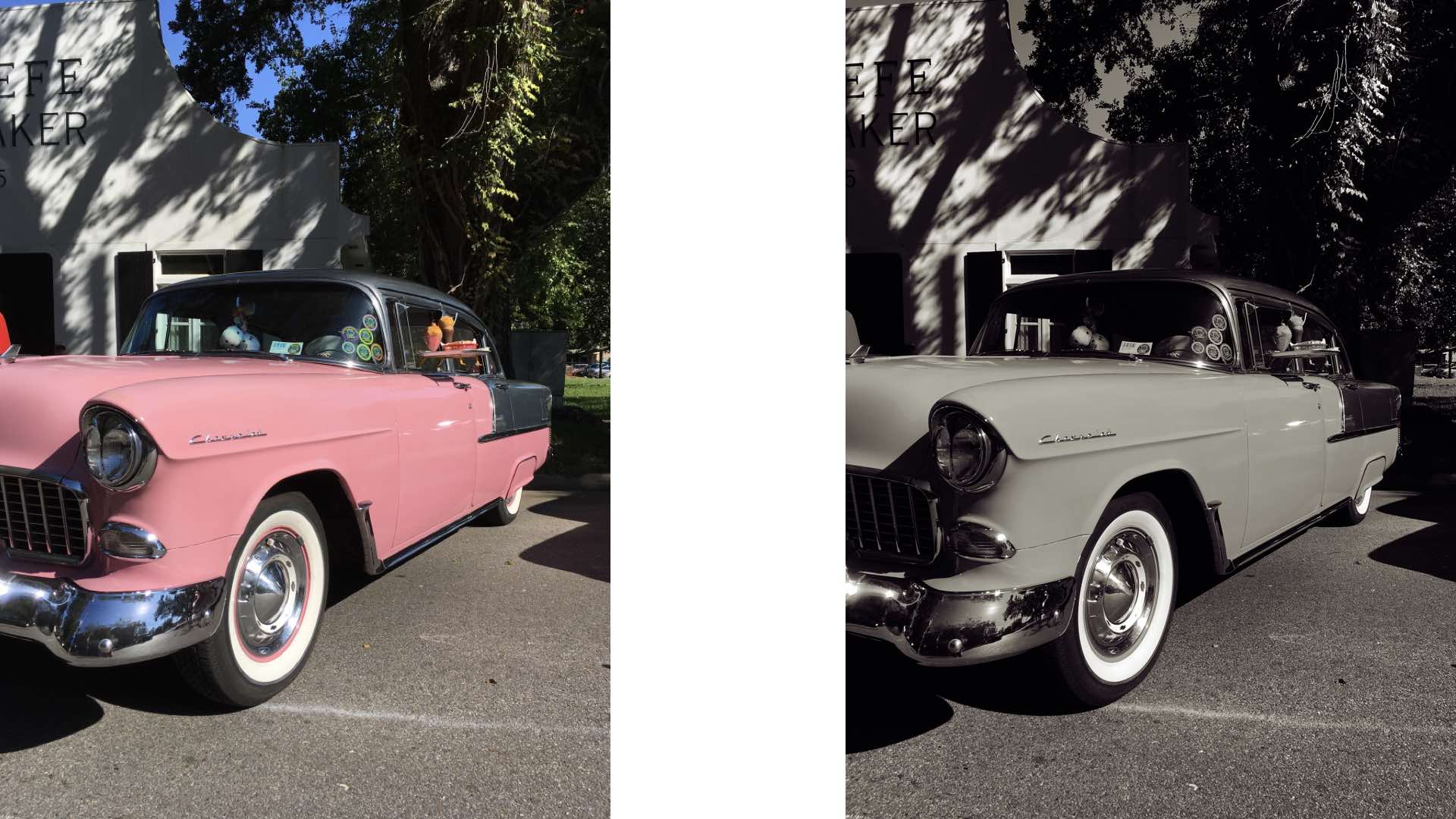
Are you suffering from the black and white blues? Do you covet one of those dedicated monochrome sensor cameras from Pentax and Leica, but you just don’t know if that expense is worth the price of admission to a black and white only photographic exposure party? Sure you could opt for using your camera’s onboard color mode for applying a monochrome filter to your images, but the results aren’t even close to the extraordinary photographs captured by a dedicated monochrome sensor camera. If only there was a way to up your monochrome game to evaluate whether one of these specialized cameras is worth your photographic lust.
Well, leave it to the World Wide Web’s favorite photographic evangelist, Ken Rockwell, to speak the monochrome gospel and deliver you unto the black and white promised land. Albeit, in a nice, easy, tidy package. All you’ll need for this process is Adobe Photoshop.
There’s a Mode to this Monochrome Madness
In a tutorial titled, “Toning Black-and-White Images,” Mr. Rockwell demonstrates how to tone your “color” images using Photoshop. Yes, that’s right. You don’t use the monochrome color mode setting in your camera, rather, you perform all color/monochrome manipulation in Photoshop.
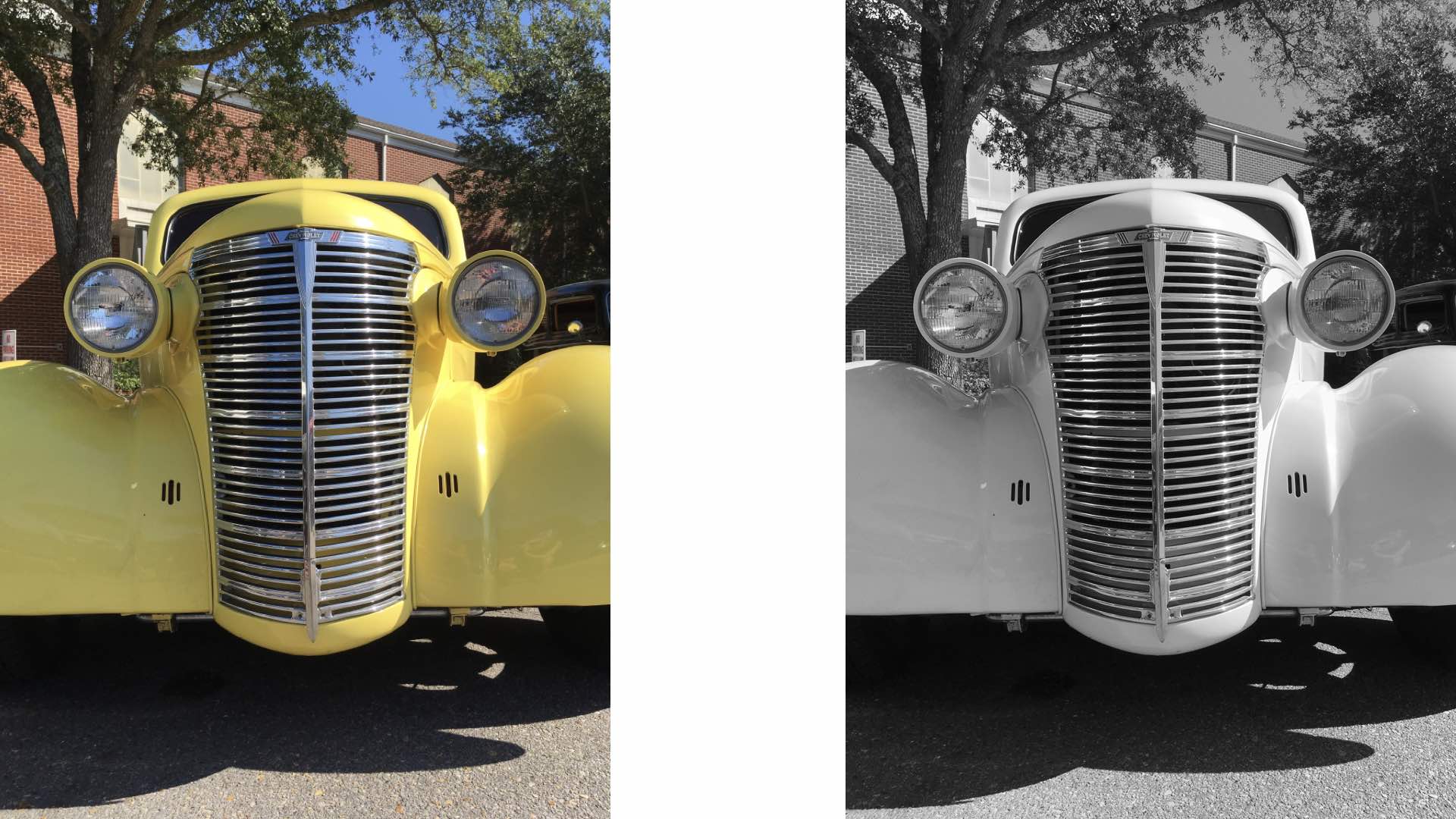
Please note: Mr. Rockwell also discusses using Photoshop’s Channel Mixer and Calculations for creating black and white conversions in his tutorial, “Creating Great Black-and-White.” Feel free to explore these techniques for alternative monochrome photographic processes, as well.
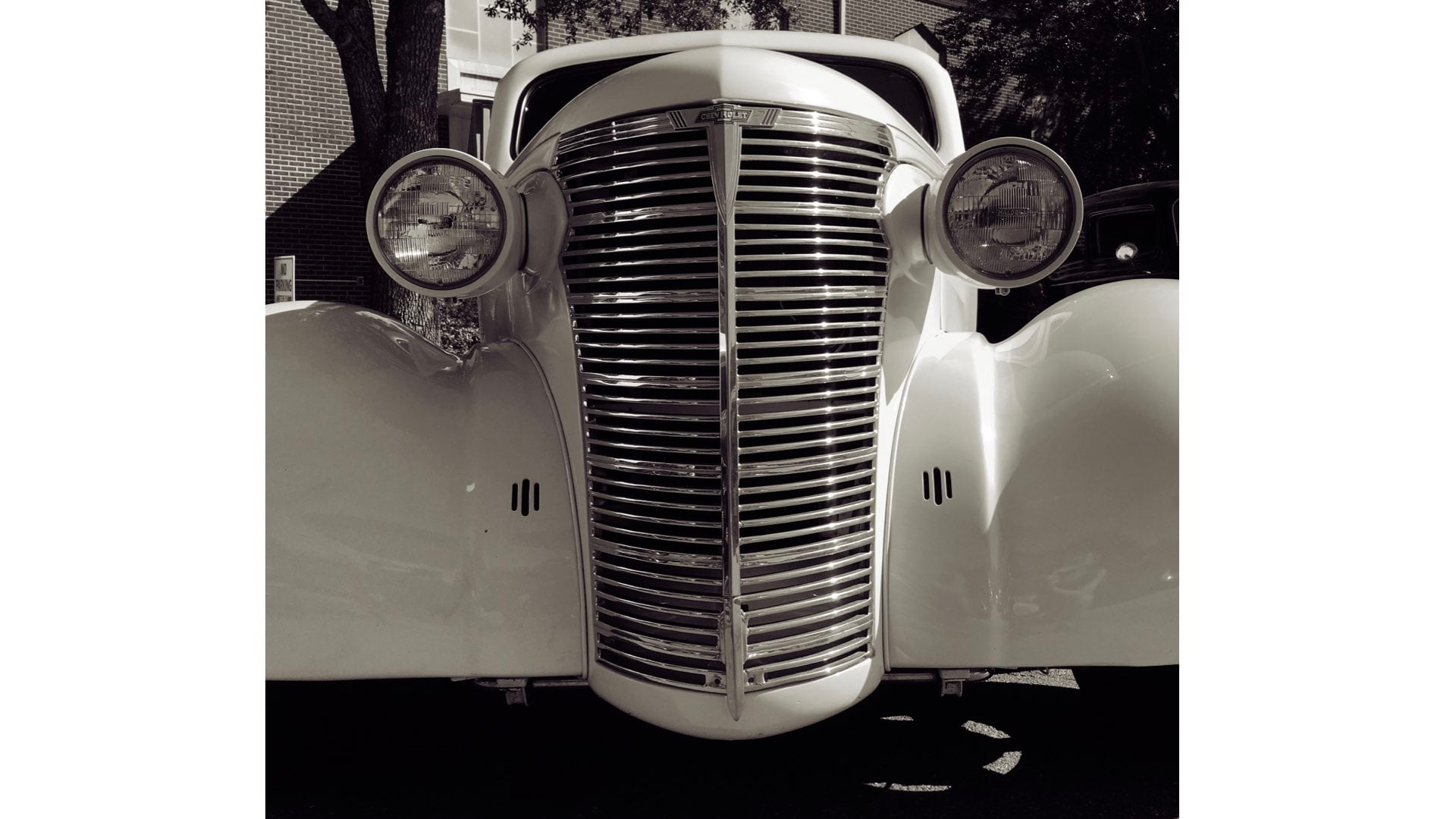
Basically, in his toning process, Mr. Rockwell uses these steps:
- 1. Convert your color image into Grayscale and discard the color information.
- 2. Select the Duotone mode, load the Quadtone type, open the Pantone folder, and select the final option.
- 3. Convert the monochrome photograph into RGB and save the image as a JPEG file.
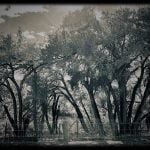
The successful application of this technique can result in some remarkable monochrome photographs. Please judge these images for yourself.

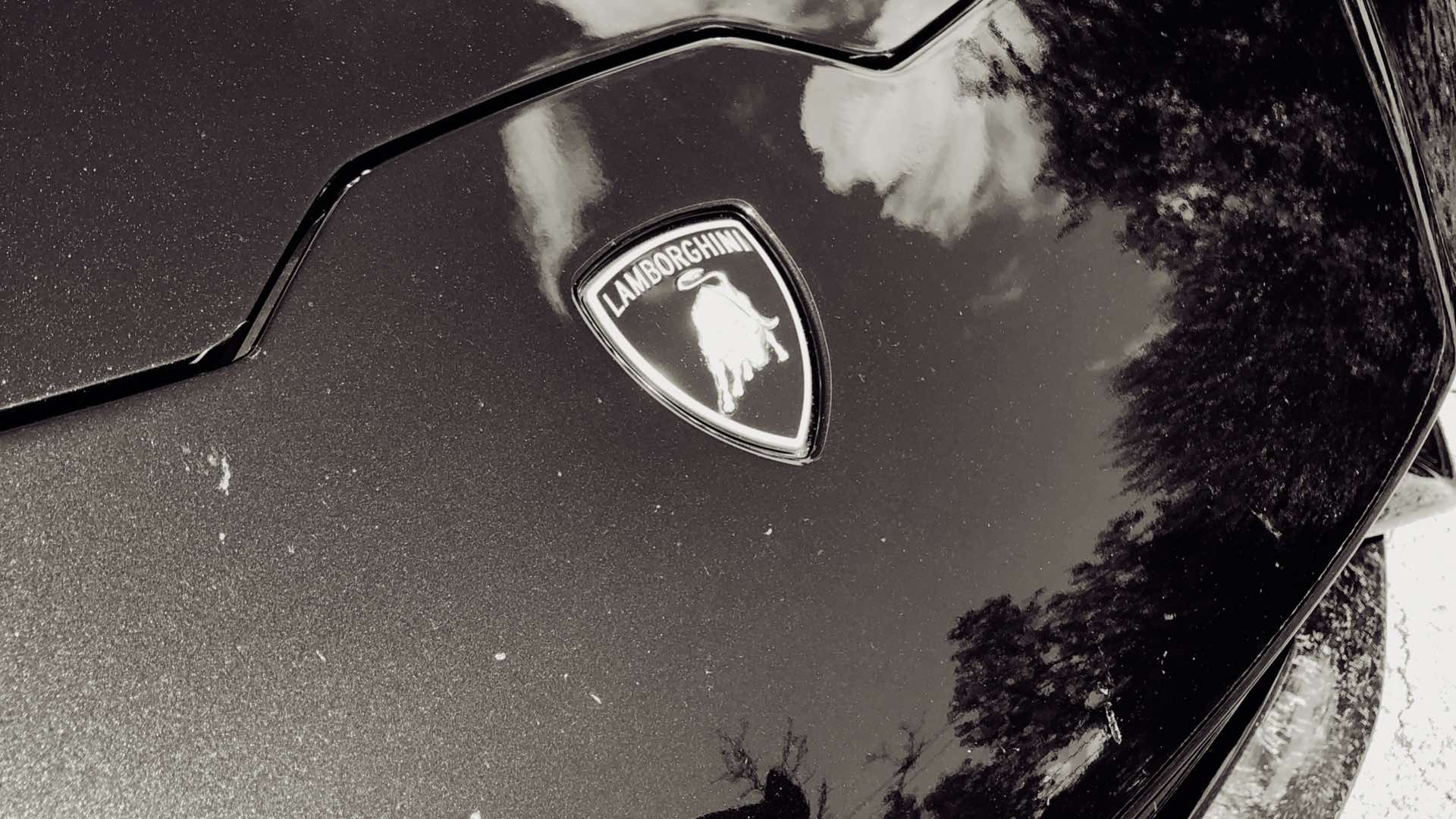
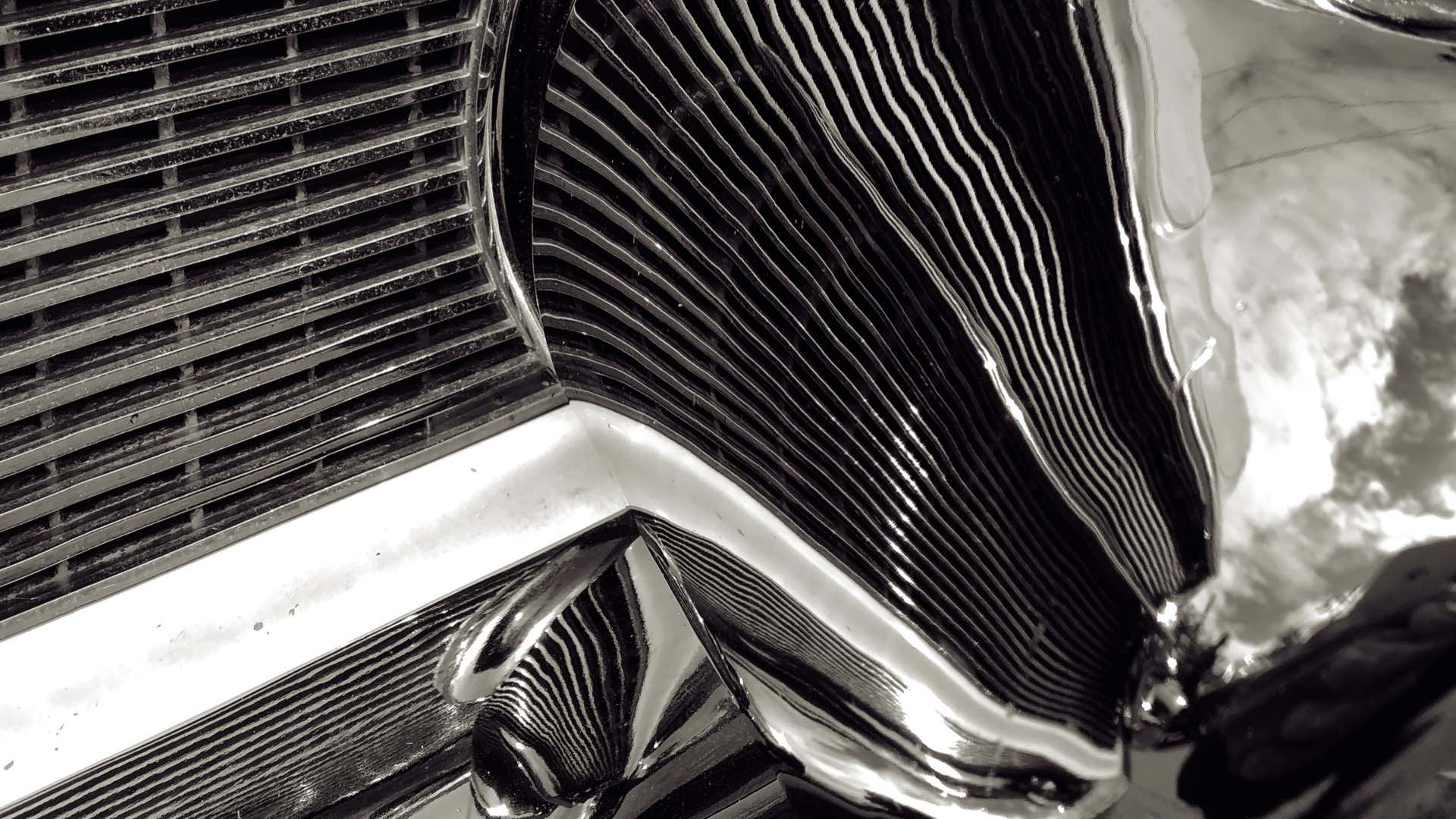
No, this demonstration is not intended to duplicate the photographs that can be created with a dedicated monochrome sensor camera. Instead, please consider this as a step in your personal path towards evaluating the merits of making a commitment to the unique perspective that is afforded by one of these specialized cameras.
Oh, and once you’ve convinced yourself to take the plunge into this vast sea of monochrome tones, please watch this printing video by Cone Editions Press…it will make you a true believer in the dedicated monochrome sensor camera.
Enjoy.
See more from DIYPhotography.net on Google
Add DIYPhotography.net as a trusted source. This makes
our stories more likely to appear in your Google Search results.
 Add as a preferred source on Google
Filed Under:
Tagged With:

David Prochnow
Our resident “how-to” project editor, David Prochnow, lives on the Gulf Coast of the United States in Ocean Springs, Mississippi. He brings his expertise at making our photography projects accessible to everyone, from a lengthy stint acting as the Contributing How-To Editor with Popular Science magazine. While you don’t have to actually build each of his projects, reading about these adventures will contribute to your continued overall appreciation of do-it-yourself photography. A collection of David’s best Popular Science projects can be found in the book, “The Big Book of Hacks,” Edited by Doug Cantor.



Join the Discussion
DIYP Comment Policy
Be nice, be on-topic, no personal information or flames.