




























Adobe Premiere Pro Now on iPhone: What You Can Expect
Oct 7, 2025
Alysa Gavilan
Alysa Gavilan has spent years exploring photography through photojournalism and street scenes. She enjoys working with both film and mirrorless cameras, and her fascination with the craft has grown over the decades. Inspired by Vivian Maier, she is drawn to capturing everyday moments that often go unnoticed.
Share:
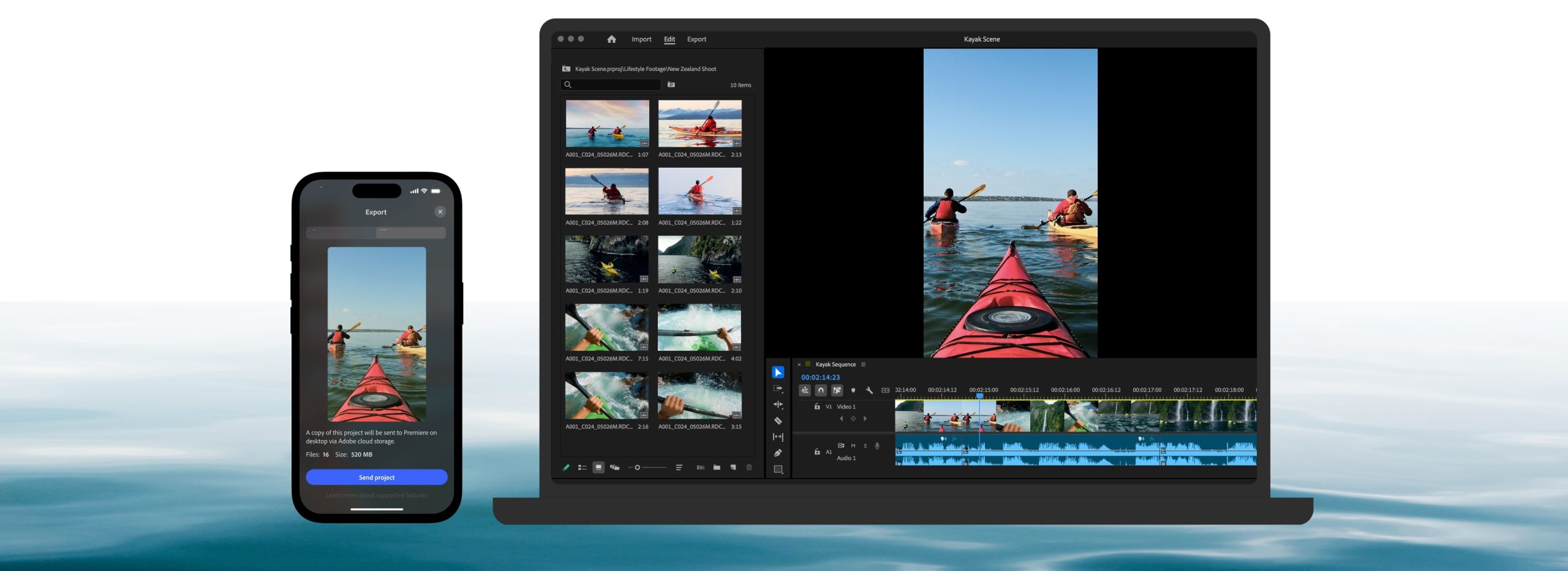
Adobe has taken one of its most iconic tools, Premiere Pro, and reimagined it for the iPhone. The company announced the release of a new mobile version of its industry-leading video editor earlier this year. It allows creators access to advanced editing capabilities without the steep learning curve. Here’s a deep dive into the features and what you can expect.
Adobe product marketing and creators vice president Mike Polner said that the mobile version “brings the power of Premiere to creators’ fingertips, delivering pro-level creative control, without the pro-level complexity.”
“Premiere on iPhone makes it easy for creators to craft and share stories on mobile with studio-quality audio, precise editing tools, and stunning visuals, to turn everyday content into polished stories anytime, anywhere,” he said.
The new app is a significant step in mobile-first content creation, especially with the blend of AI-driven features, seamless integration with Adobe’s ecosystem. Tools that work just as well for professionals as they do for beginners
Precision Multi-Track Timeline
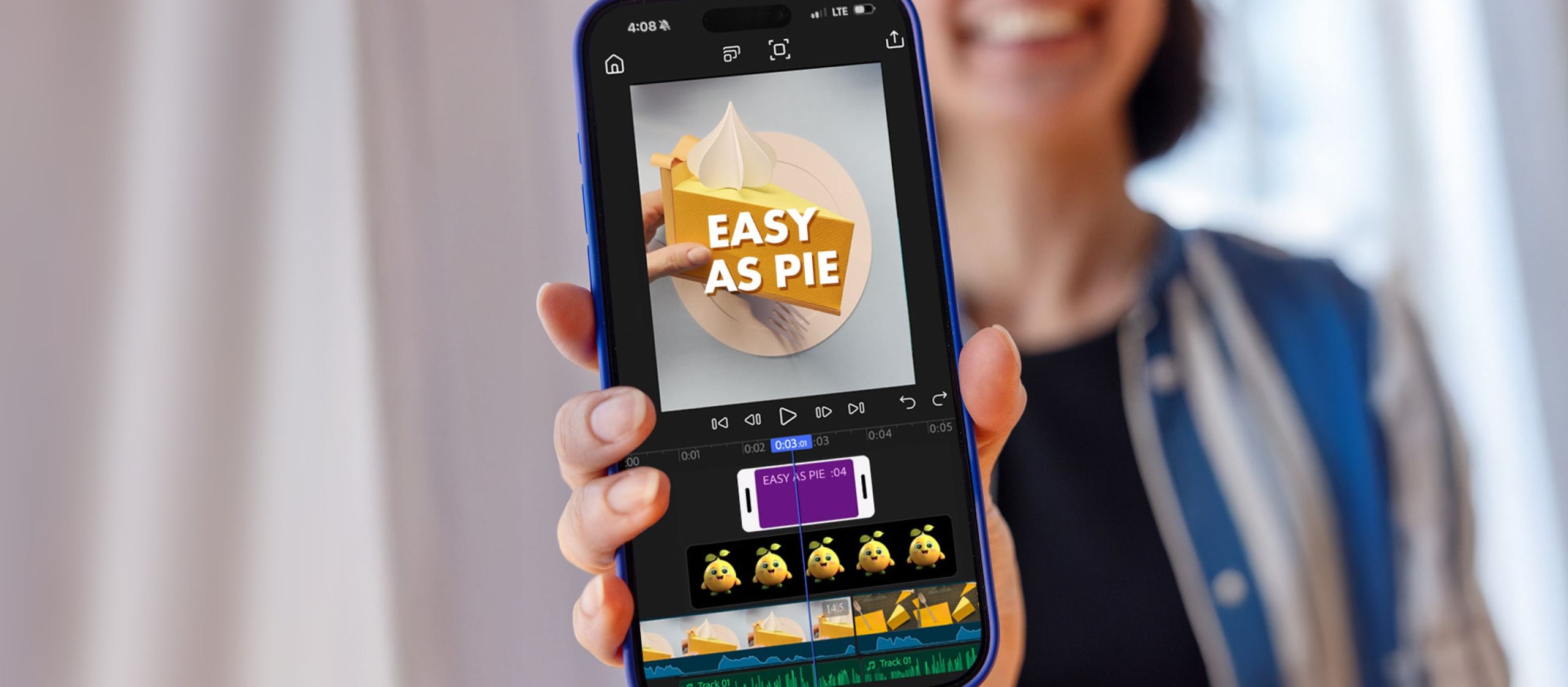
At the core of the app is a lightning-fast multi-track timeline built natively for iOS.
Unlike many lightweight mobile editors, Adobe Premiere Pro for iPhone allows creators to layer multiple video and audio tracks, edit frame by frame, and even produce in 4K HDR.
Features like smooth motion effects, animated captions, and instant background removal give users flexibility for producing short social clips or editing a more polished portfolio reel.
This level of precision makes it possible for creators to work on projects traditionally reserved for desktops. These include YouTube videos and short films, and even client projects that demand professional polish.
The app also supports round-tripping, which allows users to start editing on their iPhone and finish on Premiere Pro desktop for fine-tuned adjustments.
Studio-Quality Audio For Every Need
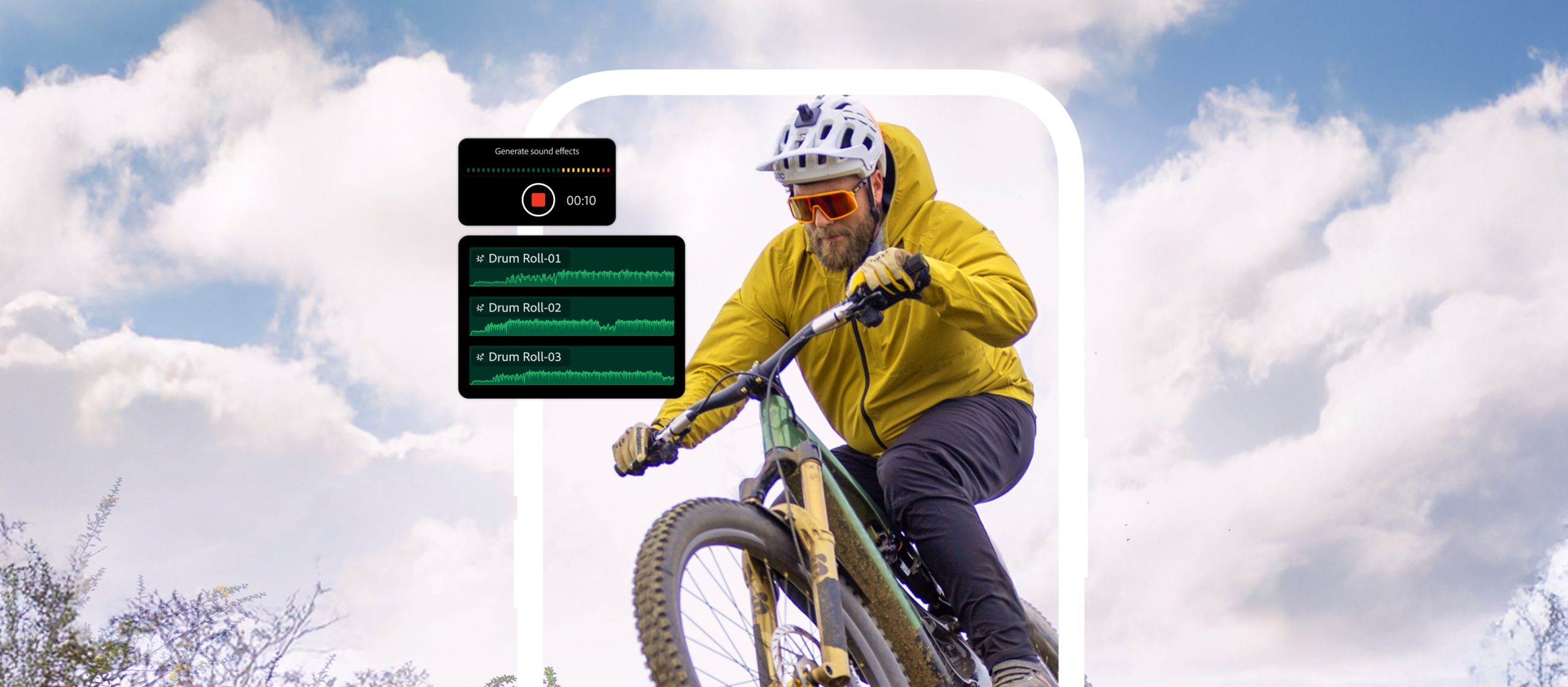
Adobe has integrated its AI audio technology directly into its new mobile platform. The Enhance Speech feature, for example, automatically cleans up dialogue and delivers crystal-clear voiceovers, even in noisy environments. The result is a mobile workflow that rivals studio setups. This is good especially when paired with Generative Sound Effects, which syncs audio elements perfectly with on-screen action.
This audio toolkit is especially useful for podcasters, vloggers, and creators who prioritize storytelling but don’t always have access to professional recording space.
Firefly-Powered AI Creativity For Multitaskers
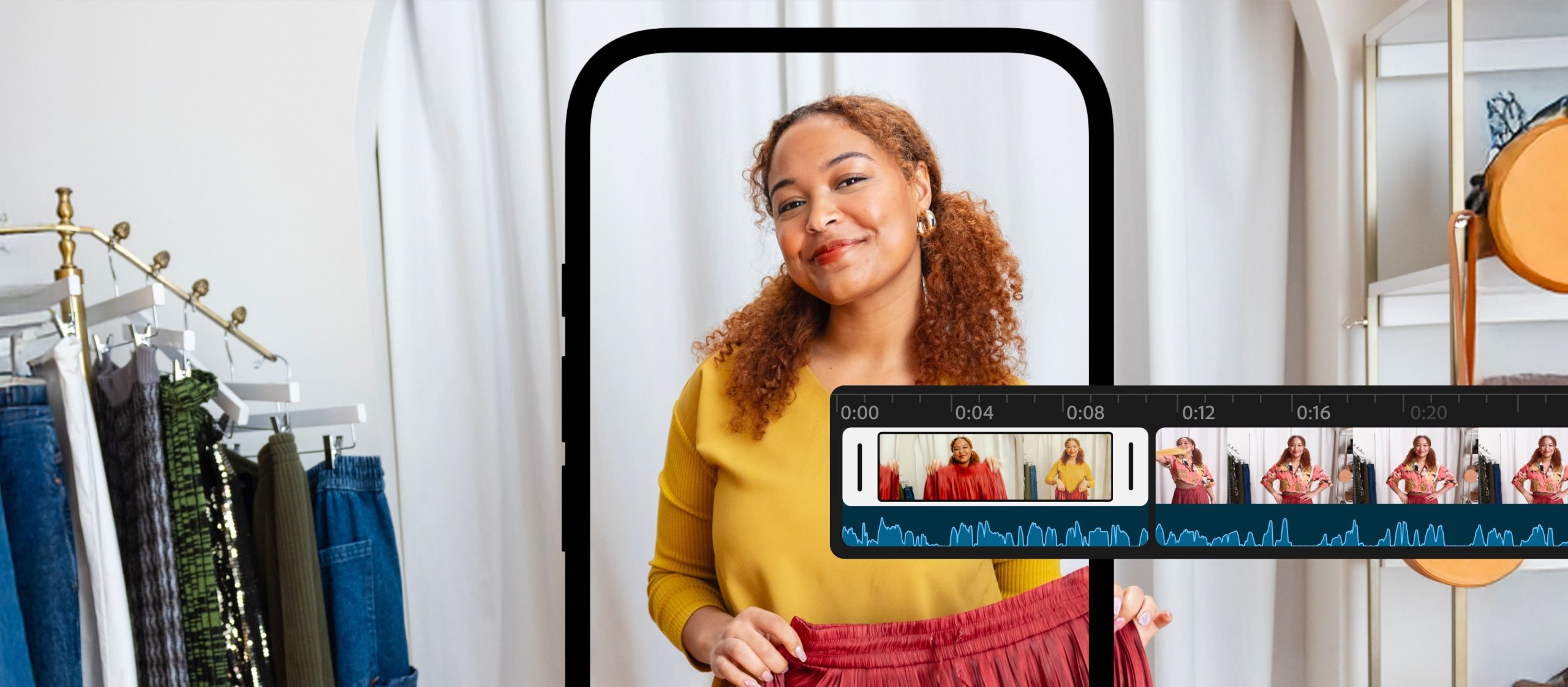
One of the standout additions is Adobe Firefly integration. The company’s commercially safe generative AI models are built into the app. This allows users to expand backgrounds, generate stickers, or even turn images into short videos. This feature then opens up new possibilities for quick, original content creation without requiring third-party apps or plugins.
Firefly tools can accelerate workflows for creators juggling multiple projects. Through this, Adobe emphasizes that Firefly outputs are commercially safe, which means businesses and freelancers can use generated content in professional work without licensing concerns.
Built for Speed and Simplicity While Being Light
Premiere Pro on iPhone is designed to minimize friction in the editing process. It is built natively for iOS, so you bet it delivers fast performance and a distraction-free workspace. There are no watermarks on exports, and media management is simplified so users can focus on their edits instead of sorting files.
The experience is intentionally lightweight to ensure that creators can capture inspiration on the fly. The app will keep on working without unnecessary complexity when you’re filming a “day-in-the-life” vlog, trimming highlights from a livestream, or cutting together a professional reel.
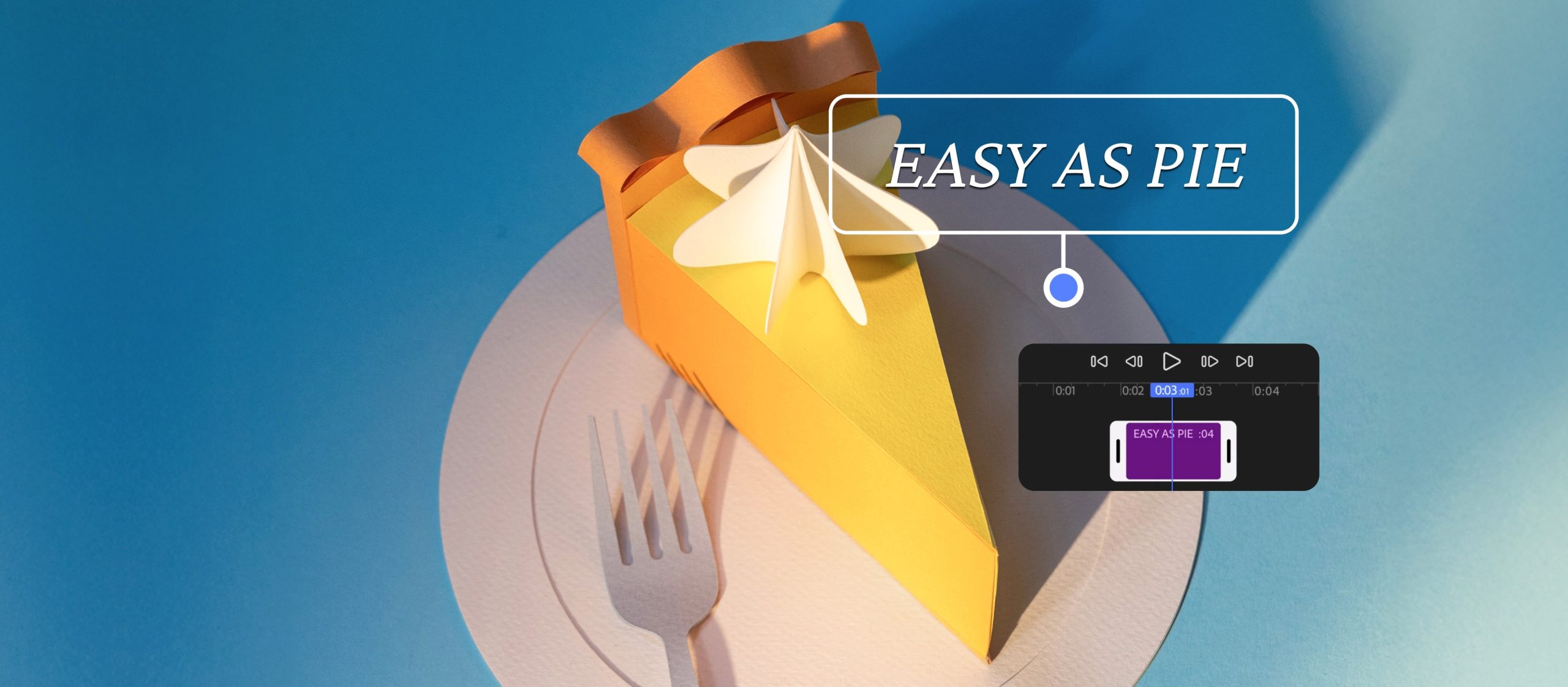
Creative Assets and Social Media Integration For Cross-Platform Sharing
Adobe has also included access to millions of free creative assets directly within the app. This includes stickers, Adobe Fonts, royalty-free music, and stock images, which can help creators level up their videos without leaving the editing environment.
When it comes time to sharing your content, Premiere Pro for iPhone offers one-tap exports to all major social platforms, including TikTok, Instagram, and YouTube Shorts.
A smart resize feature also ensures that videos are optimized for each platform while automatically keeping the subject of the video centered in the frame. This makes it particularly valuable for social-first creators who need to repurpose content across multiple channels quickly.
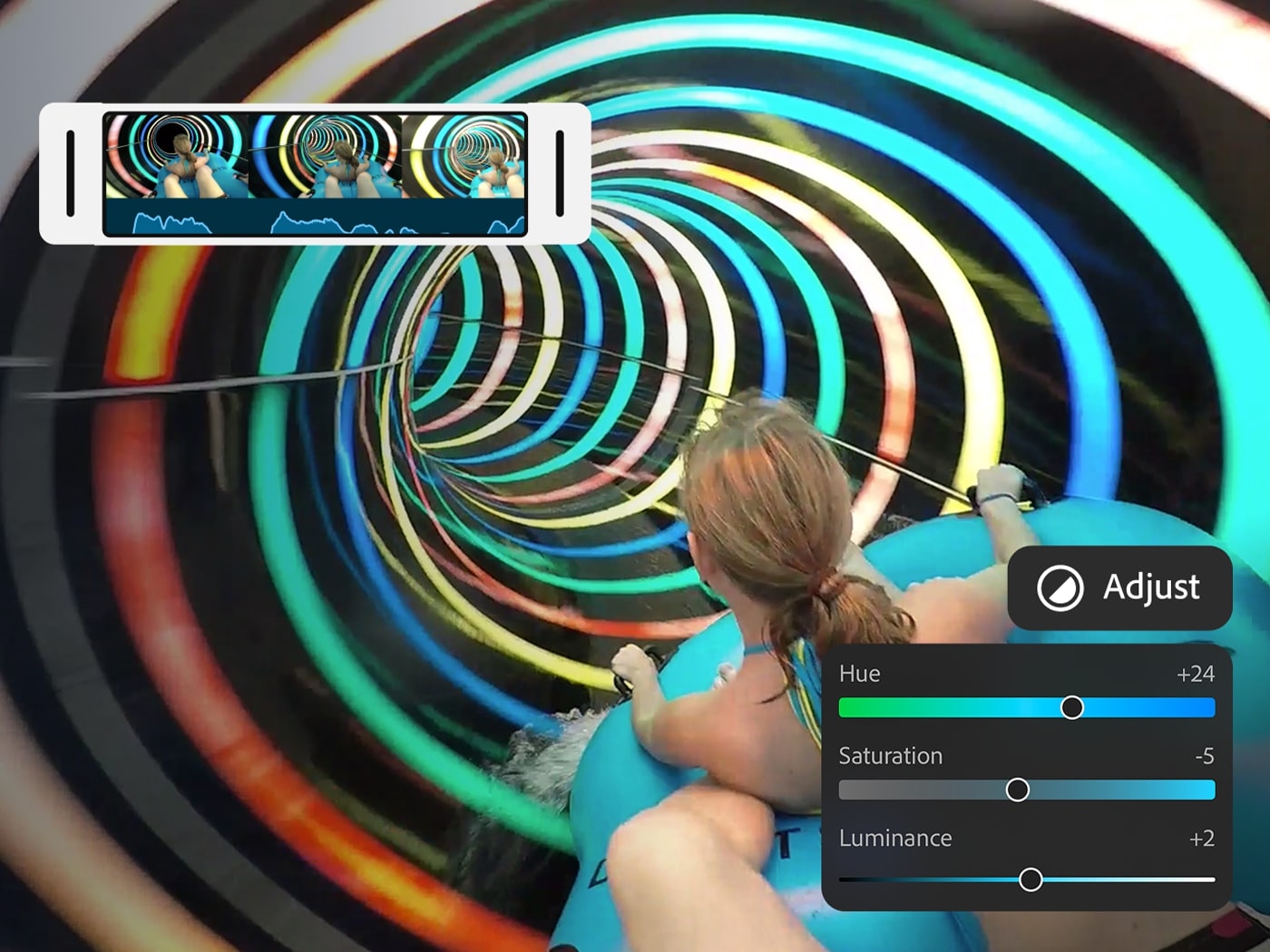
The Future for Mobile Workflows By Premiere Pro
Adobe Premiere Pro on iPhone is available starting September 30 for free on the App Store.
The base version includes robust editing tools, with optional upgrades offering additional storage and generative AI credits. Adobe confirmed that an Android version is in development, though no release date has been set.
This move by Adobe reflects a broader push to make its flagship creative tools more accessible across devices. The new mobile app targets a generation of creators who start and finish their work on phones, as well as provides professionals with a flexible option to edit wherever inspiration strikes.
Adobe’s strategy in producing its flagship Premiere Pro for iPhone is clear, especially at a time when boundaries between desktop and mobile workflows continue to blur. Creators can now be empowered to produce high-impact video anywhere, anytime, with the same confidence and precision they’ve come to expect from Premiere Pro.
The app is available for free worldwide through the App Store since September 30.
[Images: Adobe]
See more from DIYPhotography.net on Google
Add DIYPhotography.net as a trusted source. This makes
our stories more likely to appear in your Google Search results.
 Add as a preferred source on Google

Alysa Gavilan
Alysa Gavilan has spent years exploring photography through photojournalism and street scenes. She enjoys working with both film and mirrorless cameras, and her fascination with the craft has grown over the decades. Inspired by Vivian Maier, she is drawn to capturing everyday moments that often go unnoticed.
Related Posts
 Adobe Premiere iPhone App Now Lets You Edit Pro-Quality Videos
 Adobe is bringing Generative AI to video with Premiere Pro and After Effects
 Adobe Premiere Pro sees an overhauled audio workflow with AI-tagging
 Adobe adds AI-powered updates to Premiere Pro, After Effects, and Frame.io to streamline video editing workflows
Join the Discussion
DIYP Comment Policy
Be nice, be on-topic, no personal information or flames.