










GRKit Brings Film Looks and XPan Framing to Ricoh GR Cameras Without Firmware Changes
Nov 10, 2026
Alysa Gavilan
Alysa Gavilan has spent years exploring photography through photojournalism and street scenes. She enjoys working with both film and mirrorless cameras, and her fascination with the craft has grown over the decades. Inspired by Vivian Maier, she is drawn to capturing everyday moments that often go unnoticed.
Share:

Ricoh GR cameras are popular with photographers who prefer a compact camera that stays out of the way. But what if you want a little more control over the look of your images, or want to compose directly in a cinematic panoramic format? GRKit is a new SD card based tool that adds film simulations, framing options, and other effects to supported Ricoh GR models, without requiring a firmware modification.
The tool loads from the camera’s SD card, leaving the original firmware untouched. It supports the GR III, GR IIIx, GR IV, their HDF versions, and the GR IV Monochrome, provided each camera is running a compatible firmware version.
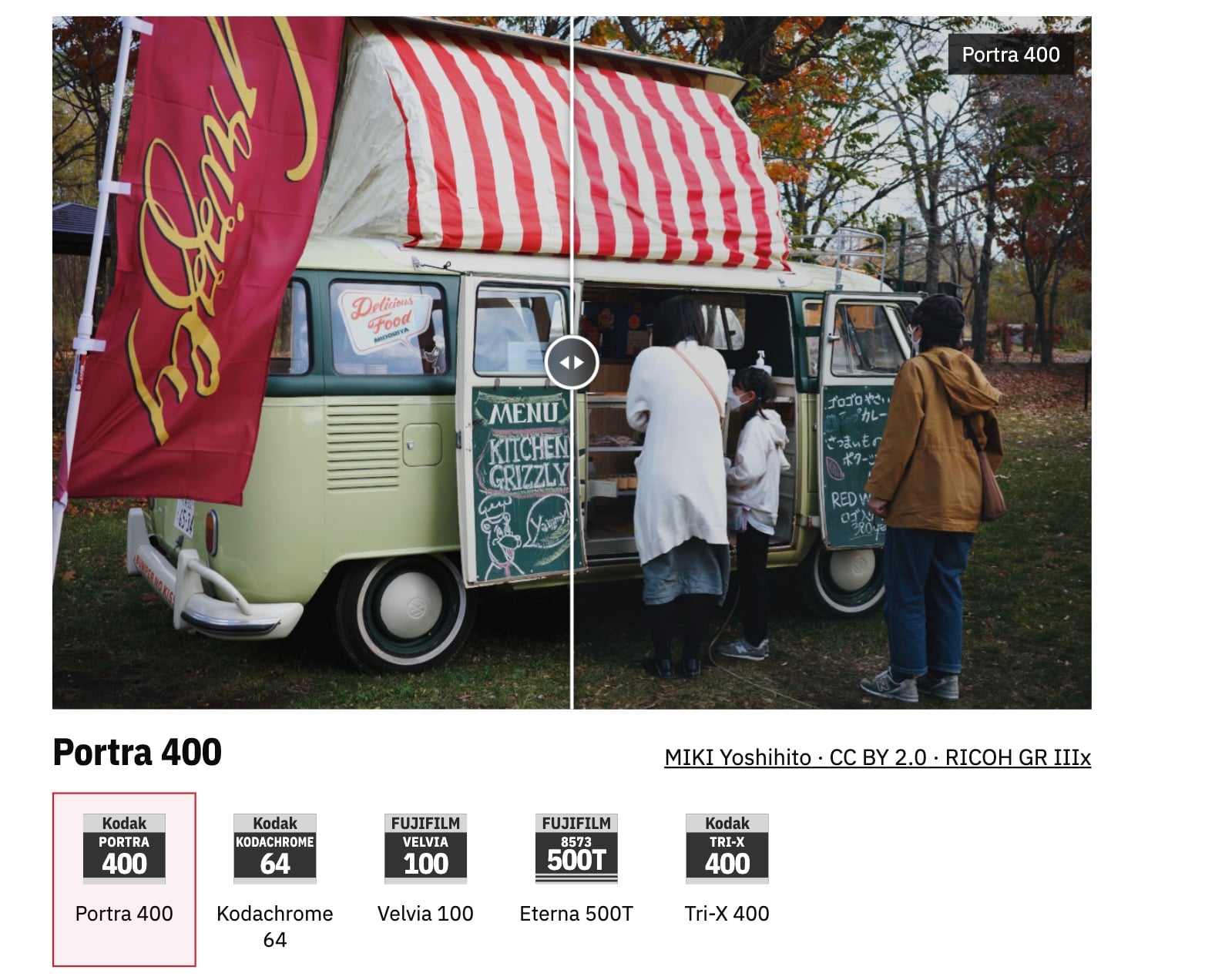
Film simulations, including familiar analog stocks
GRKit offers a collection of film looks inspired by popular photographic films. The selection includes Kodak Portra 400, Kodachrome 64, Ektar 100, Gold 200, Tri-X 400, and Fujifilm Velvia 100, alongside options such as Ilford HP5 Plus 400, Fujicolor C200, and Kodak Vision3 500T.
Photographers can also import their own LUTs, giving them room to use custom color profiles instead of sticking to the presets. GRKit can install up to 40 film looks on the camera, including imported LUTs.
The tool provides a live view preview for its film looks, although the developer notes that the preview is approximate. Color and exposure in the final photograph may differ from what appears on the camera display.
Compose in XPan and other aspect ratios
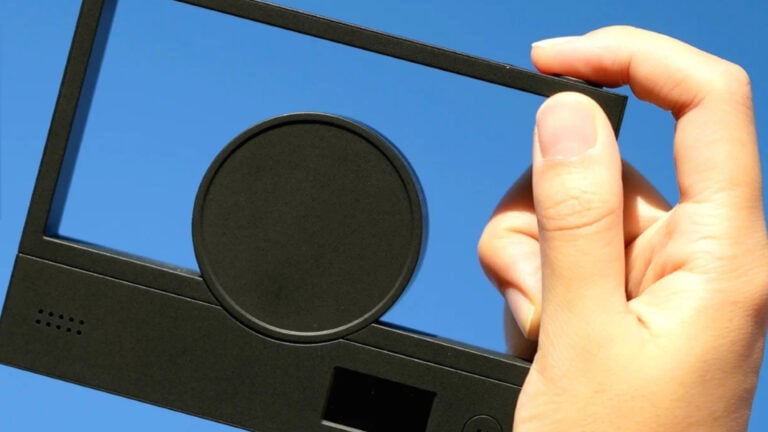
One of GRKit’s more interesting additions is its framing module. It lets photographers select from several aspect ratios, including the panoramic XPan format at 65:24, as well as 2.35:1, 16:9, 4:3, 5:4, 7:6, and 1:1.
The camera display retains its native 3:2 layout, while areas outside the selected frame are dimmed. This gives photographers a clearer idea of the intended composition while shooting. Composition guides are also available, including thirds, center, golden ratio, and diagonal guides.
The framing options affect the captured photo, rather than simply adding a guide to the display.
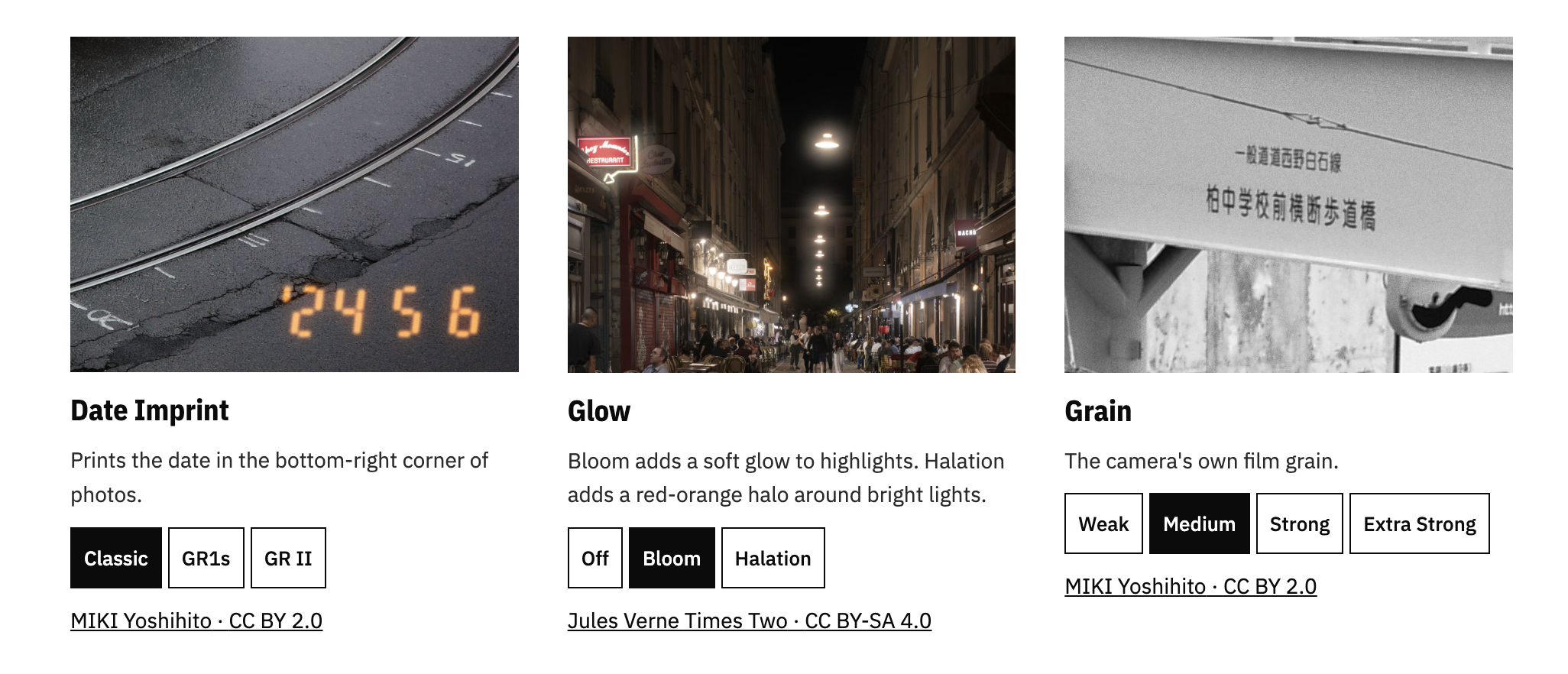
Add grain, glow, and a date stamp
GRKit includes several additional effects for photographers who want to adjust the appearance of their images in-camera. Its Glow module offers bloom and halation, which can be used separately or together. Bloom softens bright highlights, while halation adds a red-orange halo around strong light sources. These effects do not have a live view preview.
There is also a grain module with four intensity settings, from weak to extra strong, using the camera’s own film grain stage. A date imprint option adds a timestamp to the bottom-right corner of an image, with three styles inspired by classic cameras, the Ricoh GR1s, and GR II.
No firmware flashing required
Installation involves writing GRKit to an SD card using a card reader. The camera’s USB connection cannot be used for this process. Users can install it directly through the GRKit website or download a ZIP file and copy the files manually.
The tool is designed to be reversible. Removing the SD card returns the camera to its normal operation, and GRKit does not write changes to the card until the user confirms them.
For GR photographers who enjoy experimenting with color, texture, and composition, GRKit offers another way to customize the shooting experience. The question is how many of those film looks will make it into your everyday camera setup.
See more from DIYPhotography.net on Google
Add DIYPhotography.net as a trusted source. This makes
our stories more likely to appear in your Google Search results.
 Add as a preferred source on Google

Alysa Gavilan
Alysa Gavilan has spent years exploring photography through photojournalism and street scenes. She enjoys working with both film and mirrorless cameras, and her fascination with the craft has grown over the decades. Inspired by Vivian Maier, she is drawn to capturing everyday moments that often go unnoticed.


Join the Discussion
DIYP Comment Policy
Be nice, be on-topic, no personal information or flames.