























Adobe Firefly’s Latest Update Brings Video Features and Sound Effect Generation
Jul 18, 2025
Anzalna Siddiqui
A psychology major in her third year of Bachelor’s, Anzalna Siddiqui has endless curiosity for the human mind and a deep love for storytelling – both through words and visuals. Though she hasn’t taken up photography as a profession, her Instagram is where her passion finds its home. In addition to this, she’s a travel enthusiast who never travels without her camera because every place has a story waiting to be captured.
Share:
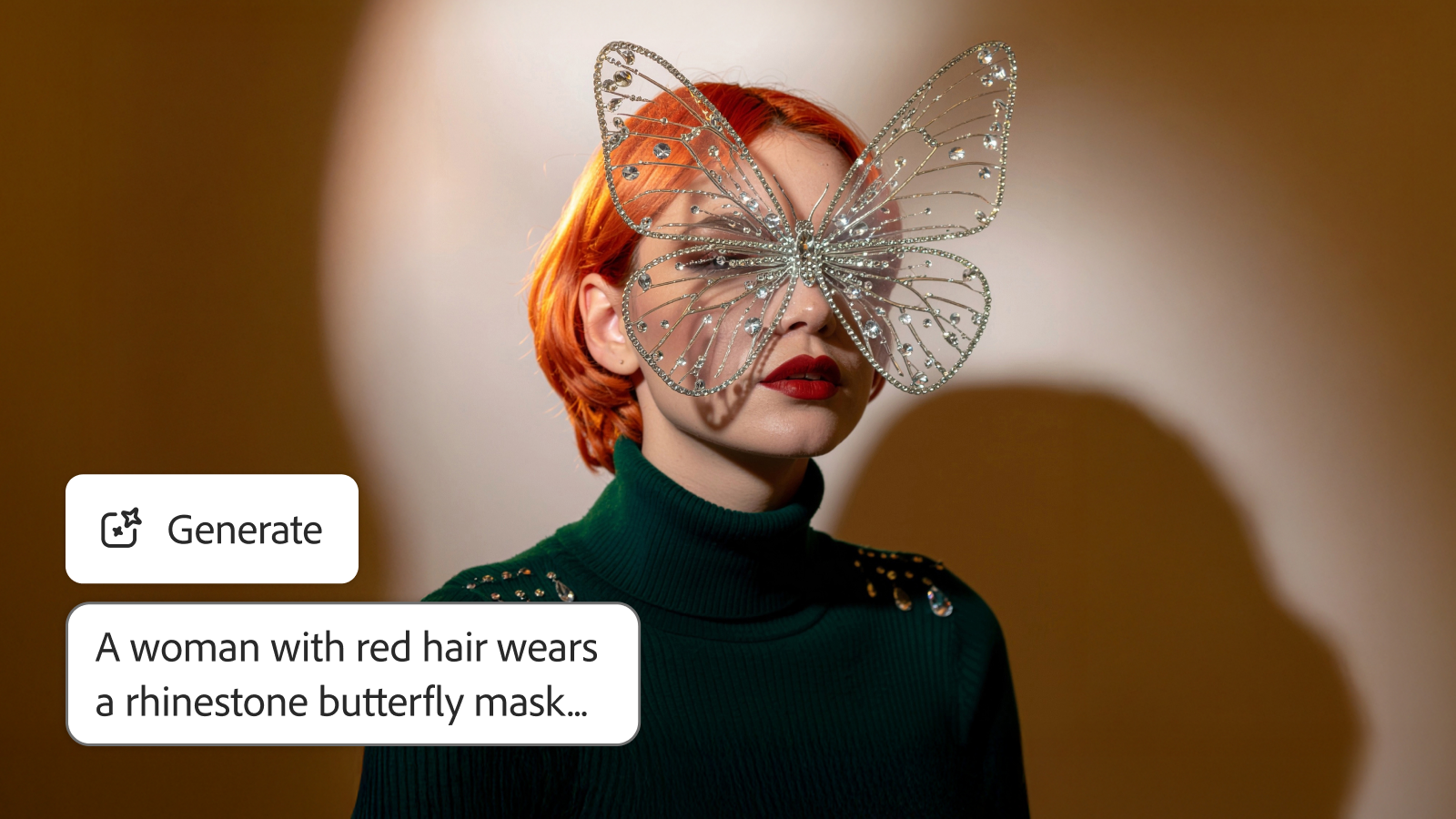
Adobe Firefly is introducing some significant updates to its video features, and I feel quite thrilled about it. These updates include better motion effects, new controls, and options to experiment with sound and virtual characters. Adobe seems to be making a strong effort to enhance your creative experience, making it simpler and more fun.
Video Just Got Real: The Firefly Model Gets a Major Glow-Up
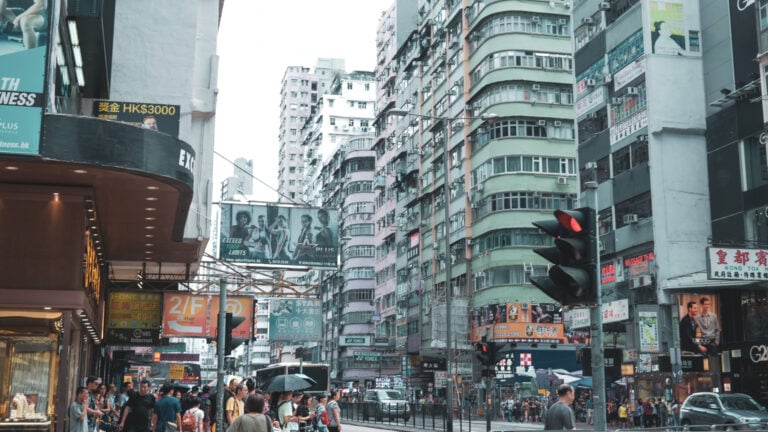
Have you noticed that AI-generated videos can sometimes look a bit stiff? Firefly says they’ve worked on fixing that. Their improved motion fidelity allows your videos to move surprisingly realistically. Whether you want to create beautiful nature scenes or busy city streets, Firefly claims it can manage dynamic environments easily. If you’re interested in how animals move, weather effects, or even 2D and 3D animations, they say the model is competent. You can expect smoother transitions and more natural movements in your AI-generated videos. I believe Adobe Firefly’s latest update could help anyone wanting to make their projects look more professional without spending a lot of time on adjustments.
New Generative Models Join the Party
Variety makes life interesting. It seems Firefly thinks so, too. They are always adding new generative AI partner models, giving you more creative options than ever. You might have noticed Runway’s Gen-4 Video and Google Veo3 with Audio appearing in Firefly Boards and Generate Video.
But there’s even more to look forward to. Adobe has announced that Topaz Labs’ Image and Video Upscalers, along with Moonvalley’s Marey, will be available soon in Firefly Boards. If you’ve been trying out Luma AI’s Ray 2 and Pika 2.2 in Boards, you’ll be happy to know they are also expected to come to Generate Video. It looks like Firefly is allowing you to choose the right AI model for each part of your workflow while keeping your unique style.
[Related Reading: Adobe Firefly Generative Fill Makes Mobile Editing Finally Worth It]
Taking the Reins: Advanced Video Controls
Adobe Firefly’s latest update has also focused on the detailed control over the videos created by AI. They are introducing new features that could greatly enhance your projects:
- Composition Reference for Video: This tool seems like it could help maintain consistency. You can upload a video that you like and share your ideas with Firefly, which will then create a new video based on the original layout.
- Style Presets: Do you want your video to resemble claymation, anime, or a clean-line art design? Firefly lets you easily apply different visual styles with just one click. This feature not only helps you work faster but also ensures that the look of your project stays uniform, whether you’re presenting an idea or completing your final work.
- Keyframe Cropping: Switching between different tools just to crop images can be frustrating. Firefly is designed to help you stay focused on your creativity with easy-to-use cropping options. You can upload the first and last frames of your video, select your preferred cropping style, and describe what your scene looks like. Firefly will create a video that matches your needs. This approach looks pretty effective and is meant to match your vision right from the start.
Bringing Your Stories to Life: Sound Effects and Virtual Avatars
Firefly is improving its storytelling abilities, not just focusing on visuals. They’ve added two new features that can enhance your content.
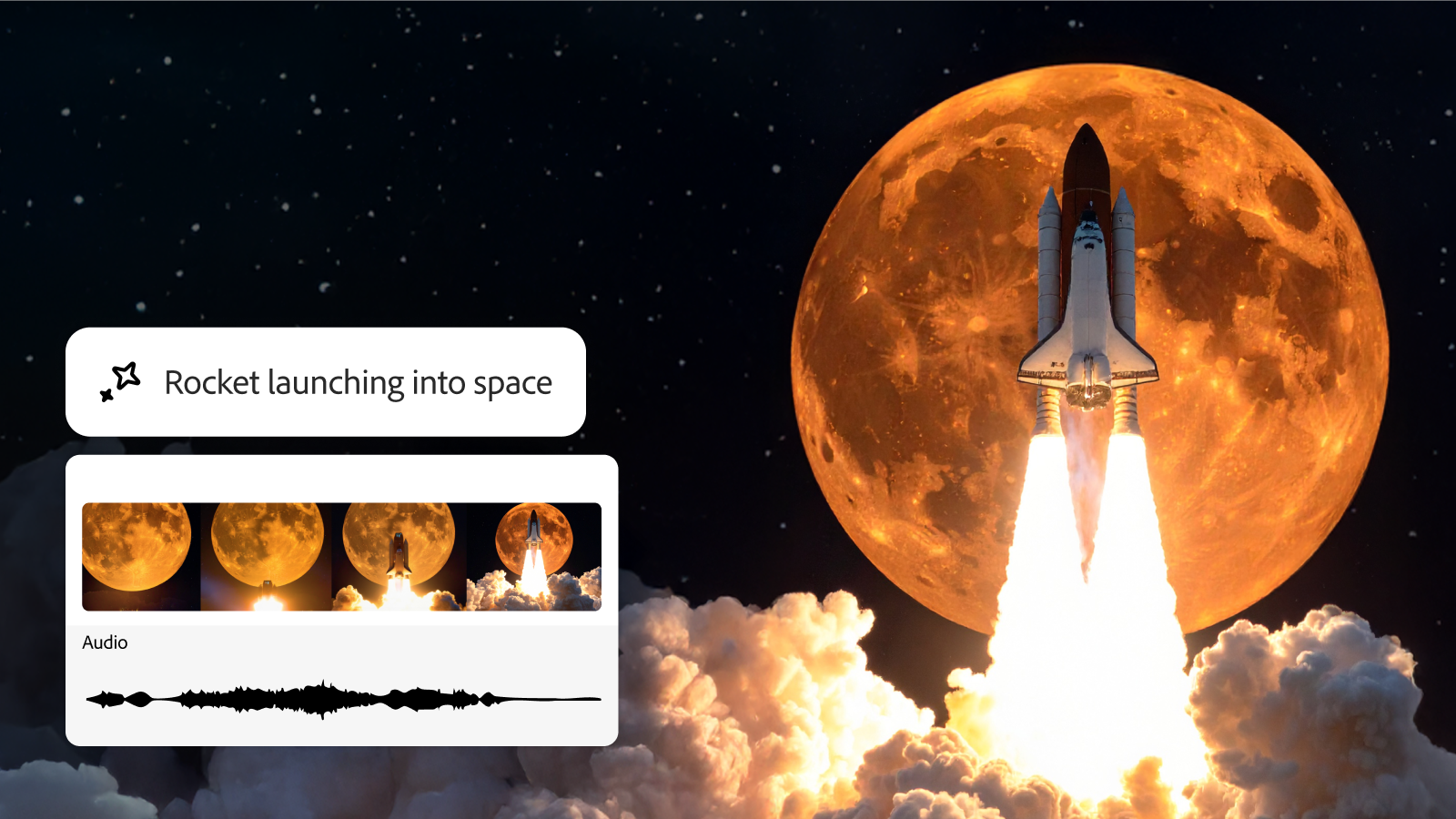
- Generate Sound Effects (beta): Sound plays a significant role in adding emotion and depth to videos. Firefly’s new Generate Sound Effects (beta) feature allows you to add custom audio simply by typing a prompt or using your voice. For example, if you need a lion’s roar or the sounds of a forest, you can enter that prompt. You also have the option to use your voice to control the timing and intensity of the sounds, so they fit perfectly with the action. Once you’re finished, you can easily export your work to Adobe Express for social media or Premiere Pro for your existing projects. This feature could save you a lot of time and effort.
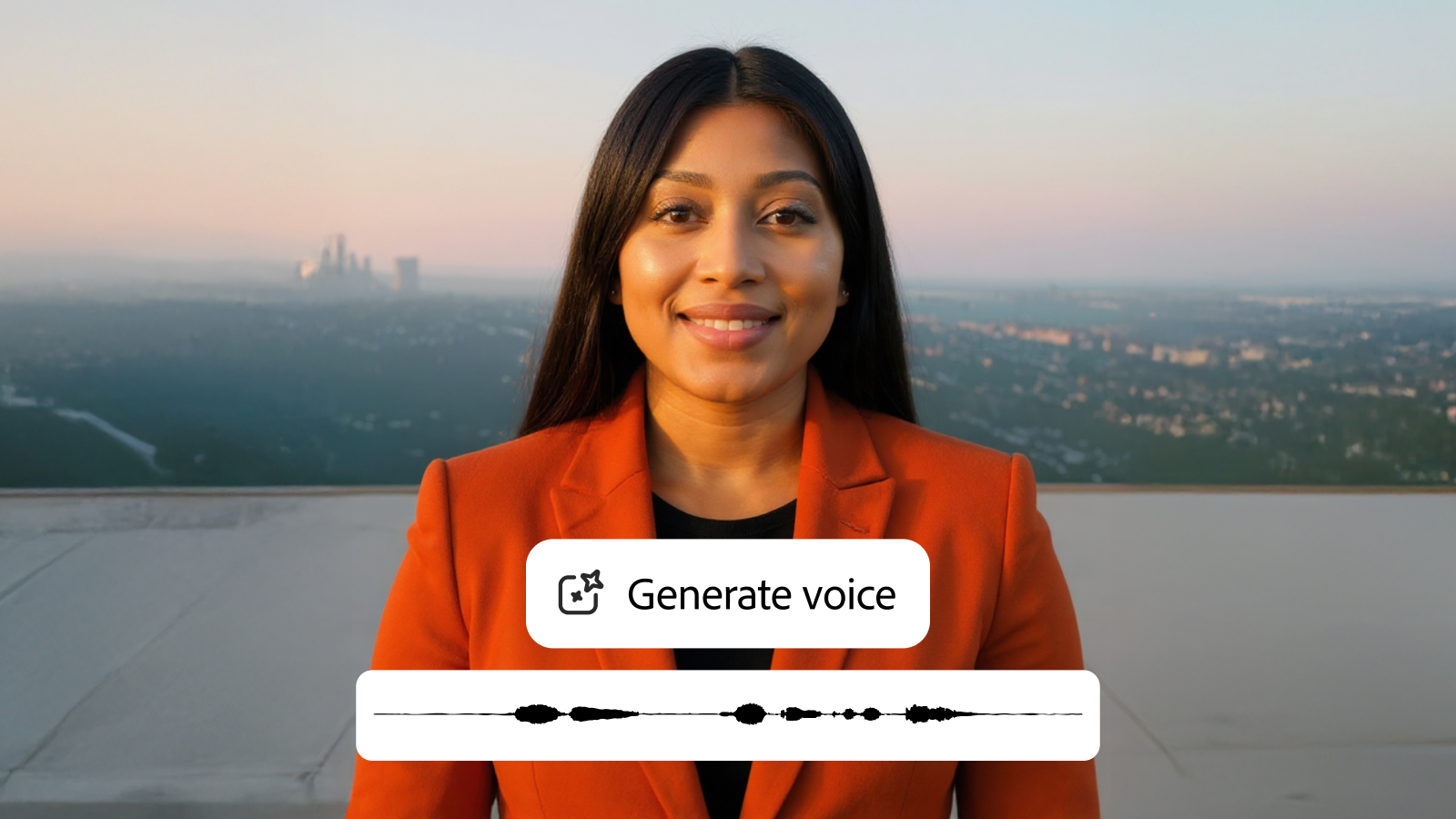
- Text to Avatar (beta): Text to Avatar (beta) is here to help transform your scripts into captivating videos featuring avatars in just a few easy steps. You can select from a variety of avatars, personalize your background with a color, image, or even a video, and choose the accent you like best. Firefly takes care of everything else. This tool could save a lot of time for anyone wanting to expand their video content while adding a human element.
Enhance Your Prompts
Moreover, Firefly has introduced the “Enhance Prompt” feature on their website’s Generate Video section. This tool takes your original input and adds language that clarifies your creative goals. The aim is to reduce confusion, provide clearer direction, and streamline your workflow, allowing you to focus more on creating rather than adjusting.
Here’s an example of how creator like Karen Cheng used Generate Sound Effects in her own workflow.
Adobe wants to clarify that it is dedicated to responsibly developing AI. It explains that Adobe Firefly generative AI models only use materials with which it has permission to work. Importantly, it highlights that any content you create with its tools will not be used for further training. This commitment to ethical AI and safety should reassure you as you explore these new features.
[via Adobe; Image credits: Adobe]
See more from DIYPhotography.net on Google
Add DIYPhotography.net as a trusted source. This makes
our stories more likely to appear in your Google Search results.
 Add as a preferred source on Google

Anzalna Siddiqui
A psychology major in her third year of Bachelor’s, Anzalna Siddiqui has endless curiosity for the human mind and a deep love for storytelling – both through words and visuals. Though she hasn’t taken up photography as a profession, her Instagram is where her passion finds its home. In addition to this, she’s a travel enthusiast who never travels without her camera because every place has a story waiting to be captured.


Join the Discussion
DIYP Comment Policy
Be nice, be on-topic, no personal information or flames.