
























The Most Common Wildlife Photography Editing Mistakes
Aug 11, 2025
Anzalna Siddiqui
A psychology major in her third year of Bachelor’s, Anzalna Siddiqui has endless curiosity for the human mind and a deep love for storytelling – both through words and visuals. Though she hasn’t taken up photography as a profession, her Instagram is where her passion finds its home. In addition to this, she’s a travel enthusiast who never travels without her camera because every place has a story waiting to be captured.
Share:
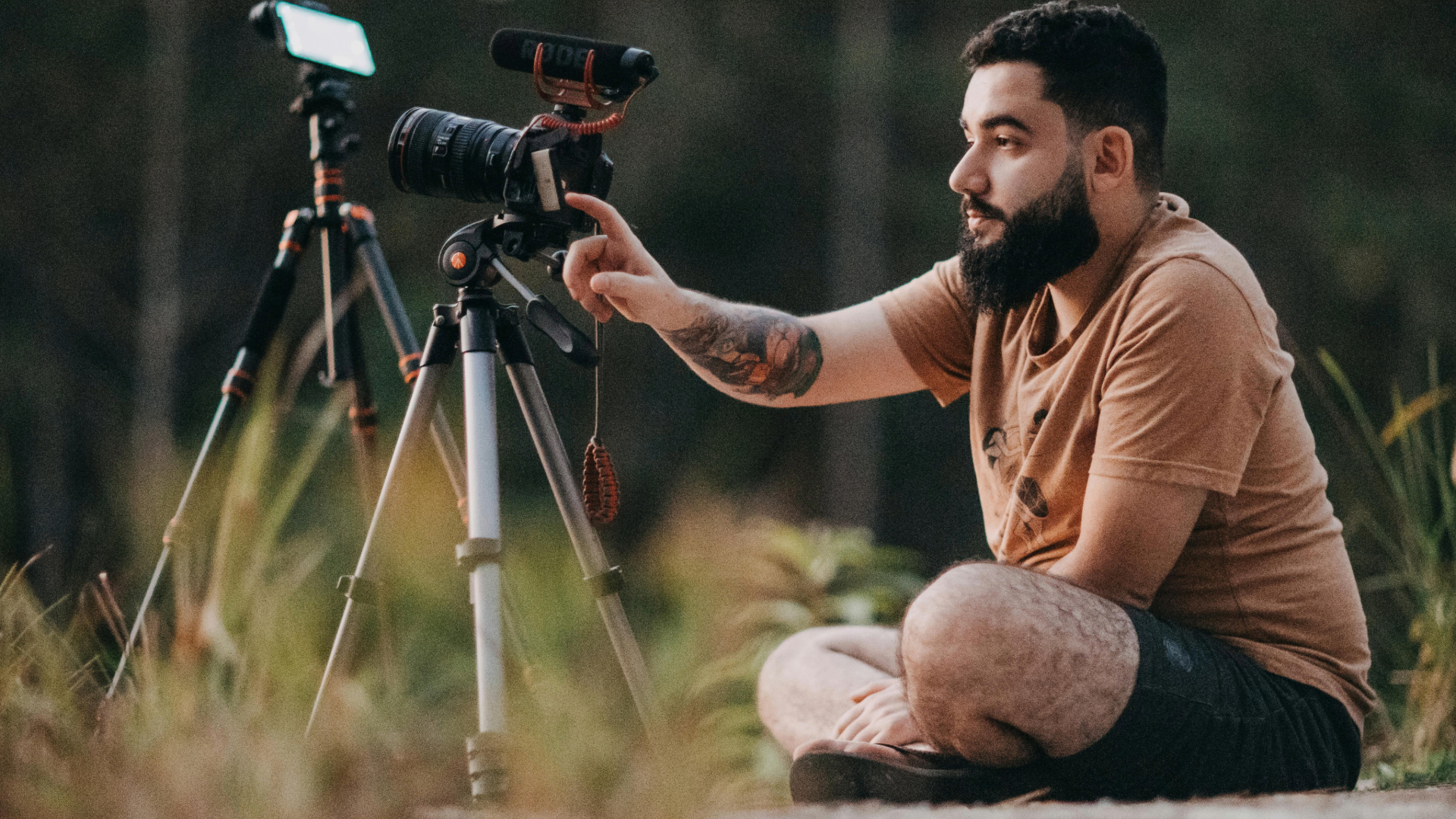
It’s easy to get so involved in editing — adjusting sliders and clicking away — that we don’t notice some wildlife photography editing mistakes we might be making. Many of us can relate to that feeling. Fortunately, we have experts like Mark Dumbleton who can help us out. In his latest video, Mark Dumbleton reviews three photos submitted by viewers. He walks us through the strengths and weaknesses of each image, highlighting where they may be over-edited.
When You Get a Little Too Blurry with Your Editing
The first image, a stunning tiger captured by Simon Ring, has a lot going for it. Mark admires the way it’s composed and framed, noting that the exposure is perfect and retains a lot of detail in the raw file. He casually mentions that using a slower shutter speed could have allowed for a lower ISO, which might have reduced some noise. While this is a minor point, it’s a useful practice to remember while shooting.
Now, here’s where things get interesting. When Mark examines Simon’s edited version of the photo, he points out some typical issues with post-processing. The image has been darkened nicely to enhance the tiger’s stripes and make it stand out against the background, which is great. However, if you look closely at the tiger’s face, you’ll notice some odd, blurred spots. Mark believes this is likely due to an incorrectly applied lens blur effect, which can happen when you try to blur the background too much.
It’s also important to check for color noise in the shadows. Mark points out that you can fix the color noise using the color noise reduction slider in Lightroom. I’ve done this before too; sometimes, when you’re concentrating on the whole picture, you miss the little details that can be distracting. Mark emphasizes that getting everything right relies on paying attention to these details.
That Halo Effect Around Your Subject
Next, we have a beautiful photo of an elephant in a lake taken by Brendan Harrington. Mark points out that Brendan made a smart choice by slightly underexposing the elephant to prevent the bright sky from losing detail. The trick is to enhance the elephant’s details without making it look unrealistic.
Brendan’s edited version does a nice job of brightening the elephant, and Mark acknowledges that effort. However, he notices a common mistake many people make: over-sharpening the image. If you’ve ever seen a strange, bright outline around an object, you know what I mean. That’s a clear sign you’ve overdone the sharpening.
Mark suggests using the object selection tool in Lightroom to fix this issue. He shows how to select just the elephant and then tweak the whites and highlights specifically for it. This approach, he explains, makes the elephant stand out in a more natural way. It’s a helpful tip that reminds us that sometimes it’s better to focus on one part of the image rather than applying changes to everything at once.
Watch Out for That Purple Cast and a Poor Crop
The last photo shows a lovely bird on a road, captured by Alli Ditchfield. Mark quickly notices a composition problem you should avoid. The bird is positioned too low in the frame, which creates a lot of empty space at the top. This can make the photo look unbalanced and cramped. It just feels a bit too tight. Mark recommends cropping to allow more space below the bird so it can have some room.
Next, he looks at the edited version and thinks it’s a bit too dark. However, he identifies a bigger issue: a purple tint on the road. This purple color seems unnatural and takes attention away from the beautiful bird. Mark explains that you can fix this easily by adjusting the color settings to change the hue and reduce the purple to a more neutral gray. This simple change can significantly enhance the image’s authenticity and professionalism.
He finishes by offering a couple more tips for wildlife photography editing mistakes: adding a radial gradient to brighten the center and removing a distracting out-of-focus spot. This highlights how even small details can greatly impact your final image.
It appears that many editing errors happen when we try too hard to correct things or go too far with our changes. We can get so involved in the editing process that we forget what looks natural and what might distract the viewer. Mark emphasizes making small, careful changes instead of big, sweeping ones. He suggests that you can create striking images by choosing your subject wisely, using gradients to direct the viewer’s attention, and being mindful of little details like noise and color issues. By being more thoughtful with every adjustment you make, you can improve your editing skills. The best edits are often the ones that go unnoticed.
[Editing Mistakes You Don’t Know You’re Making I Mark Dumbleton; Image credits: Pexels]
See more from DIYPhotography.net on Google
Add DIYPhotography.net as a trusted source. This makes
our stories more likely to appear in your Google Search results.
 Add as a preferred source on Google

Anzalna Siddiqui
A psychology major in her third year of Bachelor’s, Anzalna Siddiqui has endless curiosity for the human mind and a deep love for storytelling – both through words and visuals. Though she hasn’t taken up photography as a profession, her Instagram is where her passion finds its home. In addition to this, she’s a travel enthusiast who never travels without her camera because every place has a story waiting to be captured.


Join the Discussion
DIYP Comment Policy
Be nice, be on-topic, no personal information or flames.