
























Adobe finally adds “real” color grading to Premiere Pro
Sep 11, 2024
John Aldred
John Aldred is a photographer with over 25 years of experience in the portrait and commercial worlds. He is based in Scotland and has been an early adopter – and occasional beta tester – of almost every digital imaging technology in that time. As well as his creative visual work, John uses 3D printing, electronics and programming to create his own photography and filmmaking tools and consults for a number of brands across the industry.
Share:
When it comes to colour management, Premiere Pro always felt like it was a little lacking compared to some other software on the market. Well, in the latest Premiere Pro Beta update, Adobe has finally addressed the issue with a completely new colour management system.
Adobe Premiere Pro Colour Management Issue
One of the biggest issues facing many filmmakers, videographers and YouTubers today is accurate colour management. Many of us own cameras from multiple brands that produce very different-looking footage from each other. Even within the same brand, different models may offer different colour profiles for the footage they produce.
Mixing and matching that footage has traditionally been a pain – at least, it has been in Premiere Pro. Often, it involves a lot of manual tweaking, perhaps saving a few custom LUTs of the changes that you can apply to footage from those cameras in future projects. But it’s not a foolproof process.
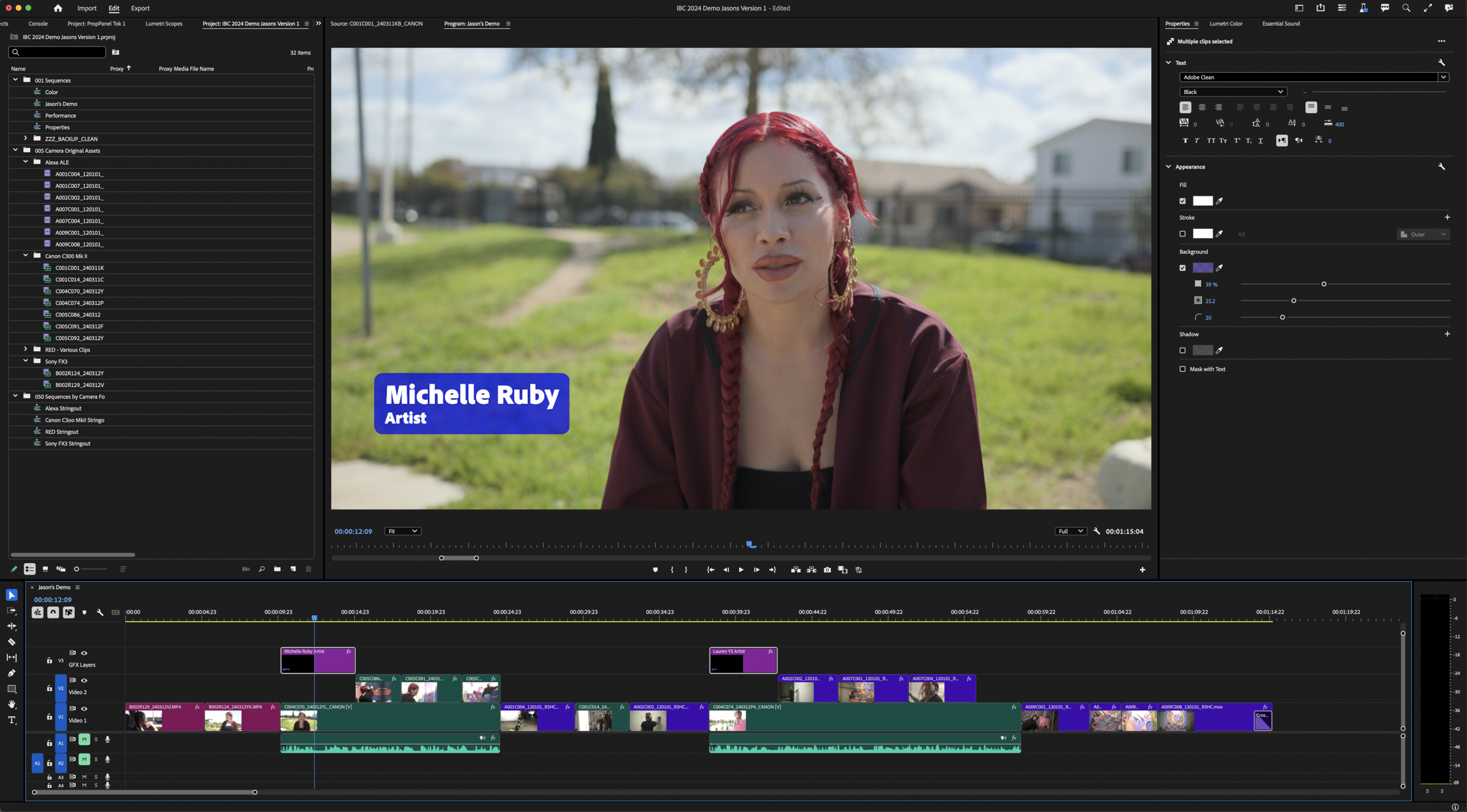
Other non-linear editors, such as DaVinci Resolve had colour and colour management licked a long time ago. To the point where many Premiere Pro editors would export their projects to XML and then import them into Resolve for correction and grading.
DaVinci Resolve’s editing features have also come a long way in the last few years, now making it viable for editing your complete production. This has caused a lot of people to jump ship. Adobe’s newest update finally tackles this issue, hoping, perhaps, to bring a few back into the fold.
What’s new?
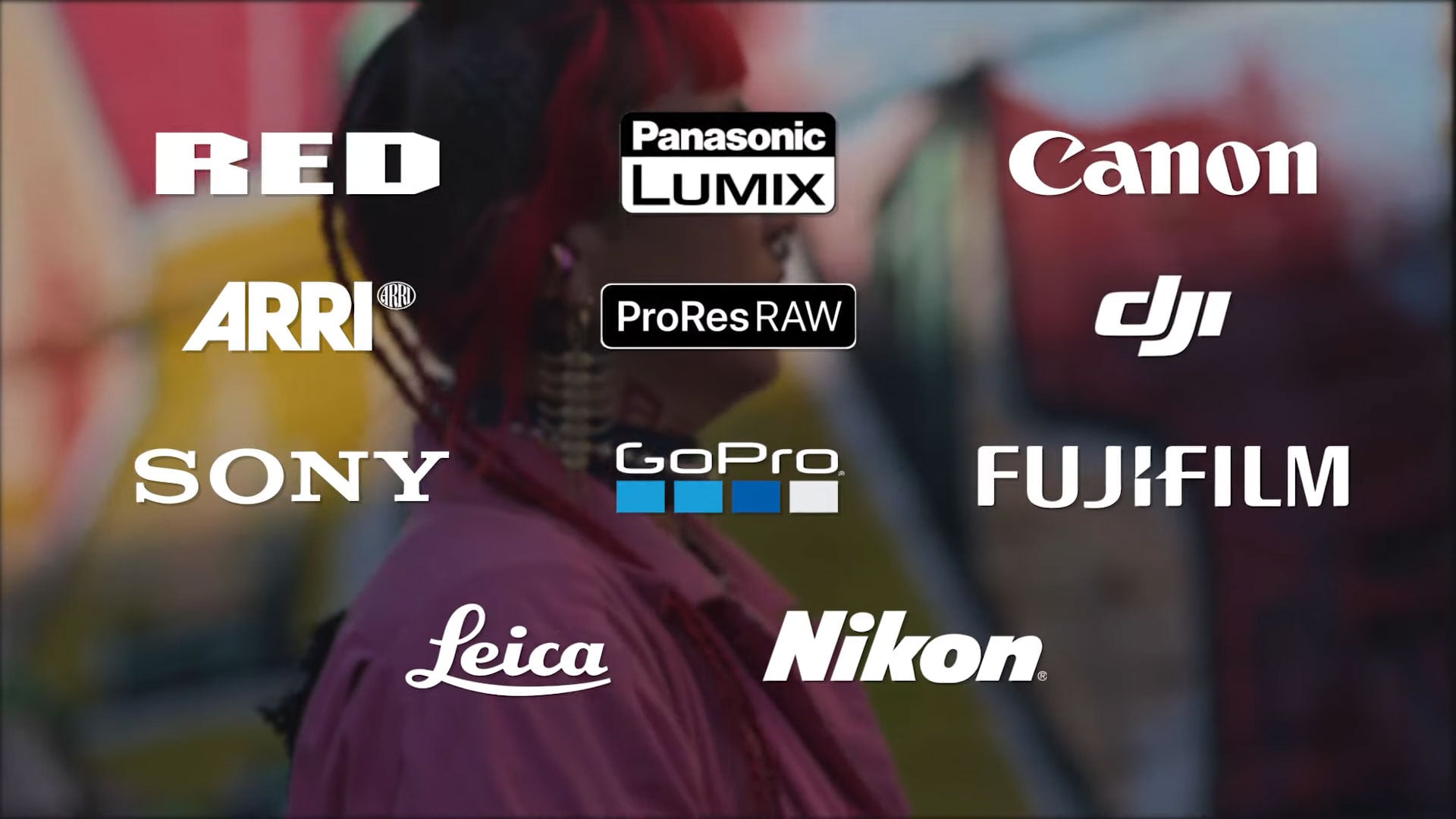
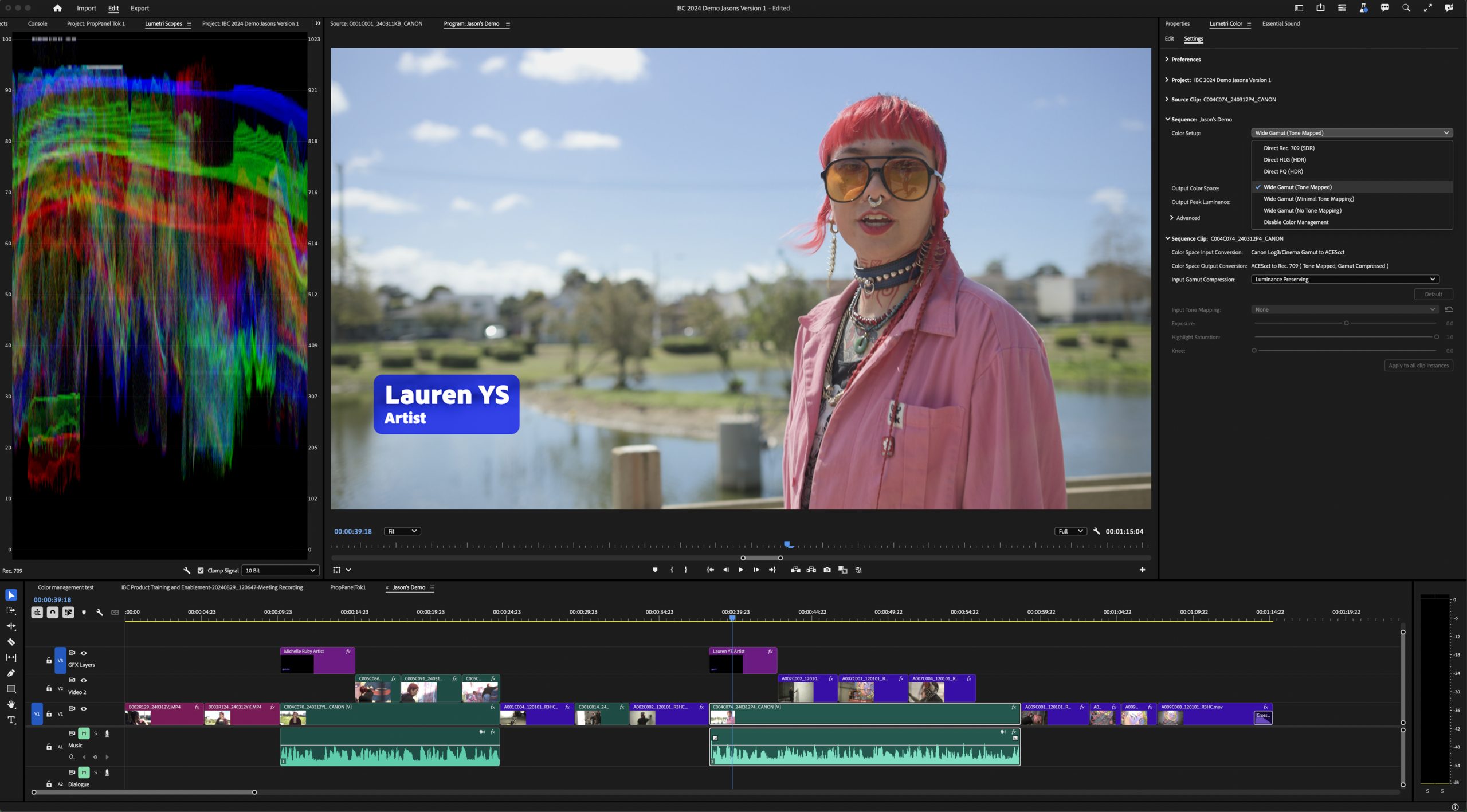
Adobe says they’ve implemented an “entirely new” colour management system into Premiere Pro. It allows editors to mix and match raw and log footage seamlessly, all processed to match each other on your timeline. Adobe says that the new colour management system covers “nearly every camera”, making corrective LUTs a thing of the past.
We are beyond thrilled to deliver an entirely new color management system in Premiere Pro that transforms raw and log formats from nearly every camera into stunning, consistent footage instantly upon import – without requiring LUTs. We’re serious about color, and this new color management system is just the beginning of making professional color workflows more powerful and accessible for video editors right inside Premiere Pro.
Adobe Press Release
With many cameras capable of shooting either raw or log footage today, we have more colour and dynamic range information at our fingertips than ever before. Often, this footage needs to be interpreted into other colour spaces in order to be able to work with them consistently throughout your project – as well as a few manual tweaks.
But Adobe says that now, everything “from an 8K RED V-Raptor to the iPhone 15 Pro in your pocket” is now easy to match together in Premiere Pro. Just drop it on the timeline and it automatically corrects. The new colour management features make it easy for beginners to get up and running quickly while also offering the deep-dive options that advanced editors and colourists require for their own custom workflows.
Adobe says the new colour management system provides:
- An entirely new color management system that automatically transforms RAW and log footage from nearly every camera into great-looking SDR and HDR, so users can spend less time managing LUTs and start editing right away.
- A new wide gamut working color space that’s vastly larger than Premiere’s HD Rec.709 working space in which all image processing operations are performed. This new wide gamut clor space leverages Hollywood’s industry standard ACEScct with high-fidelity tone mapping that provides the kind of color and fidelity results that were previously impossible with Premiere Pro.
- Six simple “set-it-and-forget-it” presets in Sequence Settings and Lumetri color settings let users work in traditional Rec.709 for legacy projects or the new wide gamut color ACEScct with ease.
- Most-used effects, like Lumetri, are now color space aware with smoother and more flexible control for refining skin tones, balance, and creative looks when working in a wide-gamut preset.
- Consistent color and brightness when using Dynamic Link to send clips to and from Adobe After Effects for motion design and compositing.
Other changes in the Premiere Pro Beta include a new Properties Panel. This helps to bring new Premiere Pro users up to speed quickly while allowing experienced editors to work more efficiently. It also sees some performance updates and a “fresh, modern design”.
When can we get it?
At the moment, the new colour management features and Properties Panel are in the latest Premiere Pro beta. Adobe Creative Cloud subscribers can download this through the Creative Cloud App.
Adobe has asked what people want to see next, saying that they’re “just getting started” with improving Premiere Pro’s colour features and bringing them up to a professional standard.
Adobe expects to introduce the new colour management system and other features into the stable version of Premiere Pro at some point during autumn.
See more from DIYPhotography.net on Google
Add DIYPhotography.net as a trusted source. This makes
our stories more likely to appear in your Google Search results.
 Add as a preferred source on Google

John Aldred
John Aldred is a photographer with over 25 years of experience in the portrait and commercial worlds. He is based in Scotland and has been an early adopter – and occasional beta tester – of almost every digital imaging technology in that time. As well as his creative visual work, John uses 3D printing, electronics and programming to create his own photography and filmmaking tools and consults for a number of brands across the industry.
Related Posts
 Adobe adds AI-powered updates to Premiere Pro, After Effects, and Frame.io to streamline video editing workflows
 Premiere Pro text-based editing is finally here with latest 23.4 update
 Adobe is bringing Generative AI to video with Premiere Pro and After Effects
 Adobe Premiere Pro sees an overhauled audio workflow with AI-tagging
Join the Discussion
DIYP Comment Policy
Be nice, be on-topic, no personal information or flames.