


















A Simple And Clever Way To Remove The Bags Under The Eyes With Photoshop
Mar 30, 2014
Udi Tirosh
Udi Tirosh is an entrepreneur, photography inventor, journalist, educator, and writer based in Israel. With over 25 years of experience in the photo-video industry, Udi has built and sold several photography-related brands. Udi has a double degree in mass media communications and computer science.
Share:
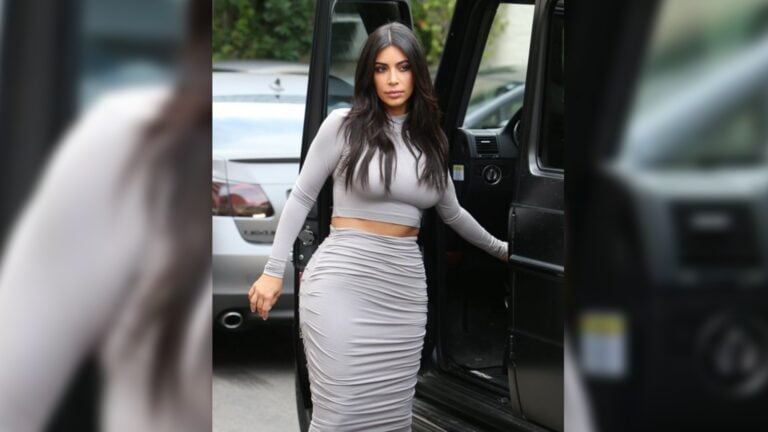
Dani Diamond of Fstoppers recently shared a pretty quick and clever way to removing those dark patches you have under the eyes of your subjects.
Ignoring the commonly used patch tool, Dodge/Burn tool and Clone tool which either copy the texture as well as the color or smudging the texture altogether. Instead, Dani opts to use the curves tool which allows improving the dark tones while not affecting the texture. The entire tutorial and more examples can be found at Fstoppers.
[How To Remove Bags Under Eyes Using Curves Using Photoshop via Fstoppers | Cooro]
P.S. If you are looking for a more complete/glamor eye retouching check out this tutorial from Dave Piper.

Udi Tirosh
Udi Tirosh is an entrepreneur, photography inventor, journalist, educator, and writer based in Israel. With over 25 years of experience in the photo-video industry, Udi has built and sold several photography-related brands. Udi has a double degree in mass media communications and computer science.




Join the Discussion
DIYP Comment Policy
Be nice, be on-topic, no personal information or flames.
5 responses to “A Simple And Clever Way To Remove The Bags Under The Eyes With Photoshop”
<3
any way to photoshop old hands into new? Serious question.
Virgilio Ramirez
“…use the curves tool which allows improving the dark tones while not affecting the texture.”
Which is exactly what Dodge and Burn, set on light medium or dark tones, are for. It’s unfair to just ditch them with Patch and Clone who are way more destructive :)
By the way, DIYphotography.net is one of the very very best website I like to read. Thank you a ton for all the greatness you’re gathering here, I’ve never had the occasion to say it.
Thanks for both the info and kind words Vincent :)