












Luminar’s Masking Now Works Inside Every Tool and Stays Editable
Nov 23, 2026
Dunja Đuđić Kalinin
Dunja Djudjic is a multi-talented artist based in Novi Sad, Serbia. With 15 years of experience as a photographer, she specializes in capturing the beauty of nature, travel, concerts, and fine art. In addition to her photography, Dunja also expresses her creativity through writing, embroidery, and jewelry making.
Share:
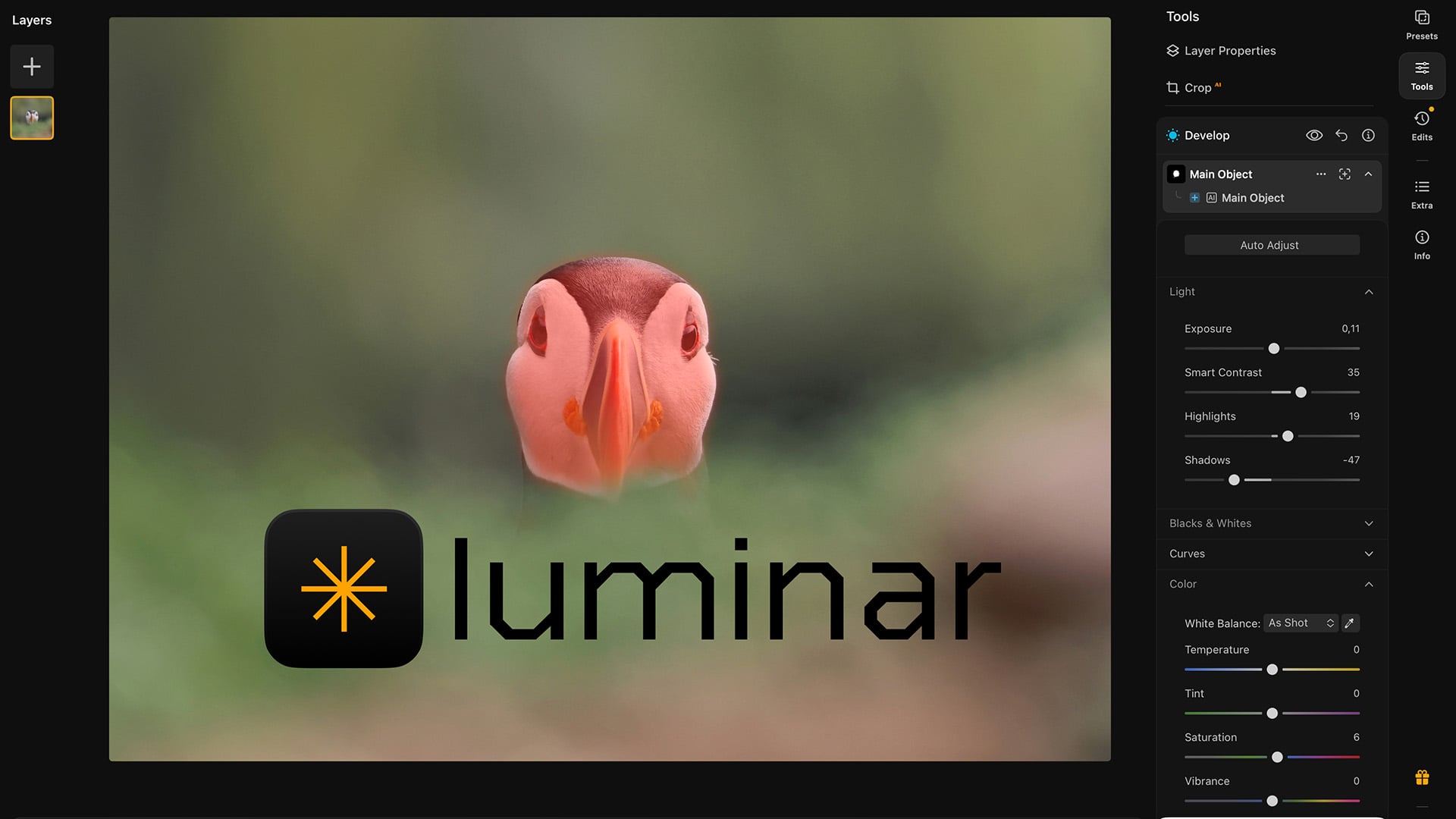
Masking is, if you ask me, one of the essential skills for image editing. Sadly, it’s also one of the most tedious and boring, at least in my book. With its new Masking feature, Luminar aims to make Masking simpler, more enjoyable, more accurate, and more accessible. This is why now Masking lives inside every editing tool, and masks stay editable after you apply them, giving you way more control over your edits. And you can combine, copy, and reuse them across your photos.
Skylum introduced the new Masking as part of Luminar’s Fall Upgrade 2026 for Luminar on Desktop. The company’s pitch is simple: less time fiddling with selections, more time on the photo itself. Masking is one of those “pro-level skills,” and Skylum’s main goal is to make it usable for photographers of all levels.
What’s New in Luminar’s Masking
Here’s what changes with the update:
- Masking inside every tool. Selective adjustments are now part of each edit, not a separate step.
- Masks stay editable. Linear and Radial Gradients, Color and Luminosity masks no longer get baked in when you leave the mask. You can come back anytime to move a gradient, reshape it or tweak its settings. Every masked edit also shows up by name in the Edits panel.
- Masks built in layers. Add, Subtract and Intersect let you combine several masks inside one tool. For example, start with Subject, refine the edges with Brush, then cut out a distraction with Object Select. You can reorder, hide, invert or duplicate any part. The preview always shows the combined result.
- Smarter selections. Mask AI now lets you pick several objects at once, like Sky, Water and Architecture. Each one becomes its own mask that you can adjust separately. The new Object Select isolates any object with a click or a dragged box. There are also new Main Object, Background and Animal masks, while the Sky, Water, Human and Transport masks got cleaner edges.
- Reusable masks. Copy a mask and paste it into another tool, edit, layer or even a different photo. Gradients scale automatically to fit a new aspect ratio. You can also rename masks, set the opacity of a whole mask, and change the overlay color if red blends into your image.
- Presets that adapt. Presets now carry their masks and adjust them to each photo. That makes it easier to apply a selective look across a whole series.
- Live updates. Your adjustments now update in real time while you work on a mask. No more switching back and forth.
- Background tools in a new home. Background Removal and Portrait Background have moved to Layer Properties. Background Removal runs on the improved Main Object model, so edges around hair and fine details should look cleaner.
“For too long, masking has been hidden behind a high learning barrier for hobbyist photographers, depriving them of the most creative tool there is,” said Ivan Kutanin, CEO of Skylum. “At Luminar, we decided to put an end to it, making Masking a native part of the editing flow.”
Availability
The new Masking arrives in Luminar on Desktop for macOS and Windows on November 25. If you can’t wait, you can try the beta version now. Just remember it’s a beta build. Before you install it, move your Luminar catalog to another folder, then create a new beta catalog once you launch the app.
See more from DIYPhotography.net on Google
Add DIYPhotography.net as a trusted source. This makes
our stories more likely to appear in your Google Search results.
 Add as a preferred source on Google

Dunja Đuđić Kalinin
Dunja Djudjic is a multi-talented artist based in Novi Sad, Serbia. With 15 years of experience as a photographer, she specializes in capturing the beauty of nature, travel, concerts, and fine art. In addition to her photography, Dunja also expresses her creativity through writing, embroidery, and jewelry making.
Related Posts
 The Intersect tool in Lightroom: the ‘secret’ masking tool you definitely need to start using
 New tool protects your photos by poisoning AI generators from the inside out
 Adobe releases new AI features to Photoshop CC: improved masking, depth blur, and more
 DxO Releases Nik Collection 9 With AI Masking, Depth Maps, and New Analog Filters
Join the Discussion
DIYP Comment Policy
Be nice, be on-topic, no personal information or flames.