















VSCO Returns to Desktop With Studio Pro, a Batch Editor With a Catch
Nov 18, 2026
Dunja Đuđić Kalinin
Dunja Djudjic is a multi-talented artist based in Novi Sad, Serbia. With 15 years of experience as a photographer, she specializes in capturing the beauty of nature, travel, concerts, and fine art. In addition to her photography, Dunja also expresses her creativity through writing, embroidery, and jewelry making.
Share:
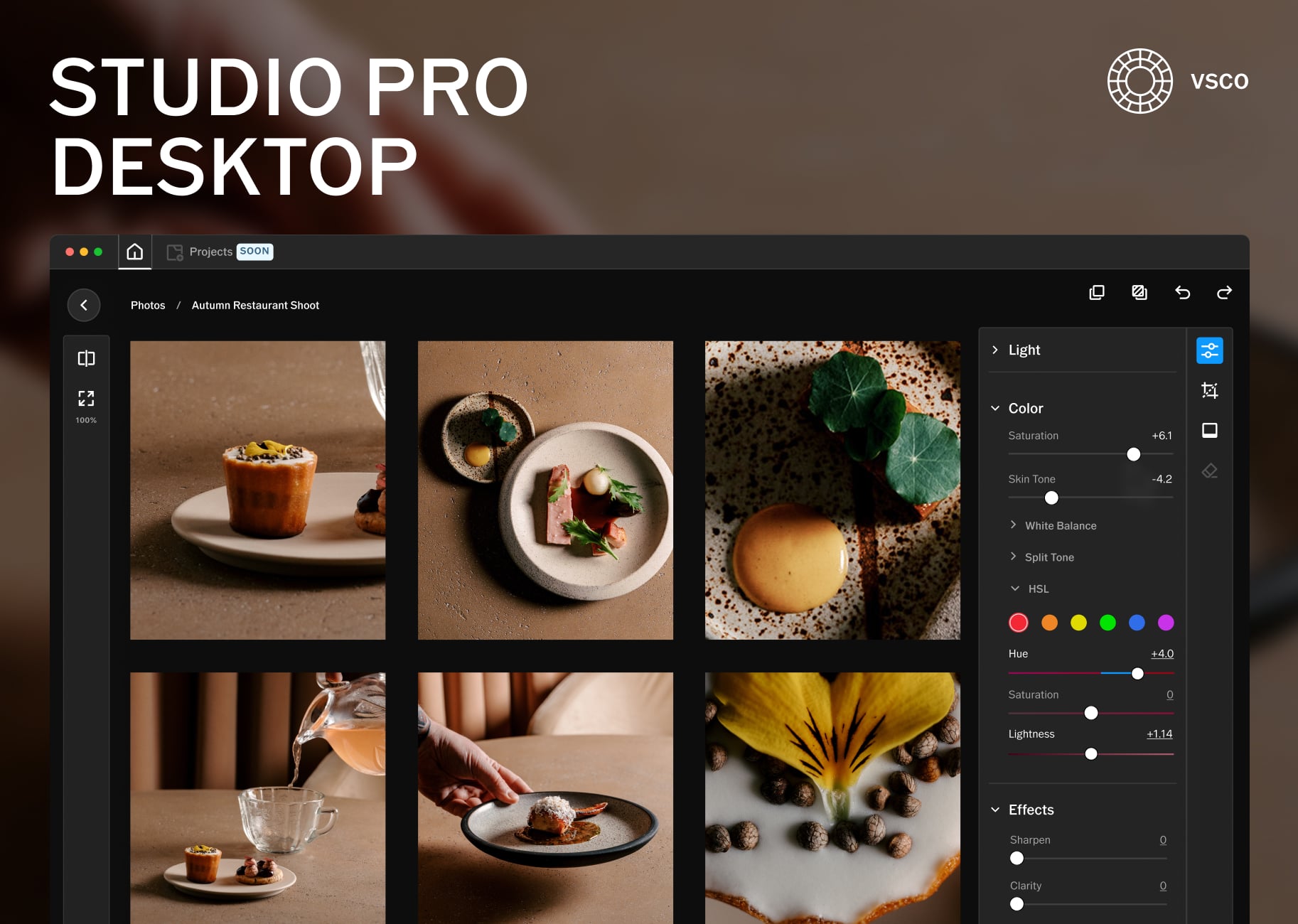
VSCO has launched Studio Pro Desktop, its first standalone photo editor. It edits RAW files, applies VSCO’s film-inspired presets to up to 500 images at once, and sends finished work straight to client galleries. The app is free to download, but the full toolset requires a VSCO Pro membership, which starts at $4.99 a month. And I’ll tell you straight away what the catch is: it’s made for MacOS only, with no Windows version planned for now.
According to VSCO’s announcement, Studio Pro Desktop is built for photographers who shoot in volume: weddings, portraits, events, sports and school photography. The pitch is simple. Less time behind a screen, more time behind a camera. VSCO’s own media brief sums it up in three words: “speed at scale.”
From Lightroom Presets to #vscocam and Back Again
VSCO (short for Visual Supply Company) was founded in California in 2011 by Joel Flory, a commercial and wedding photographer, and designer Greg Lutze. Here’s the fun part: it started out on the desktop. Its first big hit was VSCO Film, a line of film emulation presets for Lightroom and Photoshop that photographers loved for convincing analog looks on RAW files. In 2012, the company launched VSCO Cam for iPhone with ten presets numbered 01 to 10, and the #vscocam hashtag soon took over Instagram.
From there, VSCO went all in on mobile. The app dropped “Cam” from its name in 2016, switched to a subscription model with VSCO X in 2017, and on March 1, 2019, discontinued its desktop presets to focus on the app. Around the same time, the “VSCO girl” trend turned the brand into a meme, which didn’t exactly scream “pro tool.” Since Eric Wittman took over as CEO in 2023, VSCO has been steering back toward working photographers, from bringing its film presets back to Lightroom to portfolio sites, client galleries and business tools. Studio Pro Desktop is its biggest step in that direction yet.
What Studio Pro Desktop Can Do
VSCO says the app was built from the ground up, with a modern architecture and GPU-powered processing. Here are the highlights:
- Reflex image engine: VSCO’s new engine, built for fast editing and real-time previews
- 200+ presets: VSCO’s originals plus film-inspired looks like Kodak Portra, Kodachrome, Fujifilm Velvia and Kodak Tri-X
- RAW support: 800+ cameras from 20 brands, plus JPEG and HEIC files
- Batch editing: up to 500 photos at once, with presets and full manual adjustments
- Non-destructive editing: edits are stored as metadata, so your originals stay untouched
- Flexible import: from an SD card, external drive, the Photos app or Files, either referenced in place or copied to a location of your choice
- Export control: file name, file type, resolution, quality and batch export
- Publish to Galleries: deliver full-resolution images to clients through VSCO Galleries without leaving the app
The editing toolkit covers the essentials: exposure, contrast, sharpening, saturation, highlights and shadows, white and black points, clarity, white balance, HSL, skin tone, vignette, grain, fade, crop, straighten and perspective. You also get a before/after view, a loupe for checking focus, keyboard shortcuts, and favoriting to mark your best shots.
“Photographers deserve tools built around how they actually work,” said Eric Wittman, CEO of VSCO. “Nearly two-thirds of VSCO Pro members have used our presets in the last six months. Now those looks live on the desktop, with one connected workflow from camera to client delivery and nothing getting in the way.”
An Exclusive Joe Greer Preset
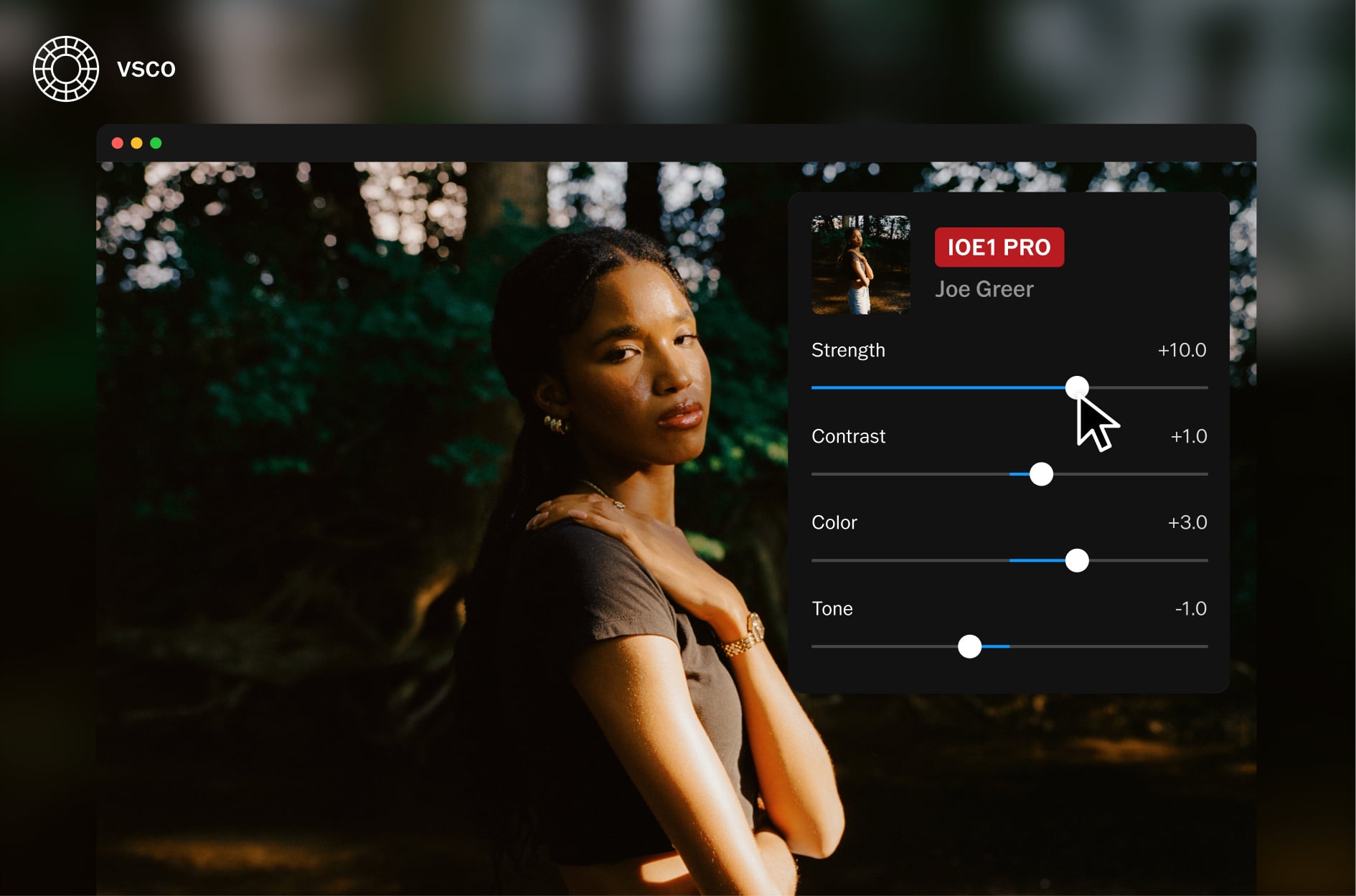
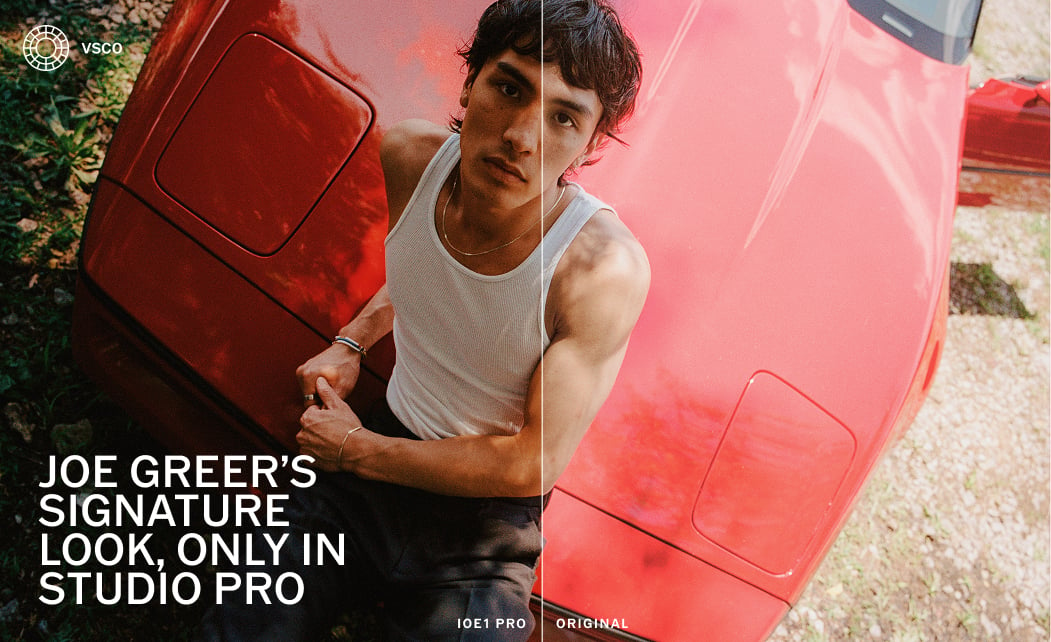
To mark the launch, VSCO teamed up with commercial and street photographer Joe Greer, who got his start on VSCO and built a career around his distinctive use of color. The result is IOE1 PRO, a preset exclusive to Studio Pro. VSCO describes it as warm tones, crisp detail and subtle saturation, meant as a film-inspired starting point you can tweak and make your own.
What’s Missing (For Now)
This is a first version, and VSCO is upfront about it: the company is releasing it early to gather feedback from photographers. That means no curves, no masking and no culling yet. According to VSCO, future releases will add:
- Projects
- Manual culling, with star ratings and accept/reject
- Remove
- Masking
- Curves
- Bloom and halation
- Publishing multiple images to a VSCO Profile
So if you cull with star ratings and live in the curves panel, keep Lightroom open for a while. And for now, Studio Pro Desktop is Mac only.
Pricing and Availability
Studio Pro Desktop is available now for macOS. It follows the Studio Pro iOS app, which launched on June 17, 2026. The app itself is free, while the full experience, including all presets and batch editing, comes with a membership:
- VSCO Pro: $4.99 a month or $59.99 a year
- VSCO One: $499.99 billed annually ($41.67 a month)
If you’re tempted, VSCO is running a Black Friday deal: use the code BLACKFRIDAY50 for 50% off VSCO Pro and VSCO One memberships until December 4, 2026. You can learn more and download the app here.
See more from DIYPhotography.net on Google
Add DIYPhotography.net as a trusted source. This makes
our stories more likely to appear in your Google Search results.
 Add as a preferred source on Google

Dunja Đuđić Kalinin
Dunja Djudjic is a multi-talented artist based in Novi Sad, Serbia. With 15 years of experience as a photographer, she specializes in capturing the beauty of nature, travel, concerts, and fine art. In addition to her photography, Dunja also expresses her creativity through writing, embroidery, and jewelry making.
Related Posts
 Adobe Splits Photoshop Into Pro Editor and New AI Assisted Editor With Fresh Features
 VSCO Film Presets for Desktop are being discontinued in March 2019
 Imagen’s Intelligent Studio Lets You Edit and Cull in Any Order, With a Full Editor Built In
 Insta360 Studio has grown up and become a real video editor
Join the Discussion
DIYP Comment Policy
Be nice, be on-topic, no personal information or flames.