
















DxO PhotoLab 10.1 Adds One-Click Export to Affinity’s Native .af Format
Oct 5, 2026
Dunja Đuđić Kalinin
Dunja Djudjic is a multi-talented artist based in Novi Sad, Serbia. With 15 years of experience as a photographer, she specializes in capturing the beauty of nature, travel, concerts, and fine art. In addition to her photography, Dunja also expresses her creativity through writing, embroidery, and jewelry making.
Share:
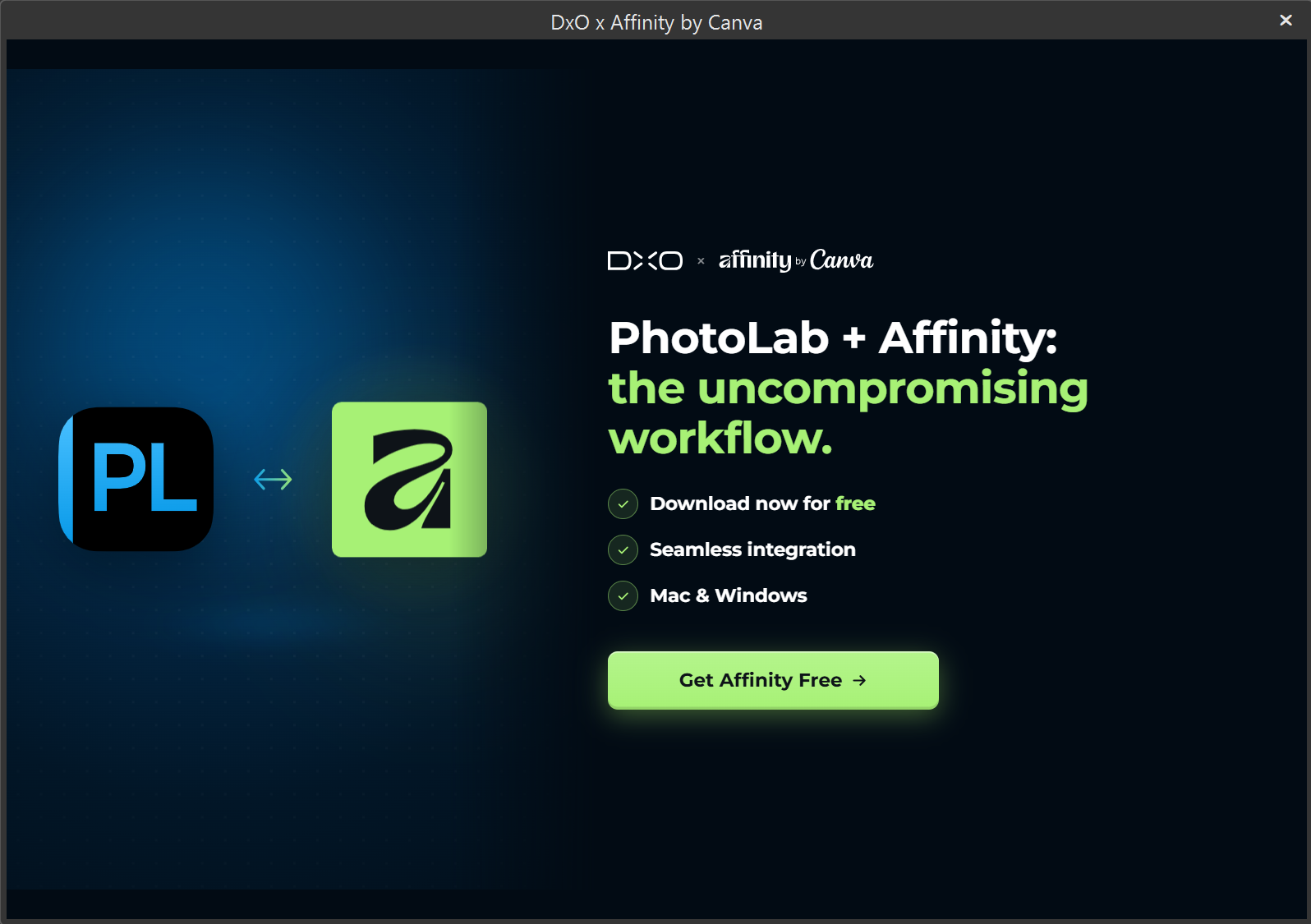
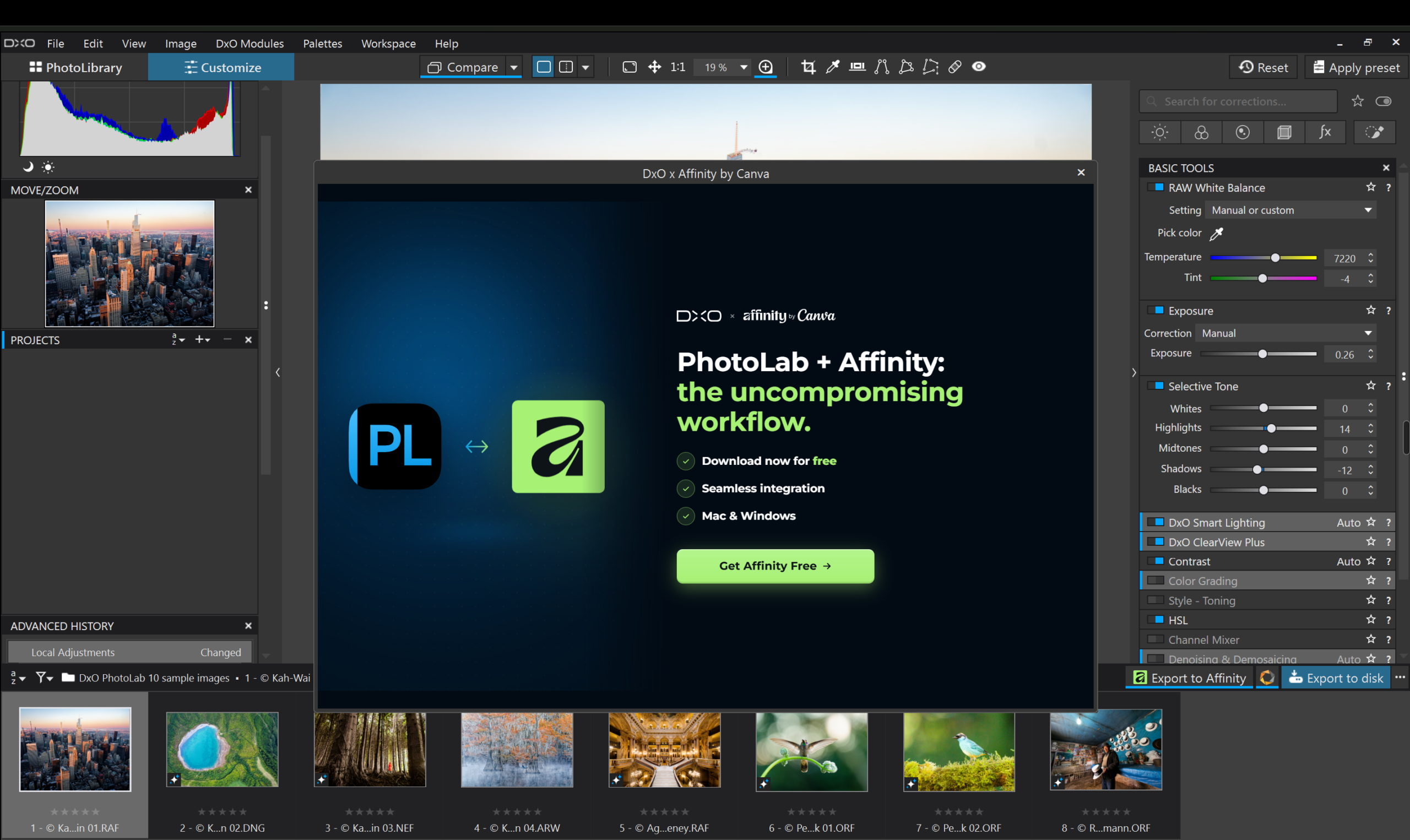
DxO has launched PhotoLab 10.1, a free update for all PhotoLab 10 users. It builds directly on the Affinity connection from last month’s 10.0 release. Where that first integration sent a flattened photo into Affinity for editing, 10.1 goes further: one click now exports a fully developed RAW straight into a native, layered Affinity (.af) document. It’s ready for retouching, compositing, and page layout without a format conversion in between.
This comes out of a new partnership between DxO Labs and Affinity by Canva, built specifically around Affinity’s .af format. Quick reminder: Canva acquired Affinity’s parent company in 2024, Serif so Affinity by Canva is the same team and the same apps, just under new ownership. Since Affinity’s Pixel, Vector, and Layout studios all share that one file type, a photo can move from retouching into a full page layout without ever switching formats along the way.
What’s New in DxO PhotoLab 10.1
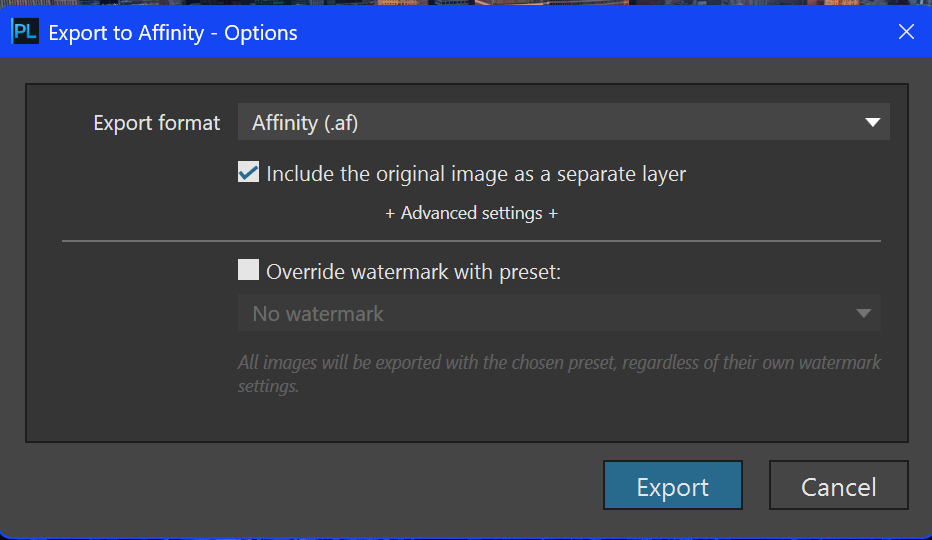
With the latest update, each export creates a layered .af file containing the fully developed image, with the option to also include the original, unprocessed RAW as a separate layer. That raw layer works as a clean reference: useful if you want to mask back in detail, blend between the two versions, or just compare against the untouched file partway through editing.
The division of labor stays the same as before: PhotoLab remains responsible for RAW development (demosaicing, denoising, optical corrections), and Affinity takes over everything layer-based after that, retouching, compositing, typography, and layout.
If you don’t already use Affinity, PhotoLab now walks you through creating a free account and installing the app without leaving the RAW editor. Affinity itself is free on macOS and Windows, with an iPad version due in November.
More Affinity Integration on the Way
DxO says this is the first step in a broader partnership. There are further Affinity integrations planned across its product range, starting with Nik Collection. That suite’s black-and-white conversion, film emulation, and creative finishing tools are a natural fit for handing off into Affinity’s layer-based tools. DxO also plans to keep expanding PhotoLab’s .af support, with more workflow enhancements expected before the end of the year.
Availability and Pricing
DxO PhotoLab 10.1 is a free update for anyone already on PhotoLab 10. For new users, PhotoLab 10 is available now for macOS and Windows from DxO’s website, not as a subscription, but a one-time purchase. A 30-day free trial is available if you want to test it before buying.
- New license: $249.99 / 249.99€ / £229.99
- Upgrade from PhotoLab 8 or 9: $129.99 / 129.99€ / £114.99
Affinity itself is completely free for macOS and Windows, available on the software website with a free Canva account.
See more from DIYPhotography.net on Google
Add DIYPhotography.net as a trusted source. This makes
our stories more likely to appear in your Google Search results.
 Add as a preferred source on Google

Dunja Đuđić Kalinin
Dunja Djudjic is a multi-talented artist based in Novi Sad, Serbia. With 15 years of experience as a photographer, she specializes in capturing the beauty of nature, travel, concerts, and fine art. In addition to her photography, Dunja also expresses her creativity through writing, embroidery, and jewelry making.
Related Posts
 DxO PhotoLab 10 Adds Direct Affinity Export, Depth Masks, and AI Color Grading
 DxO PhotoLab 6.3 adds DxO Wide Gamut support for RGB images and more accurate soft proofing
 DxO PhotoLab 3 features improved repair tool, it’s faster and more colorful than ever
 DxO PhotoLab 4 comes with AI-powered high ISO noise reduction
Join the Discussion
DIYP Comment Policy
Be nice, be on-topic, no personal information or flames.