
















DxO PhotoLab 10 Adds Direct Affinity Export, Depth Masks, and AI Color Grading
Sep 1, 2026
Dunja Đuđić Kalinin
Dunja Djudjic is a multi-talented artist based in Novi Sad, Serbia. With 15 years of experience as a photographer, she specializes in capturing the beauty of nature, travel, concerts, and fine art. In addition to her photography, Dunja also expresses her creativity through writing, embroidery, and jewelry making.
Share:
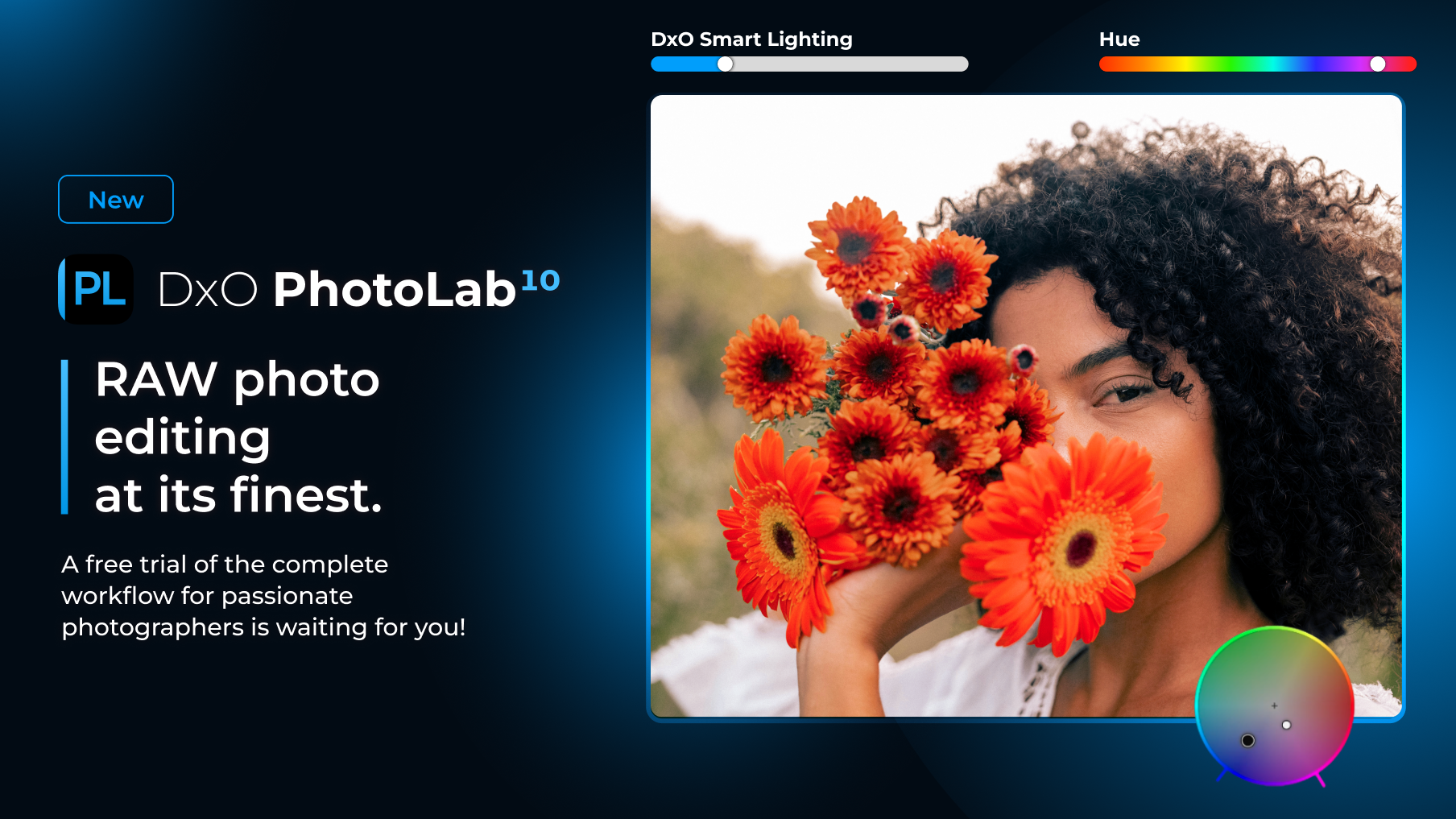
DxO has released PhotoLab 10, and the headline change is one that RAW shooters have been asking for: a built-in bridge to Affinity. A new export button sits next to PhotoLab’s existing output options and sends a photo straight into Affinity for pixel-level work. Retouching, compositing, and detail cleanup, you name it: no manual export and re-import required.
DxO says this is just the first phase of a deeper PhotoLab-Affinity connection, with more planned for future releases. The workflow: PhotoLab handles RAW conversion, denoising, and optical corrections, and Affinity picks up everything beyond that, like cloning out a stray cable in a real estate shot or compositing multiple exposures for a product photo.
Depth Masks: Selecting by Distance, Not Just Shape or Color
The other major new tool is Depth Masks. Instead of building a selection around color, luminosity, or a detected object, Dxo 10 PhotoLab’s AI now generates a depth map and lets you target elements by how far they are from the camera: foreground, midground, or background.
Say you’re editing a landscape with a foreground rock formation, a mid-distance ridge, and a hazy mountain range behind it. A Depth Mask lets you darken the rock, add contrast to the ridge, and leave the background alone, no embedded depth data or hand-painted mask needed. Sliders and feathering handles fine-tune where the effect starts and stops.
AI Masking Gets More Granular
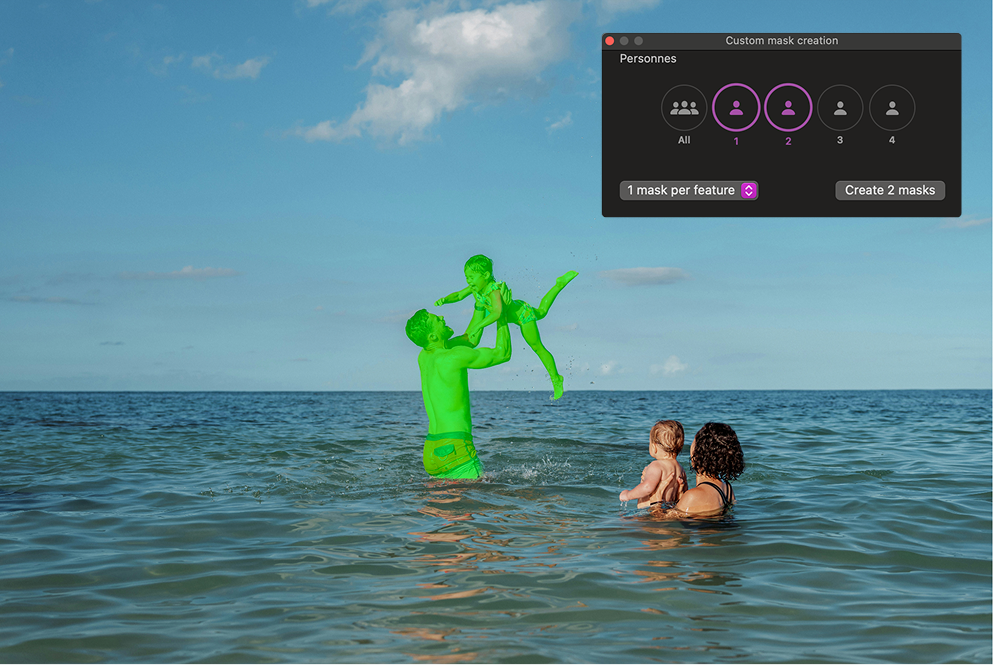
PhotoLab’s AI masking now identifies every person in a frame, letting you build one mask for the whole group, combine a few people into one mask, or generate separate masks person by person. For group portraits or street photography with multiple subjects, that cuts out a lot of manual masking, say, brightening a backlit face in the back row while leaving everyone else untouched.
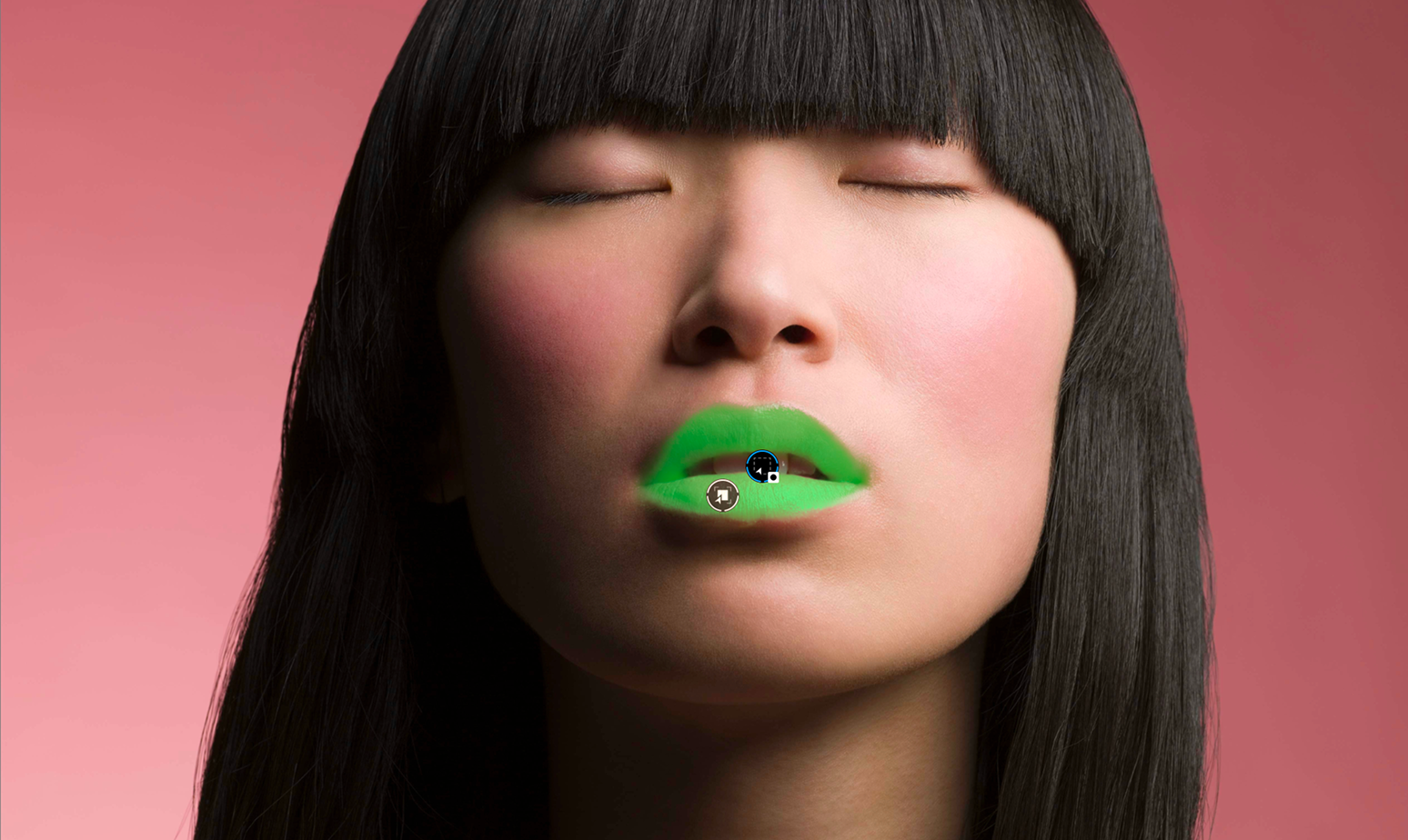
Face segmentation adds eyebrows, eyes, iris and pupil, sclera, teeth, facial hair, skin, and lips to the existing categories (sky, subject, background, people, animals, flowers, vehicles). A retoucher can now select just the lips for a color tweak or just the sclera to reduce redness, without hand-painting those tiny areas.
U Point Technology Expands
U Point gets two additions: a Control Brush that combines free brush painting with U Point’s color- and luminosity-aware selection, and Control Points that can switch from circular to elliptical, a better fit for elongated subjects like an arm or a tree trunk.
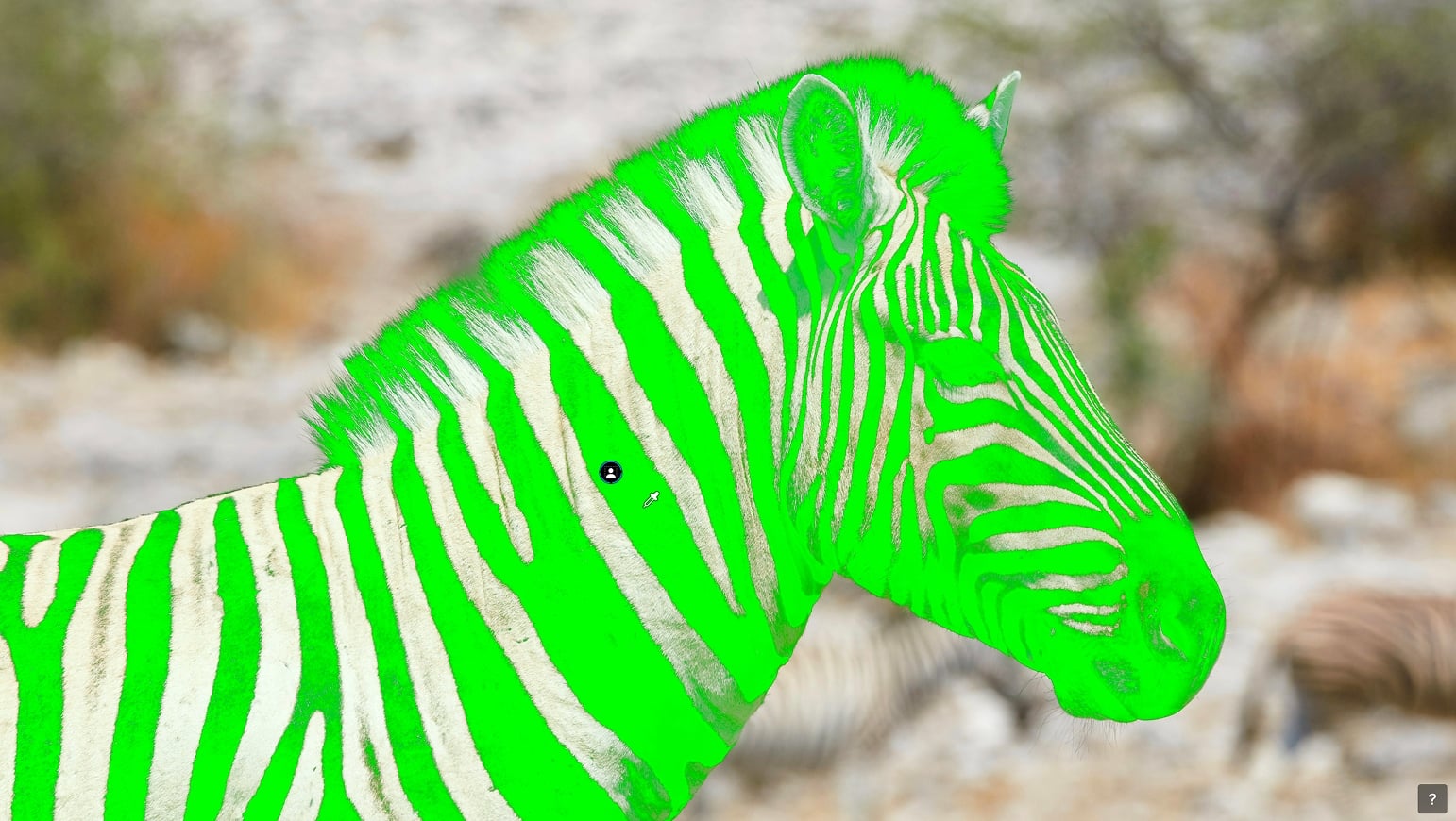
U Point also now works on AI Masks: once an AI mask is generated, the familiar U Point eyedropper can expand or contract it based on color and luminosity, skipping manual edge cleanup.
Advanced Color Grading
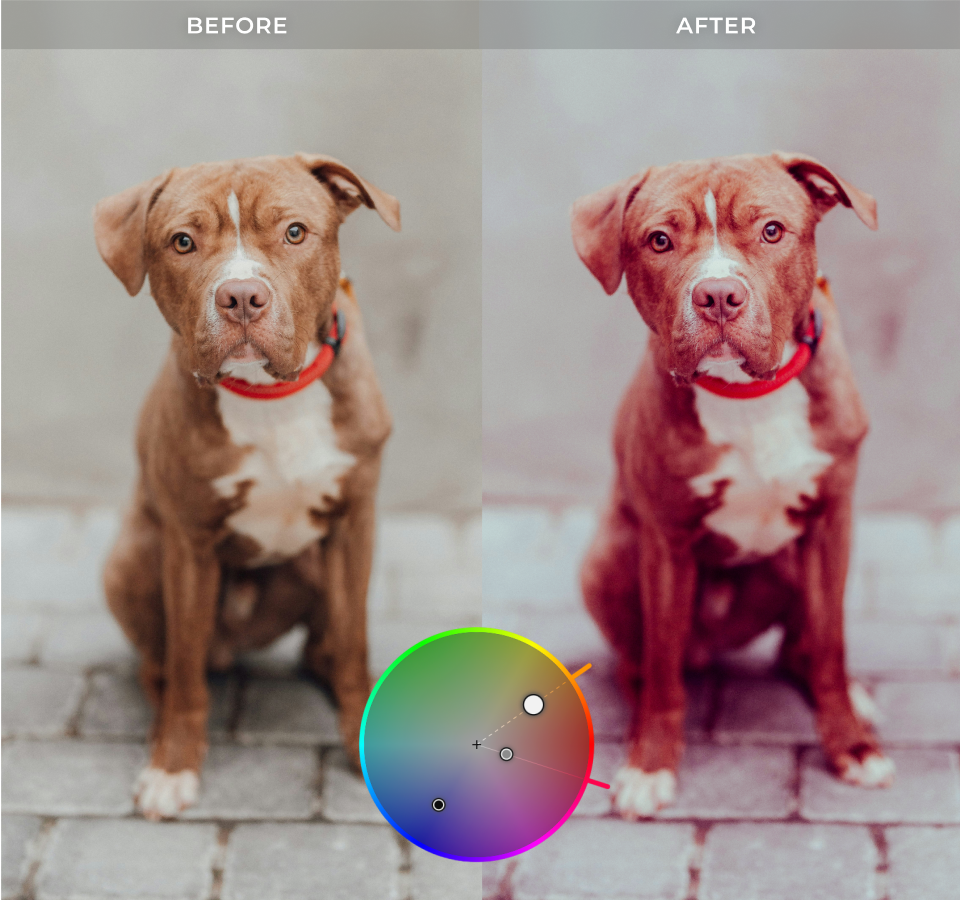
A new Color Grading tool is built around a single color wheel, with independent control over shadows, midtones, highlights, and overall color balance. Adjustments across tonal ranges can be linked, so a midtone shift toward teal carries proportionally into the highlights, useful for a consistent, cinematic look across a set of images.
Automatic Sensor Dust Removal
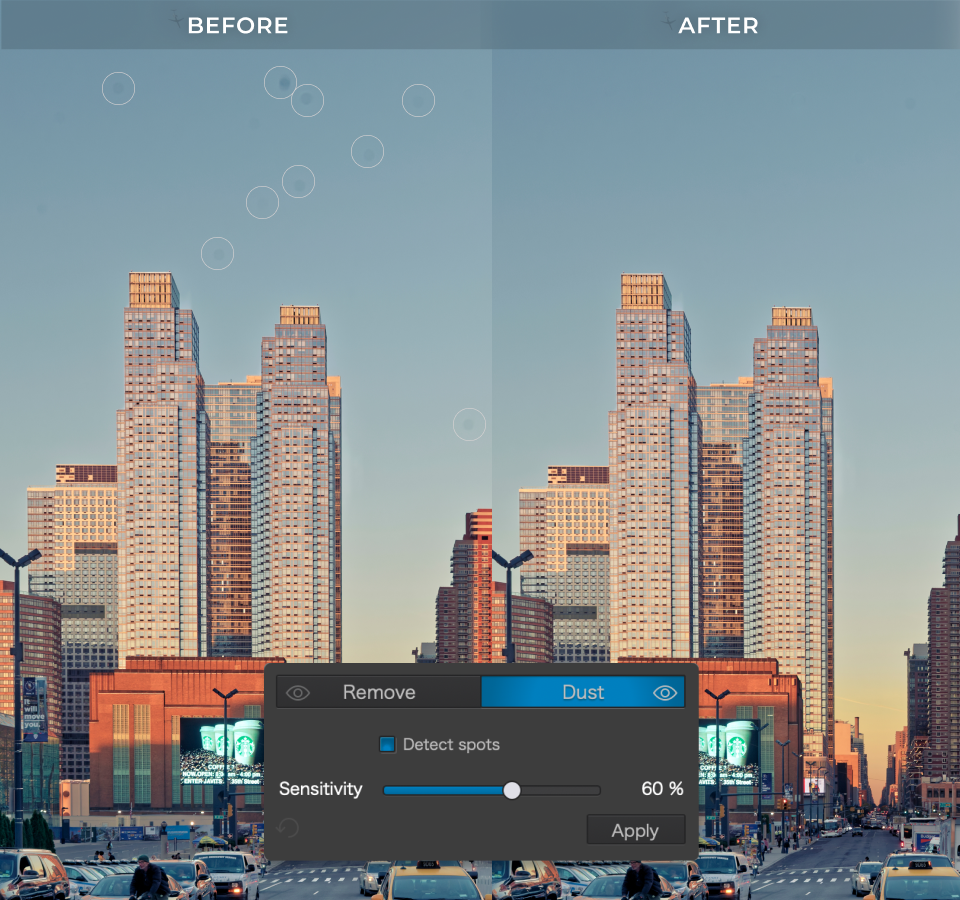
PhotoLab 10 adds AI-powered dust removal at the RAW level, automatically detecting and cleaning sensor dust and small imperfections. Handy for a sensor overdue for a clean, or a batch shot at a narrow aperture where dust spots stand out.
Smaller Workflow Upgrades
Also new: as-shot crop ratios, histogram adjustments directly in PhotoLibrary, improved database backup and restore, and simplified folder relocation for large image libraries.
Pricing and Availability
DxO PhotoLab 10 is available now for macOS and Windows from DxO’s website. It’s not subscription-based, but a one-time payment. You can also use the code DIY15 at checkout for a 15% discount. If you want to give it a test spin first, a 30-day free trial is also available.
- New license: $249.99 / 249.99€ / £229.99
- Upgrade from PhotoLab 8 or 9: $129.99 / 129.99€ / £114.99
See more from DIYPhotography.net on Google
Add DIYPhotography.net as a trusted source. This makes
our stories more likely to appear in your Google Search results.
 Add as a preferred source on Google

Dunja Đuđić Kalinin
Dunja Djudjic is a multi-talented artist based in Novi Sad, Serbia. With 15 years of experience as a photographer, she specializes in capturing the beauty of nature, travel, concerts, and fine art. In addition to her photography, Dunja also expresses her creativity through writing, embroidery, and jewelry making.
Related Posts
 DxO PhotoLab 6.3 adds DxO Wide Gamut support for RGB images and more accurate soft proofing
 DxO PhotoLab 8 Speeds Up Your Workflow With Hue Masks, Compare Mode, And Instant Rollover Previews
 DxO PhotoLab 9 Launches: AI Masks, Local Noise Control, iPhone RAW Support, and More
 DxO PhotoLab 3 features improved repair tool, it’s faster and more colorful than ever
Join the Discussion
DIYP Comment Policy
Be nice, be on-topic, no personal information or flames.