
















Adobe’s New ChatGPT Plugin Lets You Batch-Edit Photos Without Opening Photoshop
Aug 6, 2026
Dunja Đuđić Kalinin
Dunja Djudjic is a multi-talented artist based in Novi Sad, Serbia. With 15 years of experience as a photographer, she specializes in capturing the beauty of nature, travel, concerts, and fine art. In addition to her photography, Dunja also expresses her creativity through writing, embroidery, and jewelry making.
Share:
Adobe just gave photographers a way to batch-edit, retouch and export work from inside a ChatGPT window. If you’re into playing with this chatbot, it now folds features of Photoshop, Lightroom, Premiere, Firefly and 70+ other tools into a single plugin.
Adobe ChatGPT plugin works across ChatGPT Work and Codex, and builds on Adobe’s earlier standalone apps for ChatGPT. Adobe has also rolled out tools for Claude and Microsoft Copilot in recent months, with Slack and Gemini versions “coming soon.”
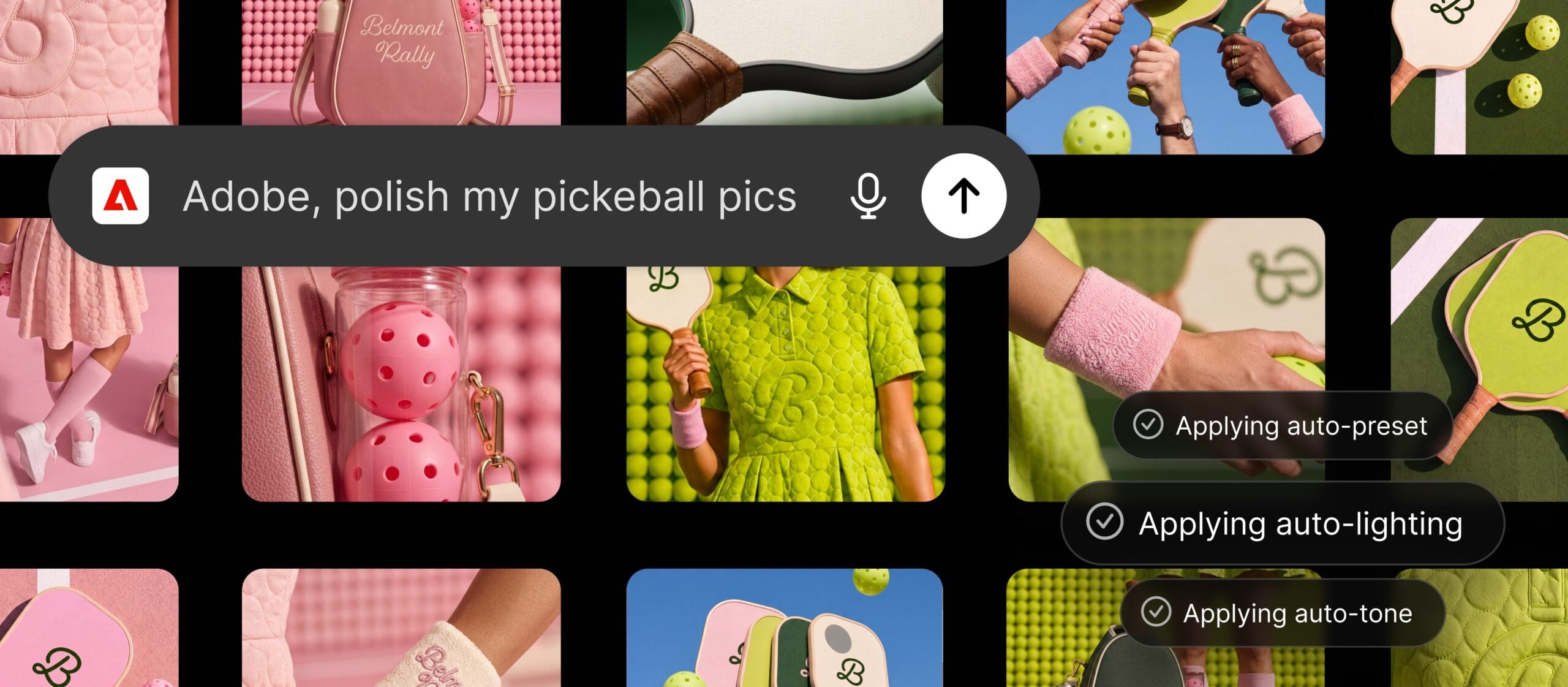
What makes the plugin attractive is the batch-edit workflow: upload a shoot, describe the look, and the plugin applies it across the whole set. This means you don’t need to open each file individually or manually match the tone across fifty images. I do wonder how it differs from Lightroom presets, though – but I’m just not that into ChatGPT (and I am, at the same time, a big fan of Lightroom Classic).
[Related Reading: Photoshop in ChatGPT: Can AI Really Replace Traditional Photo Editing?]
What This Changes for Your Workflow
Adobe lists four core workflows, but two are the ones that matter most if you’re the one delivering final files:
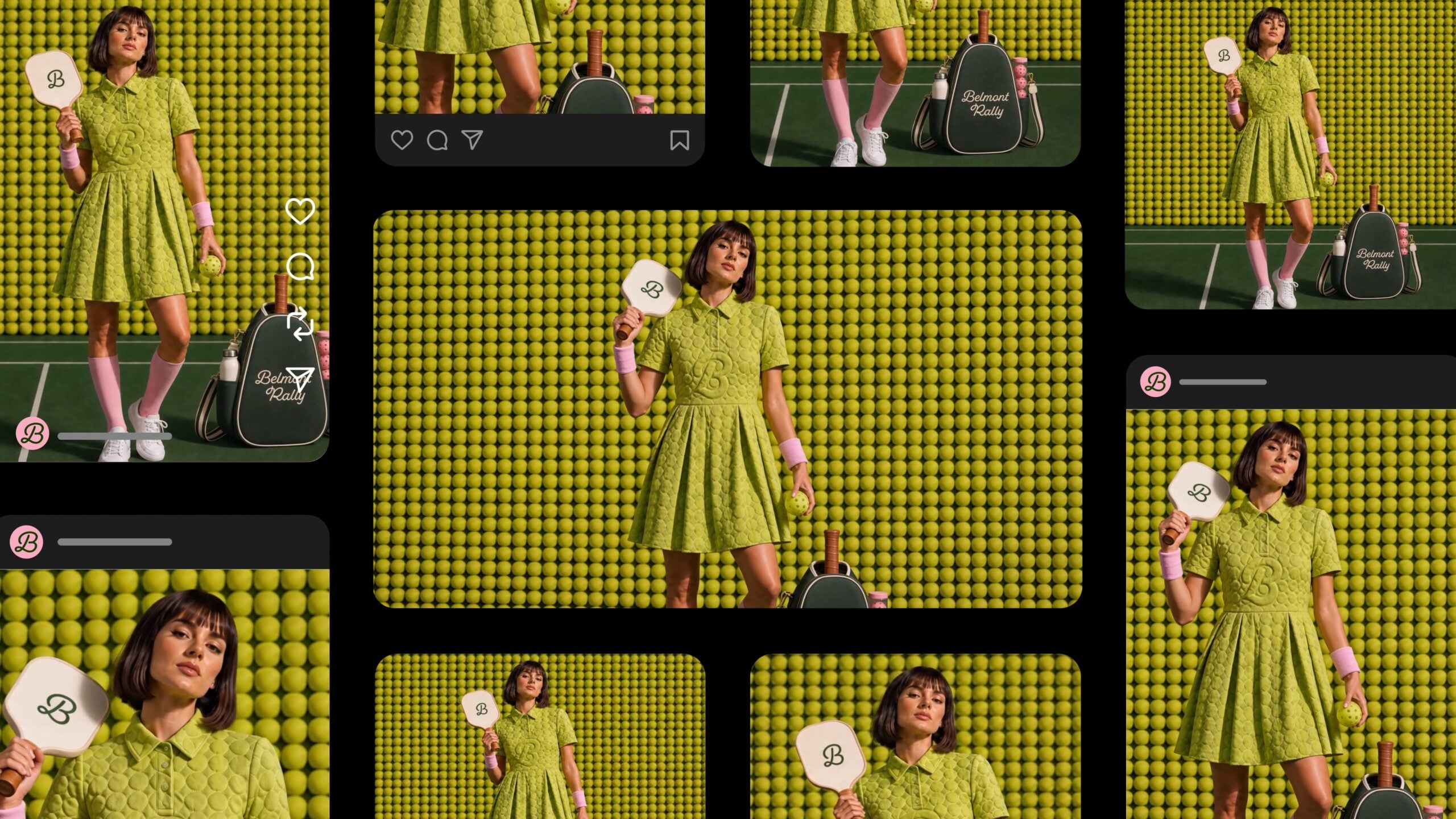
- Campaign creative – upload a batch of photos, describe a look, and the plugin applies it across the set, saves the results to Creative Cloud, and can turn your best shot into a product or packaging mockup. This is the one built for photographers – style consistency across a whole shoot without touching each image individually.
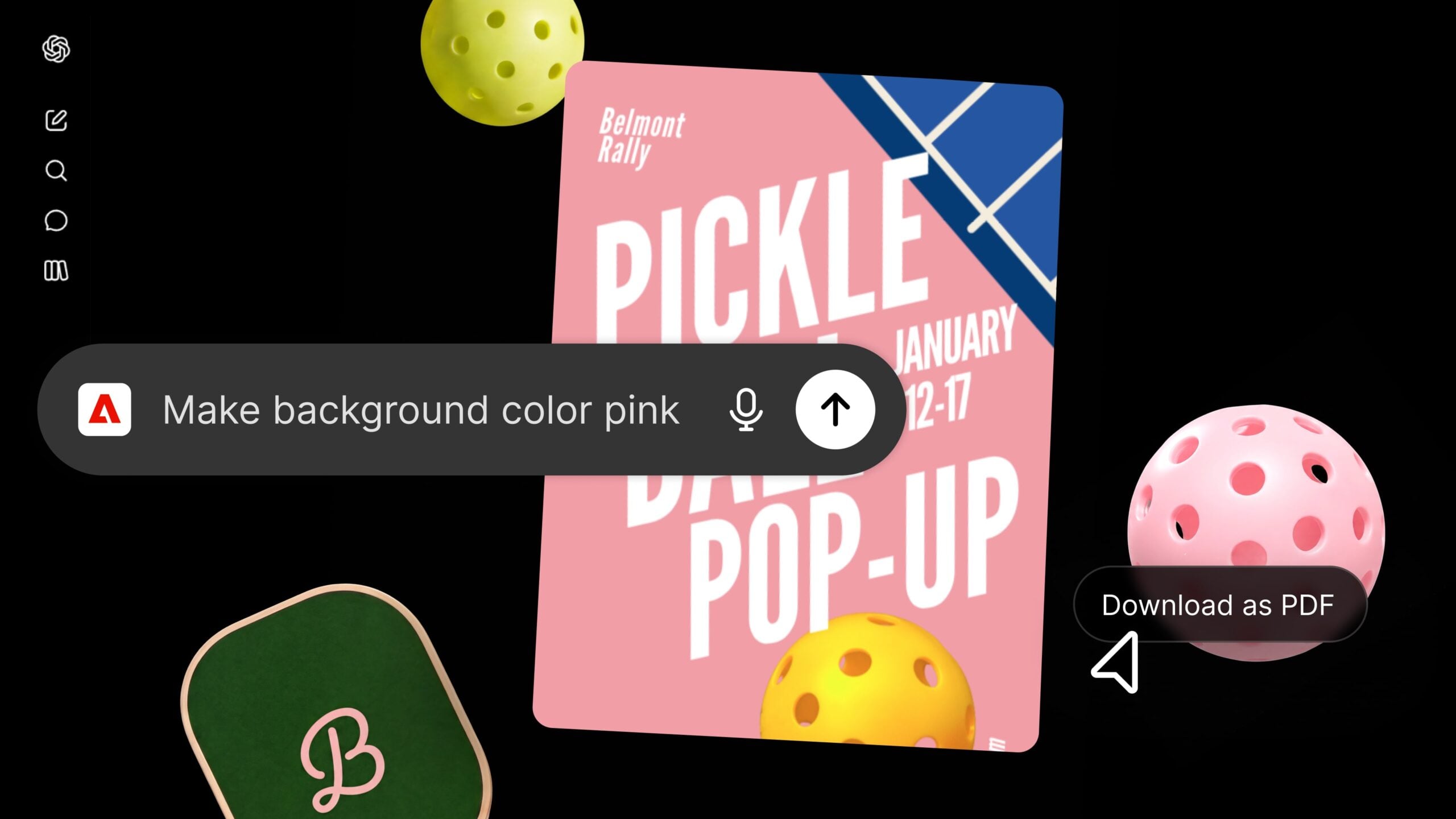
- Data-to-document – upload a spreadsheet and get back formatted PDFs: event badges, catalogs, infographics. It could be useful if you’re the one also building the deliverable, not just shooting it.
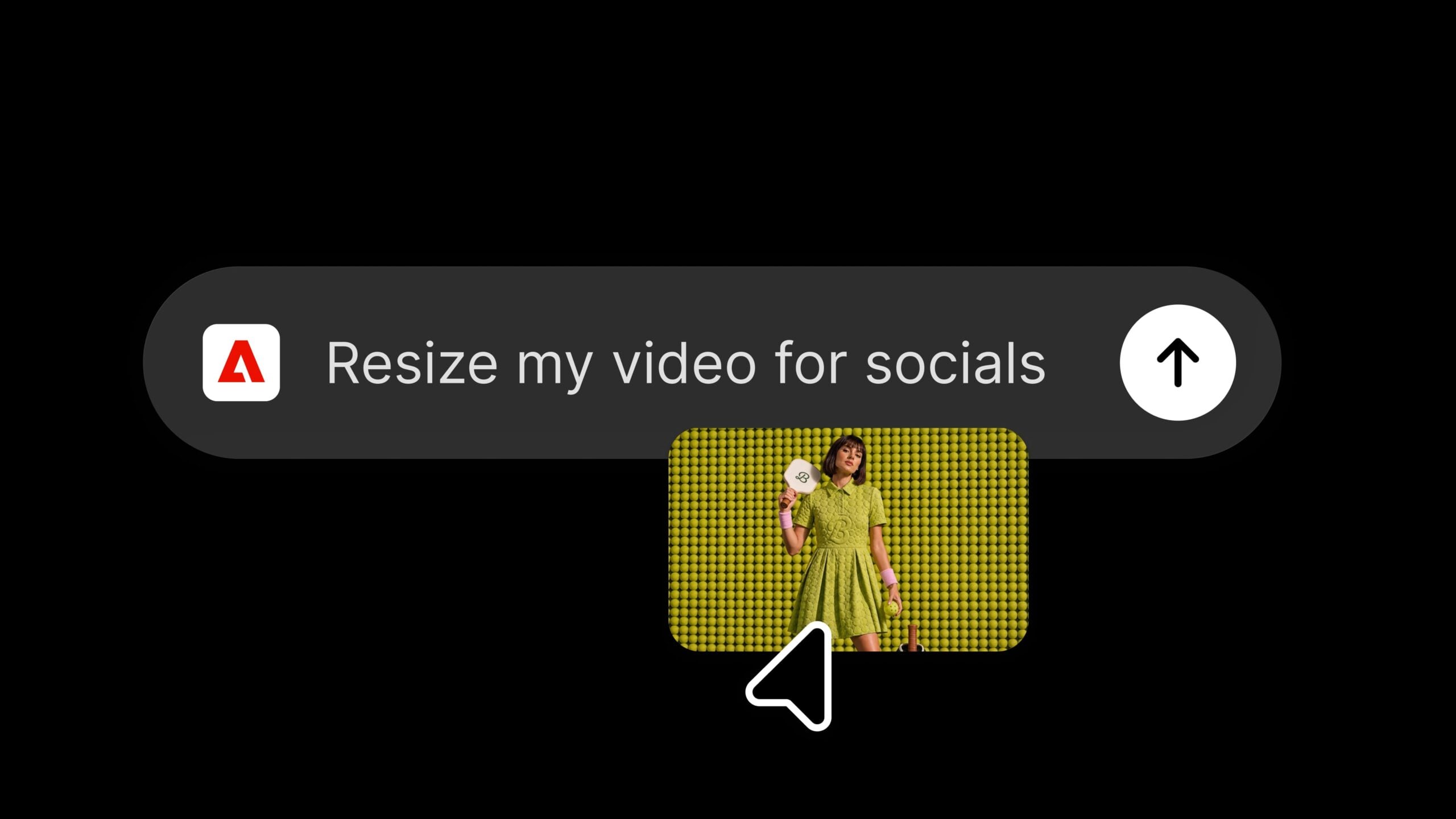
- Video for social – turn a long-form video into a highlight reel, then reformat it for YouTube Shorts, Instagram Reels, and other platforms.
- Design templates – browse and customize templates, then animate them or export as PDF.
Still… Not a Photoshop Replacement
Adobe is careful to frame this as a starting point, not a replacement for serious editing, content creation and design. Forest Key, VP of Adobe Firefly & Agentic AI, put it this way:
“The Adobe plugin in ChatGPT isn’t a replacement for our flagship apps that creative professionals rely on every day. It brings Adobe’s trusted, pro-grade creative and productivity tools into the flow of conversation, so more people can create high-quality content the moment inspiration strikes. Our flagship apps go deeper when projects call for hands-on precision and creative control.”
Adobe’s own suggested workflow makes the boundary clear: batch-edit a set of product photos through the plugin, but still open your best images in Photoshop for compositing, masking, and all the parts that need more thorough editing.
[Related Reading: How to take your video editing to the next level with ChatGPT]
Getting Started
- Open ChatGPT, go to Plugins, and add the Adobe plugin.
- Start a new chat, type “@Adobe,” and select it from the menu (or use the “+” button).
- Continue as a guest, or sign in with an Adobe account for the full toolset.
Adobe notes that you can sign in with your Adobe account, and the plugin pulls from your Creative Cloud library and keeps work saved across sessions. Working as a guest is also an option, but then you get a limited toolset with nothing saved on your account. I wanted to try it out as a guest, but I’m not able to add the plugin unless I log in with my Adobe credentials. But that could be just me.
Anyhow, the Adobe ChatGPT plugin is live globally today, on web and app. Go test it out if you want to see what it offers and how it could potentially work for you.
See more from DIYPhotography.net on Google
Add DIYPhotography.net as a trusted source. This makes
our stories more likely to appear in your Google Search results.
 Add as a preferred source on Google

Dunja Đuđić Kalinin
Dunja Djudjic is a multi-talented artist based in Novi Sad, Serbia. With 15 years of experience as a photographer, she specializes in capturing the beauty of nature, travel, concerts, and fine art. In addition to her photography, Dunja also expresses her creativity through writing, embroidery, and jewelry making.
Related Posts
 DALL-E 3 now lets you edit images and find inspiration within ChatGPT
 Skylum’s new Luminar Flex plugin brings Luminar AI tools to Photoshop, Lightroom, and Apple Photos
 Artymate Photoshop plugin animates your photos into cinemagraphs
 The Infinite Looks Photoshop plugin gives you a million different grades for your images
Join the Discussion
DIYP Comment Policy
Be nice, be on-topic, no personal information or flames.
One response to “Adobe’s New ChatGPT Plugin Lets You Batch-Edit Photos Without Opening Photoshop”
Chat reports it does not handle RAW files, here’s what it says – Adobe’s batch image editor can’t process these Nikon NEF RAW files directly—the RAW renditions are being passed through as TIFF and rejected by the straighten/crop tool.
The cleanest path is to first export the seven NEFs as JPEG or PNG in Lightroom/Camera Raw, then select those exported files here. I can then straighten/crop all seven, apply the closest available Rich Tone Portrait preset, and tune exposure, color, and contrast consistently across the batch.