
























OBSBOT Tail Air review – a streaming studio the size a soda can
Dec 5, 2023
Sagiv Gilburd
Sagiv Gilburd is an Israel-based commercial photographer and videographer with extensive expertise in studio work, event photography, and managing large-scale photography projects.
Share:

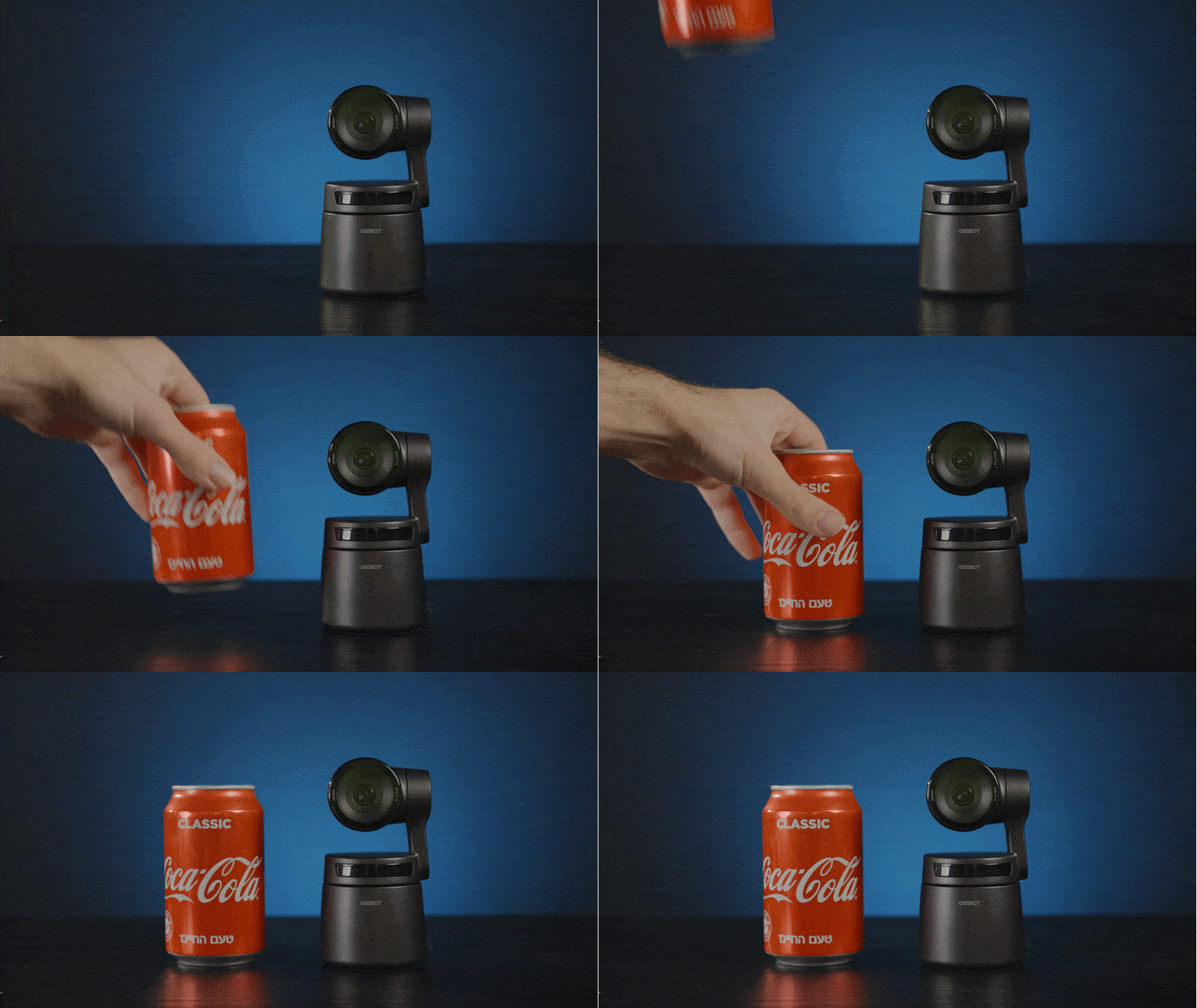
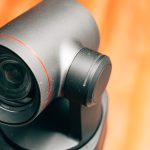
OBSBOT managed to fit a lot into their new streaming camera, the OBSBOT Tail Air ($499). 4k streaming/recording, AI tracking, large sensor pixels, gesture controls, and so much more. All while being the size of a soda can. After we met them at IBC, we are giving the Tail Air the full run-through. Yes, it’s also a PTZ cam.
Just like a phone, the Tail Air gives you a wide selection of streaming services, including Facebook, Twitch, Twitter, YouTube, and even OBS. The only missing app is Instagram. (Instagram can only stream from the app; they do not support external streaming). But this small form factor hides a few more powerful features.
OBSBOT Tail air streaming (anywhere) via an app
The Tail Air is tiny. You can carry it around in a small case and stream from anywhere. Once you’re done, just pop the Tail Air back in the case, throw it into your backpack, and you’re good to go.
If you need to keep light, then the most minimal setup would be an OBSBOT Tail Air and a phone. The Tail Air will capture the video and stream it directly via the app. This is an incredibly minimalistic setup for travelers and on-the-go creators. I would suggest adding an external battery so you would get longer running times. (In general, a small power bank is a good investment for creators).
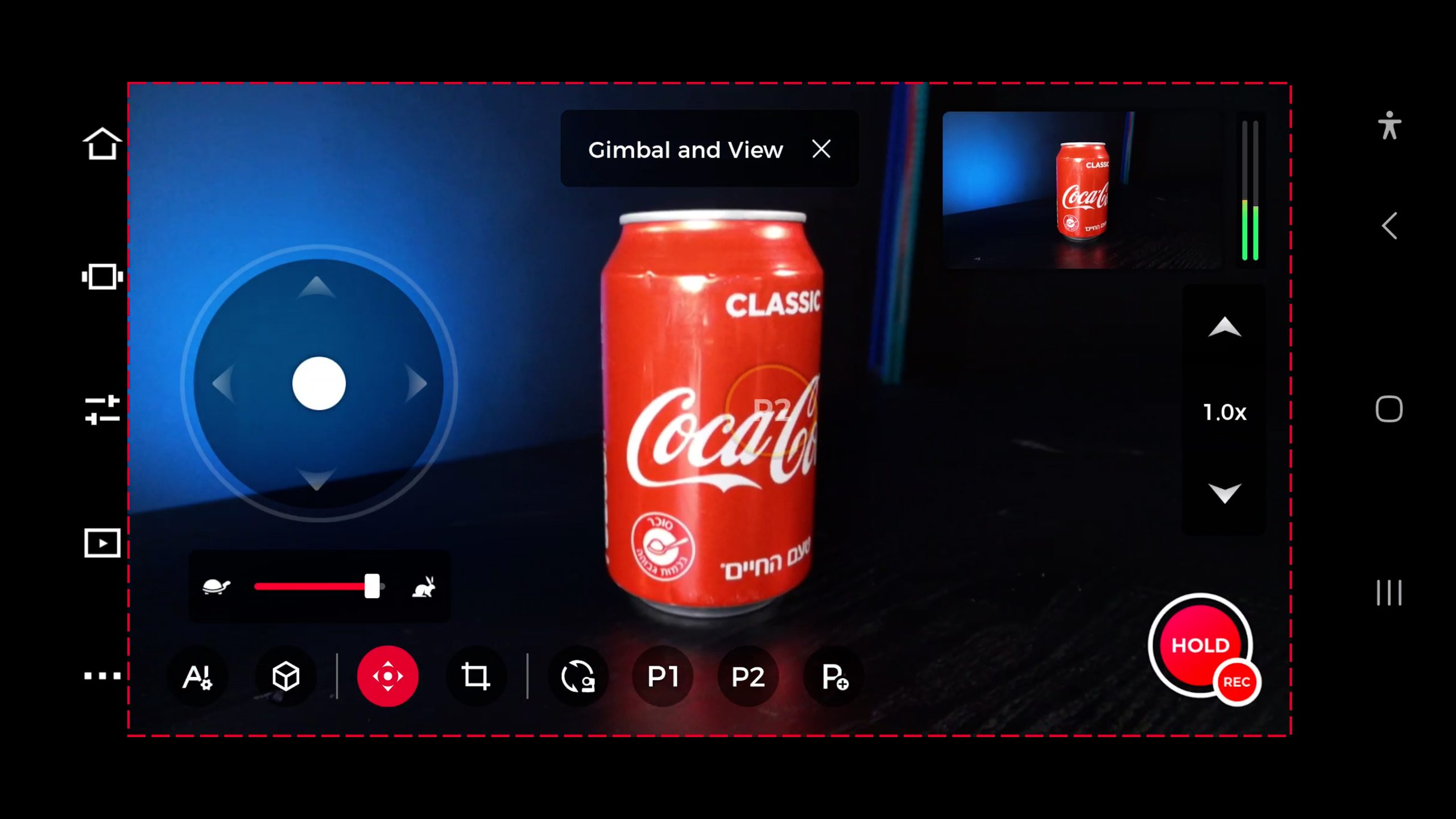
The app lets you control the OBSBOT Tail Air just like any other PTZ camera. Manual exposure, WB, Focus, custom color profiles, and, of course, manual panning. You can also use the apps to control the special features of the Tail Air, like AI tracking.
OBSBOT studio setup
If you are looking for a more advanced streaming setup, you will want to connect the TAil Air (or a few of them) to an NDI network. You can get an NDI license for your PC or laptop from OBSBOT ($99), and you’d also need a USB-C to ethernet adapter accessory ($99) so you can provide both power and data connections. (There are also PoE options, though we did not test those).
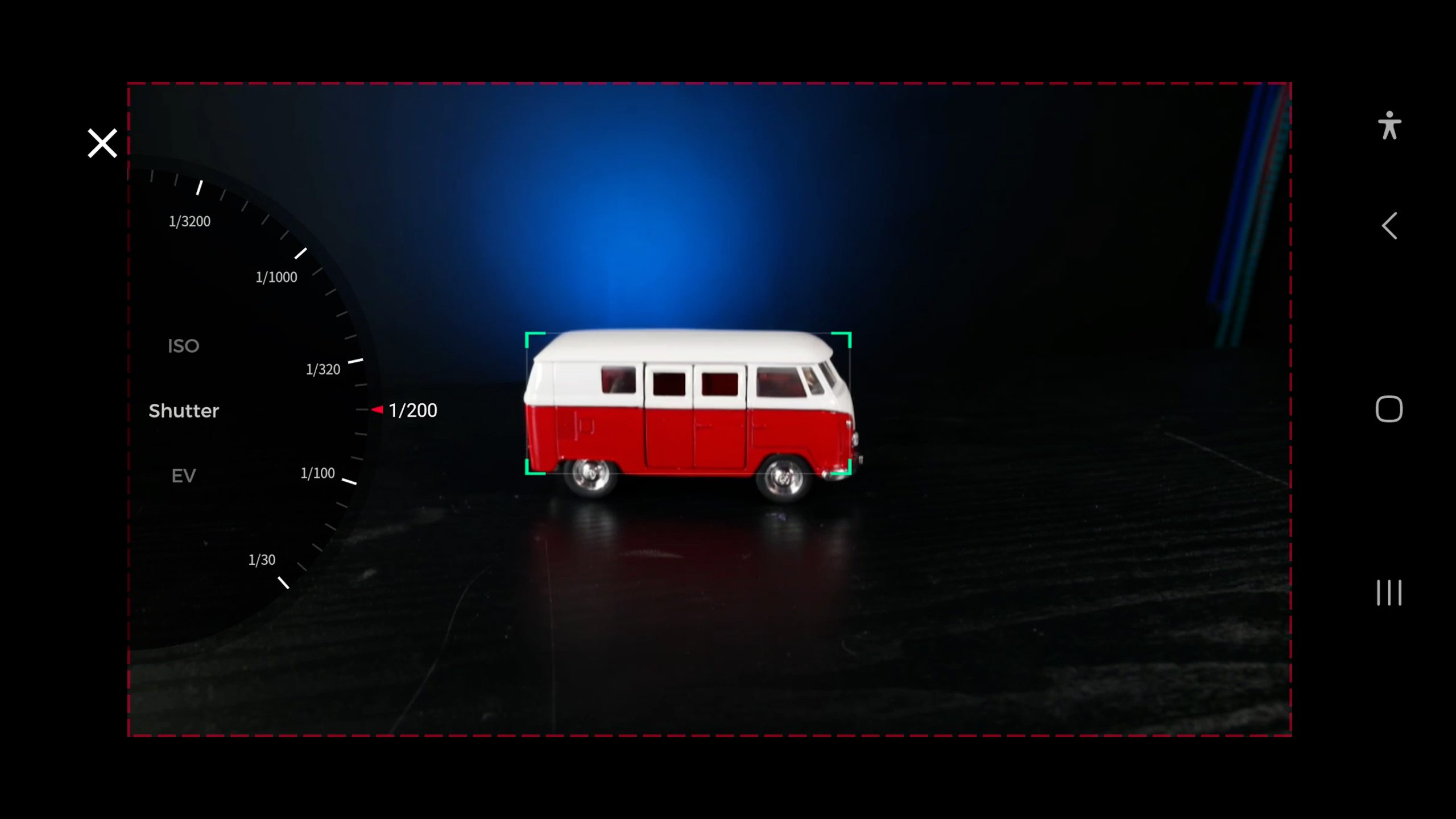
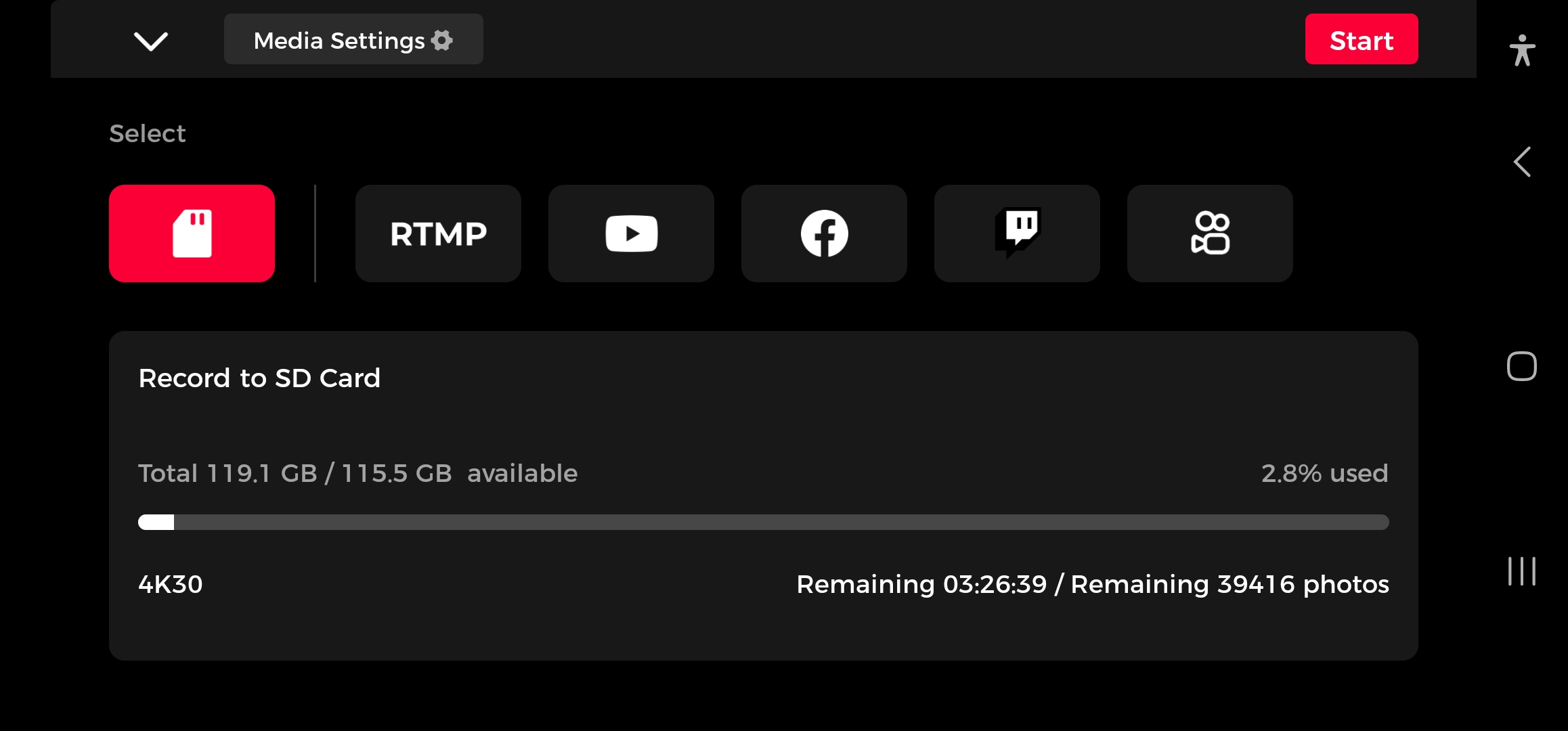
Internal recording on the OBSBOT Tail Air
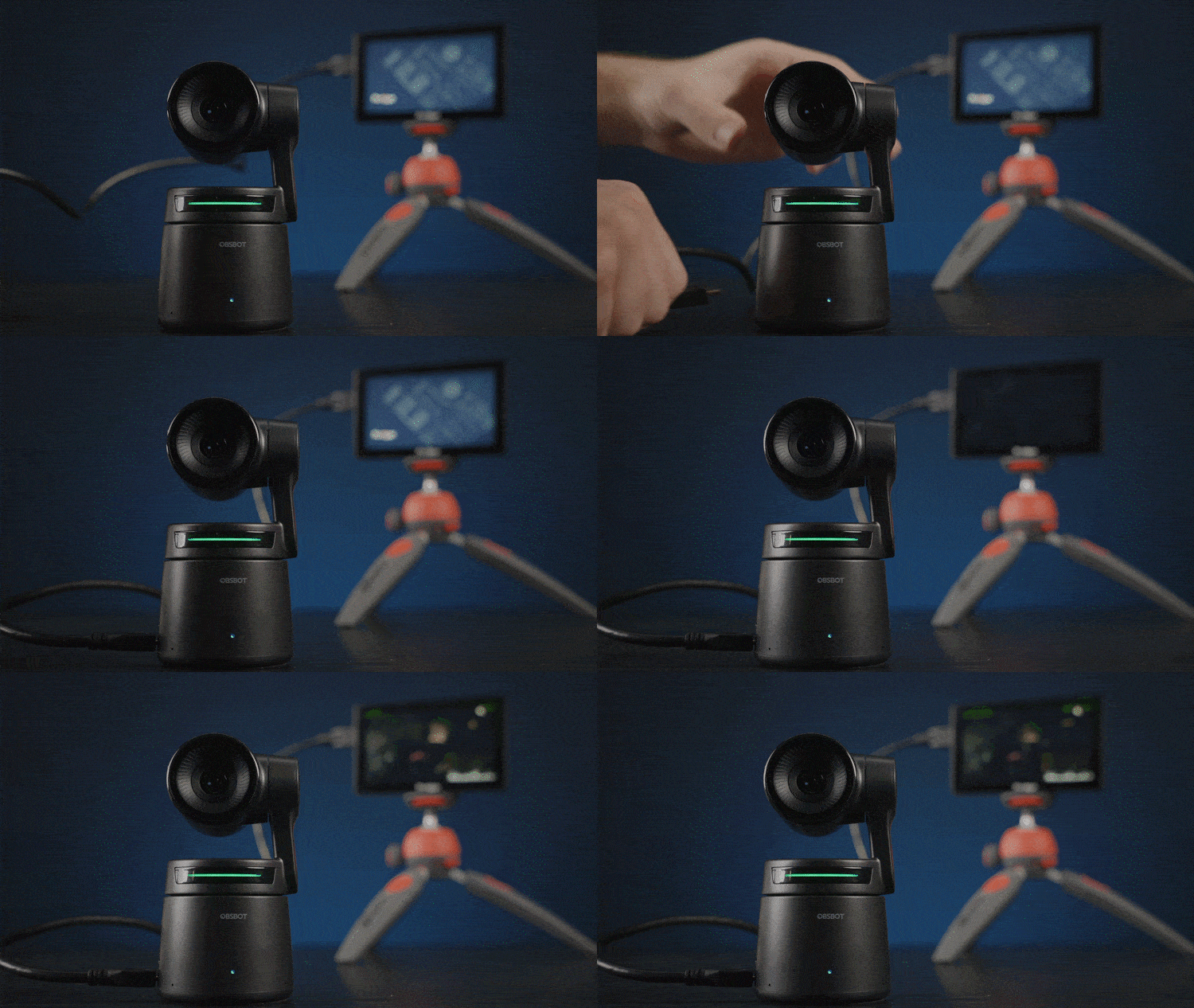
If you just want to record, you can still use the Tail Air in stand-alone mode. But you’ll want to consider connecting an external monitor like the FEELWORLD FW279 ($259) in order to see what you’re doing. You can choose between 4k30p or 1080p60 and even have some control over the bitrate (you have low, medium, and high). Do note that while you can stream and record at 4k, you can’t do both at the same time. One has to be 1080p.
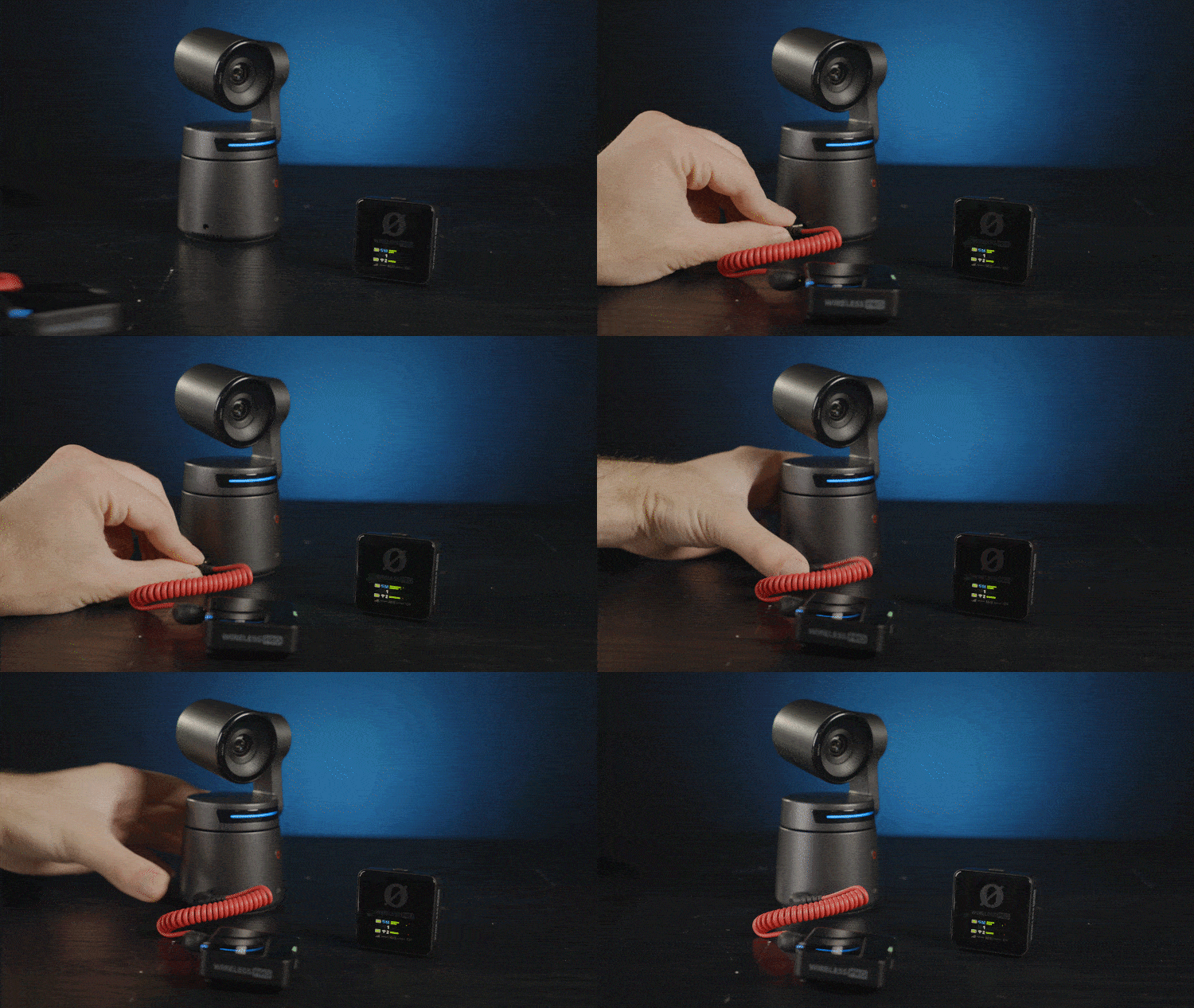
The Tail Air has an internal mic, but if you are standing further away, you can plug in a wireless microphone, like the Rode Wireless Pro which we reviewed here ($399).
OBSBOT Tail Air AI tracking
Tracking quality
Instead of panning manually, you can set the OBSBOT Tail Air to AI-tracking. In this mode, it can track people, animals, or objects, and it does so with impressive consistency. It won’t have a problem tracking fast human movement. Even if you leave the frame, the Tail Air will follow the direction you moved in until it finds you again. I would trust it to follow anything short of a race car.
AI composition
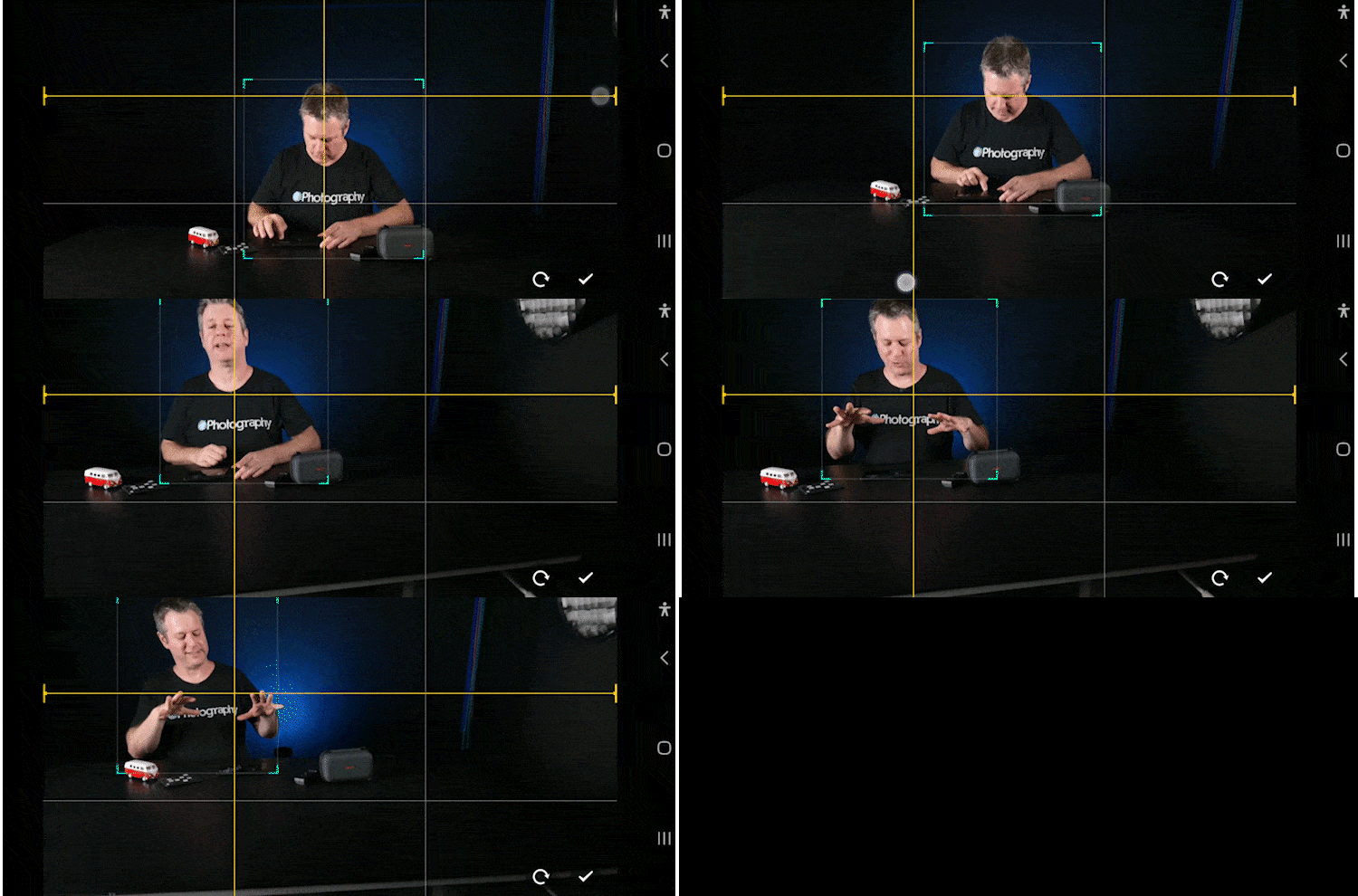
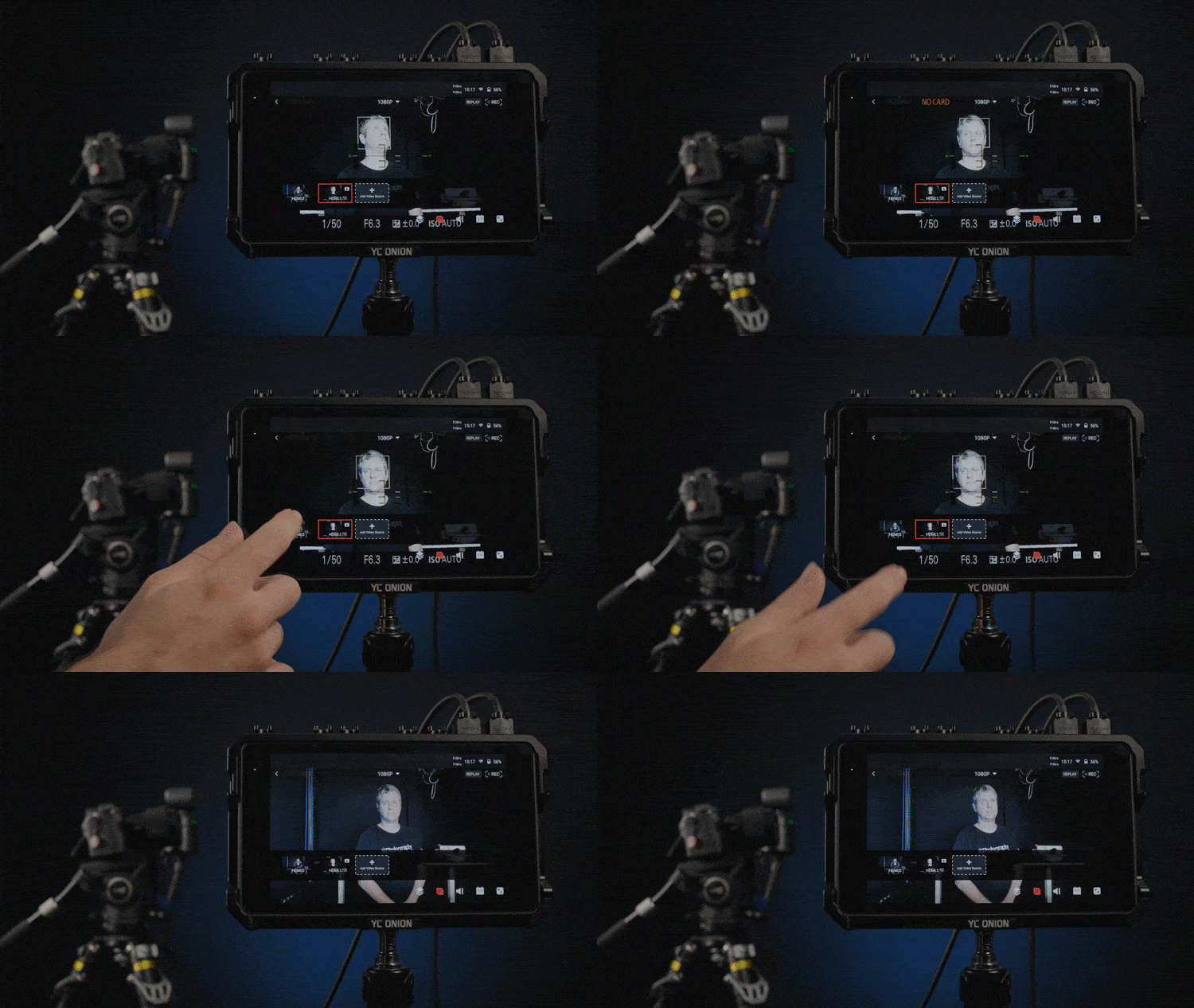
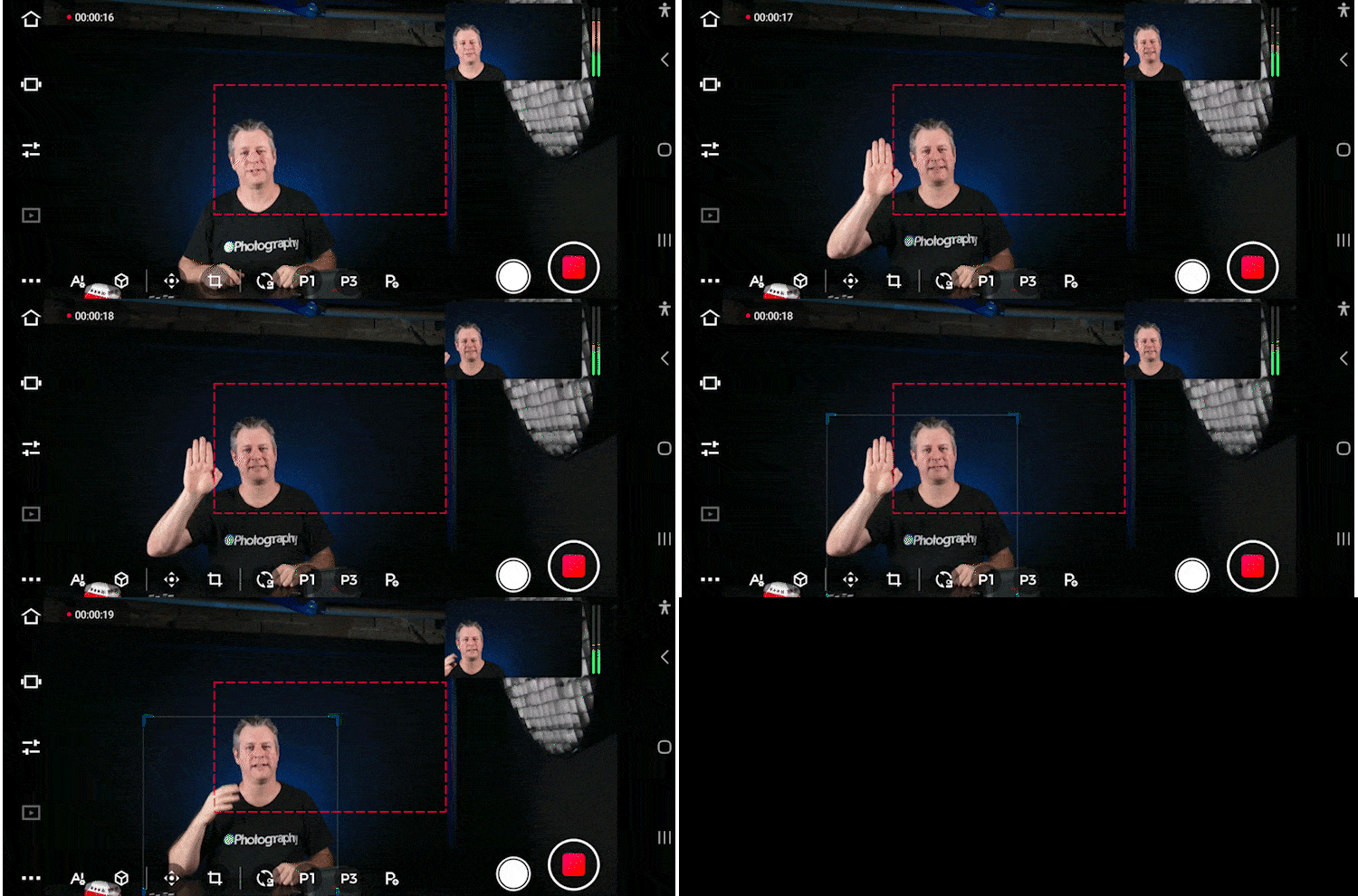
You can even set a specific composition for the Tail Air to follow. Check the video to see how to create markers for the AI tracking systems. It’s quite clever. With all of the tracking options it gives you, it feels like you’re getting multiple static cameras with just one device. Setting up multiple tracking Tail Airs with a tool like the YOLOBOX Ultra ($1598) or the Atem Mini Pro ($295) is a match made in heaven.
Gesture controls
Besides the phone and desktop apps, you can control the OBSBOT Tail Air directly in 2 different ways.
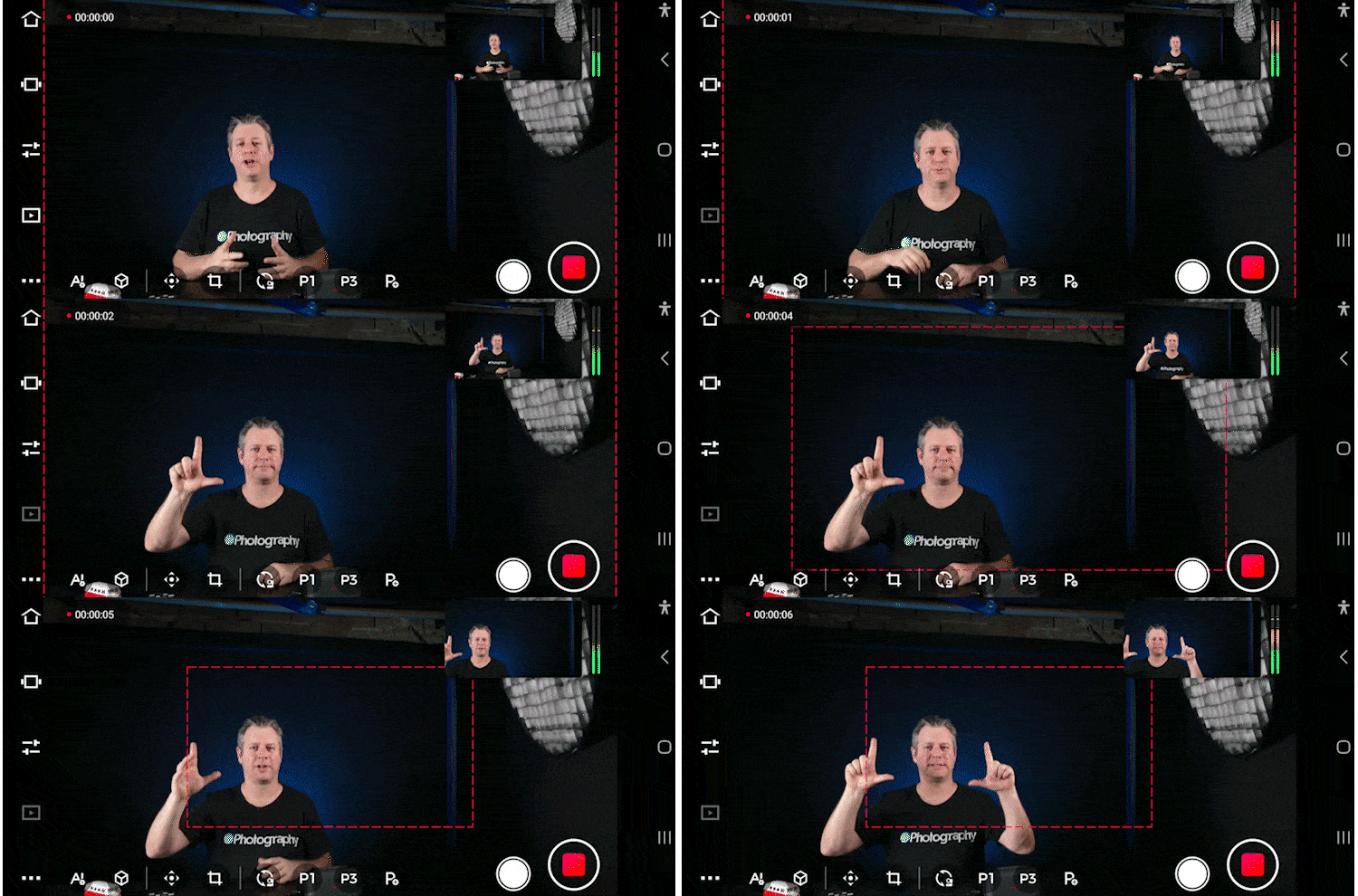
The first is gesture controls. You can use the okay sign to start and stop recording, an open palm to start and stop tracking, and lastly, the L sign to zoom in and out. (One hand to zoom all the way, two hands to zoom dynamically).
OBSBOT Tail Air remote

The second method is an additional remote accessory. It can pretty much do anything that the app does, including zooming, panning, tilting, recording, well, everything. This is very useful if you can’t access your phone. Plus, it has gyro controls, just like a Nintendo WII, and a useful laser pointer that you can use to aim your zoom in’s. (We were not able to make the Tail Air mimic the remote, and we think it is a feature that will come in a later firmware drop.

Large pixel sensor
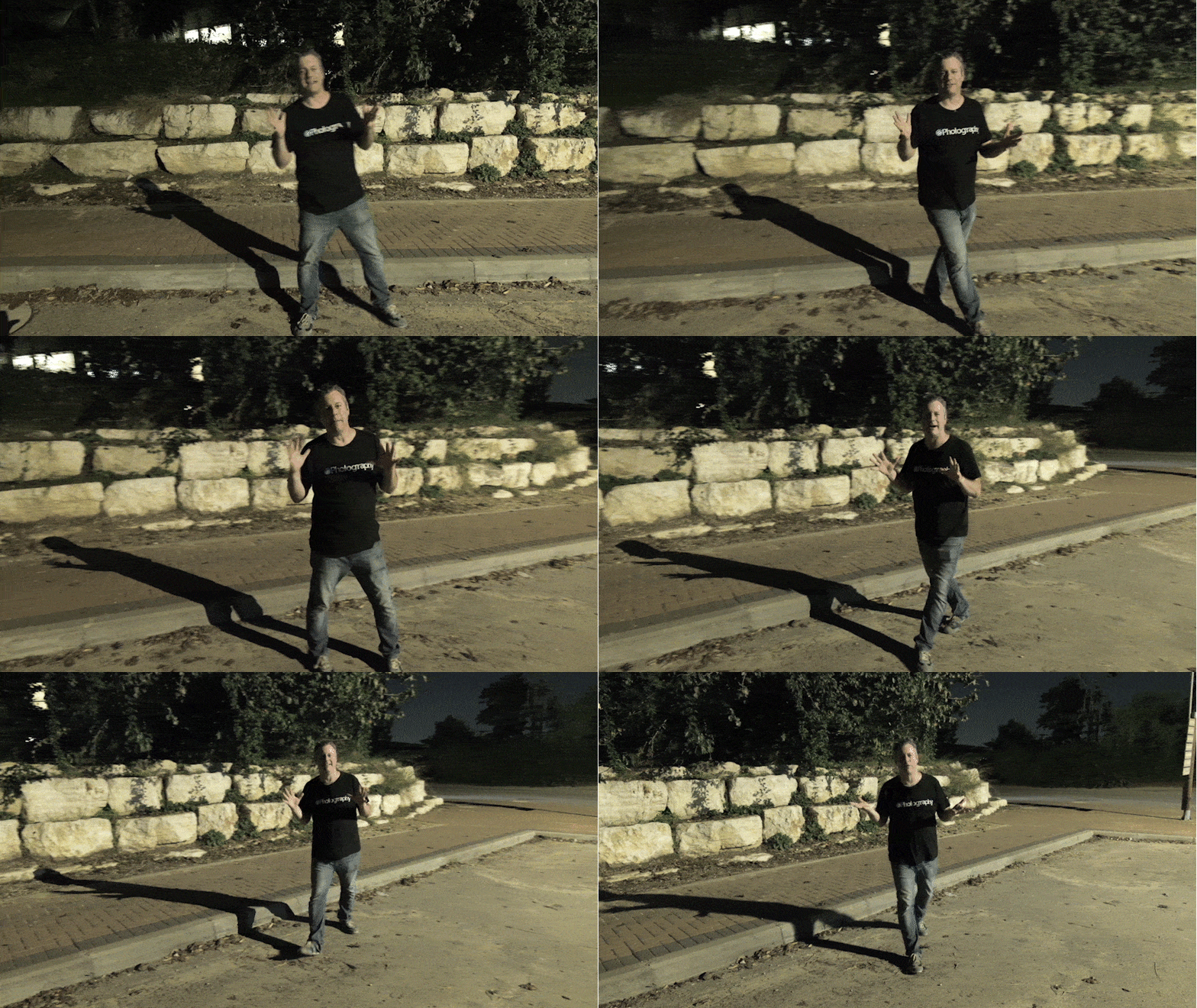
OBSBOT decided to go with a large pixel sensor (2μm pixels), and it paid off big time. Even when it’s dark, there is relatively no noise, it’s sharp and clean, has great colors, and overall, it just puts other small sensors to shame. The large pixel sensor is probably also the reason why the tracking still works great in the dark.
OBSBOT Tail Air Specs
| Working State: | 69.65*73.25*132.5mm |
|---|---|
| Off State: | 69.65*73.25*135.5mm |
| Weight: | 344.5g |
| Image sensor: | 1/1.8” CMOS |
| Macro pixel size: | 2.0μm*2.0μm |
| Effective pixels: | 8.4 million |
| Effective pixel resolution: | 3856×2176 |
| Lens system: | 8 Optical Lenses |
| Zoom range: | 4X digital zoom |
| ISO range: | 100-6400 |
| Exposure value: | ±3EV |
| Electronic shutter speed: | 1/8000 s to the limit of frames per second |
| Focus: | Auto Focus/Manual Focus |
| Aperture: | ƒ/1.8 |
| Equivalent focal length: | 23mm |
| White balance: | 2000K-10000K |
| Gyroscope: | 6-axis Gyroscope |
| Photo resolution: | 4K, 1080P |
| Video resolution: | 4K@30/25/24 fps, 1080@60/50/48/30/25/24 fps |
| Max video storage bit rate: | H264: 80Mbps, H265: 80Mbps |
| Video format: | MJPEG, H264, H265 |
| Gimbal installation: | Non-removable |
| Controllable range: | Pan: ±150°; Tilt: -65°~32° |
| Mechanical range: | Pan: ±160°; Tilt: ±90° |
| Max controllable speed: | 120°/s |
| Angle jitter: | ±0.02° |
| Audio input: | Built-in Two MEMS Microphones |
| Built-in 3.5mm TRS Connector (AUX) | |
| Support MIC IN/LINE IN | |
| Audio modes: | Noise Reduction/Stereo Sound |
| Audio format: | AAC/PCM |
| Wi-Fi Operating frequency: | 2.4 G/5.8 GHz |
| Signal transmission range: | 2.4G 140m, 5.8G 80m |
| Transmission power: | 2.4 GHz: <18 dBm(FCC/CE/SRRC/MIC) |
| 5.1 GHz: <15 dBm(FCC/CE/SRRC/MIC) | |
| 5.8 GHz: <15 dBm(FCC/CE/SRRC) | |
| Bluetooth protocol: | BLE 5.0 |
| Bluetooth operation frequency range: | 2.400 GHz to 2.4835 GHz |
| USB: | 2.0 |
| Charger Input: | 5V/2A |
| Quick charge protocol: | No Support |
| Charging time: | 90 Minutes |
| Operating time: | 154 minutes |
| *Tested in a laboratory environment while recording 1080p/30fps video and should be used for reference only | |
| Battery type: | Lithium Polymer(Li-po) |
| Battery capacity: | 1500mAh |
| Battery energy: | 11.4Wh |
| Battery voltage: | 7.6V |
| Memory card type: | Micro SD (Up to 512 GB) |
| Camera working environment temperature: | -10°C-40°C |
| Battery charging ambient temperature: | -10°C-40°C |
| Battery operating ambient temperature: | -10°C-40°C |
In Conclusion
Wrapping up here, OBSBOT really hit the nail on the head with the Tail Air. For less than $500, you get a portable studio that you can take anywhere. Calling this a steaming camera is an understatement. Between image quality, AI tracking, and gesture control, it’s one of the best streaming cameras you can get on the market, especially if you are a solo streamer.
Launchpad
Welcome to DIYP Launchpad. DIYP Launchpad is a place where we share new gear with you. Full disclosure: DIYP may receive compensation for the time invested in creating the review. Brands sending gear for the DIYP Launchpad segment do not see the review before it goes live or have any editorial control over it.
See more from DIYPhotography.net on Google
Add DIYPhotography.net as a trusted source. This makes
our stories more likely to appear in your Google Search results.
 Add as a preferred source on Google

Sagiv Gilburd
Sagiv Gilburd is an Israel-based commercial photographer and videographer with extensive expertise in studio work, event photography, and managing large-scale photography projects.

Join the Discussion
DIYP Comment Policy
Be nice, be on-topic, no personal information or flames.
4 responses to “OBSBOT Tail Air review – a streaming studio the size a soda can”
I thought you were calling this a ‘steaming’ pile… for a sec.
Na, I think it’s awesome
How you think this would work for filming a field sport, such as soccer or lacrosse? How is the zoom quality of snippets of video? Great review, thank you!
It’s good as long as you manage your expectations. It’s not a telezoom camera, so mostly wide view