


















Luminar’s Latest Update Puts Speed, Usability, and Workflow Before AI
Aug 7, 2026
Dunja Đuđić Kalinin
Dunja Djudjic is a multi-talented artist based in Novi Sad, Serbia. With 15 years of experience as a photographer, she specializes in capturing the beauty of nature, travel, concerts, and fine art. In addition to her photography, Dunja also expresses her creativity through writing, embroidery, and jewelry making.
Share:
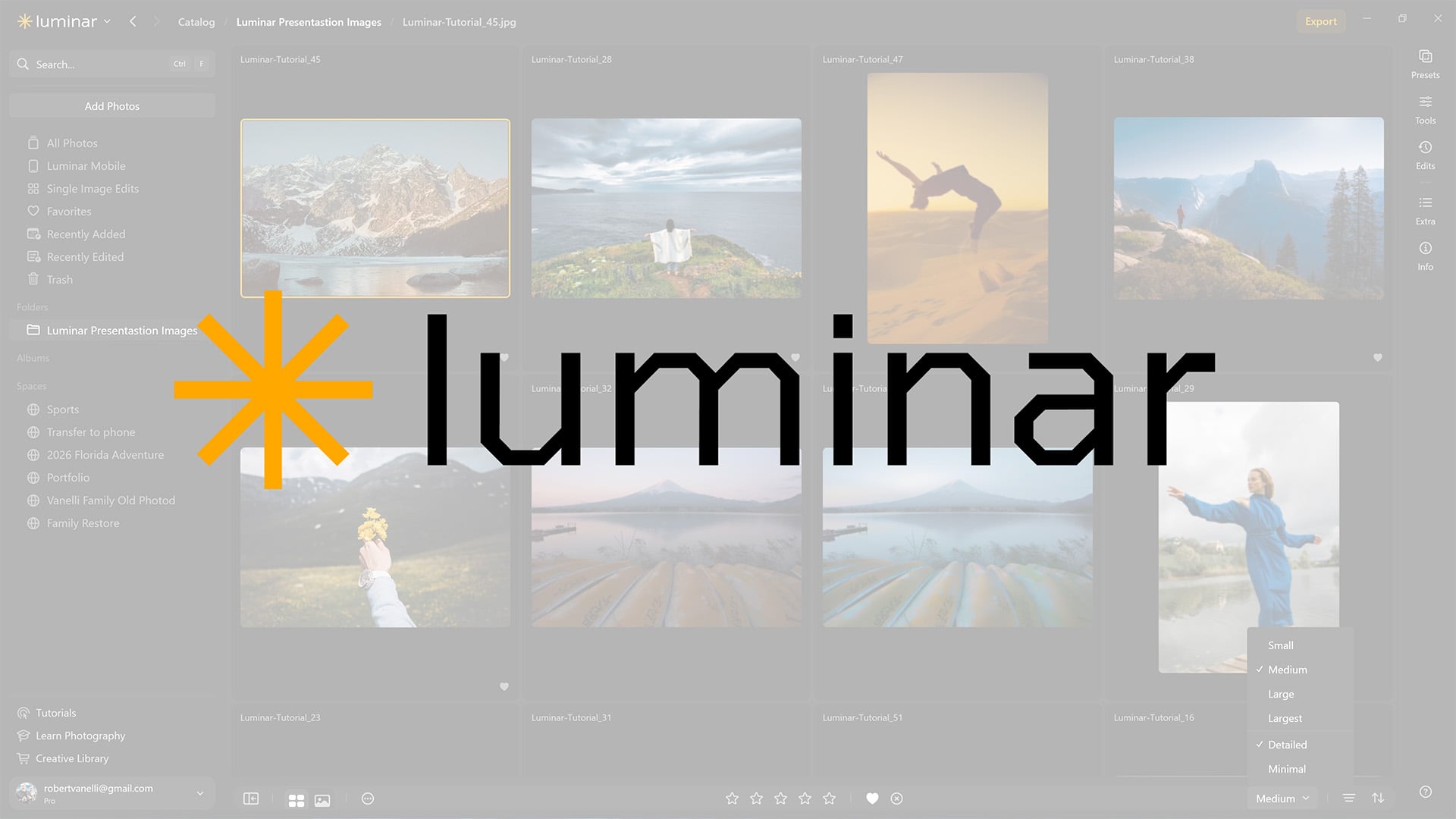
Skylum just rolled out one of its biggest Luminar updates yet, and the narrative around it has changed direction. Faster exports, lighter masking, a cleaner interface: it’s all about creativity and usability, not AI features.
The release is the first phase of a two-part cross-platform upgrade that will continue rolling out this fall.
I find the change of narrative pretty interesting (and welcome, to be honest). Until recently, Luminar updates leaned heavily into “AI-powered” as the headline feature. This time, it’s more about photographers staying in control, with technology working more efficiently in the background. That shift lines up with a broader mood: people are tired of being sold “AI” as the main point, and Skylum seems to be catching on.
“With growing concerns around tech affecting human talent, Skylum takes a different perspective – one where technology helps photographers realize their creative potential, rather than overshadow it,” says Ivan Kutanin, CEO at Skylum. This upgrade serves that same purpose: high-end technology powering photo editing tools that amplify the creative flow while staying invisible. Creative vision comes first; technology is here only to let it shine.
Updated Luminar Features
Phase one focuses on interface and performance, and the update includes:
- Enhanced UI: a cleaner layout and updated navigation, built to reduce friction while editing.
- Rebuilt generative tools: a new generative model that blends AI-added elements more naturally into the original photo.
- Faster exports: exporting a single image or a full shoot is now up to 25% quicker.
- Lighter masking: masking uses a third less RAM, so complex selections stay smooth even with other apps open.
- Faster preset previews: previews load four times faster, making it easier to try several looks in a row.
- New camera support: Luminar now supports the Panasonic Lumix DC-L10, Sony A7V Compressed RAW, and Sony A7R VI, all in RAW.
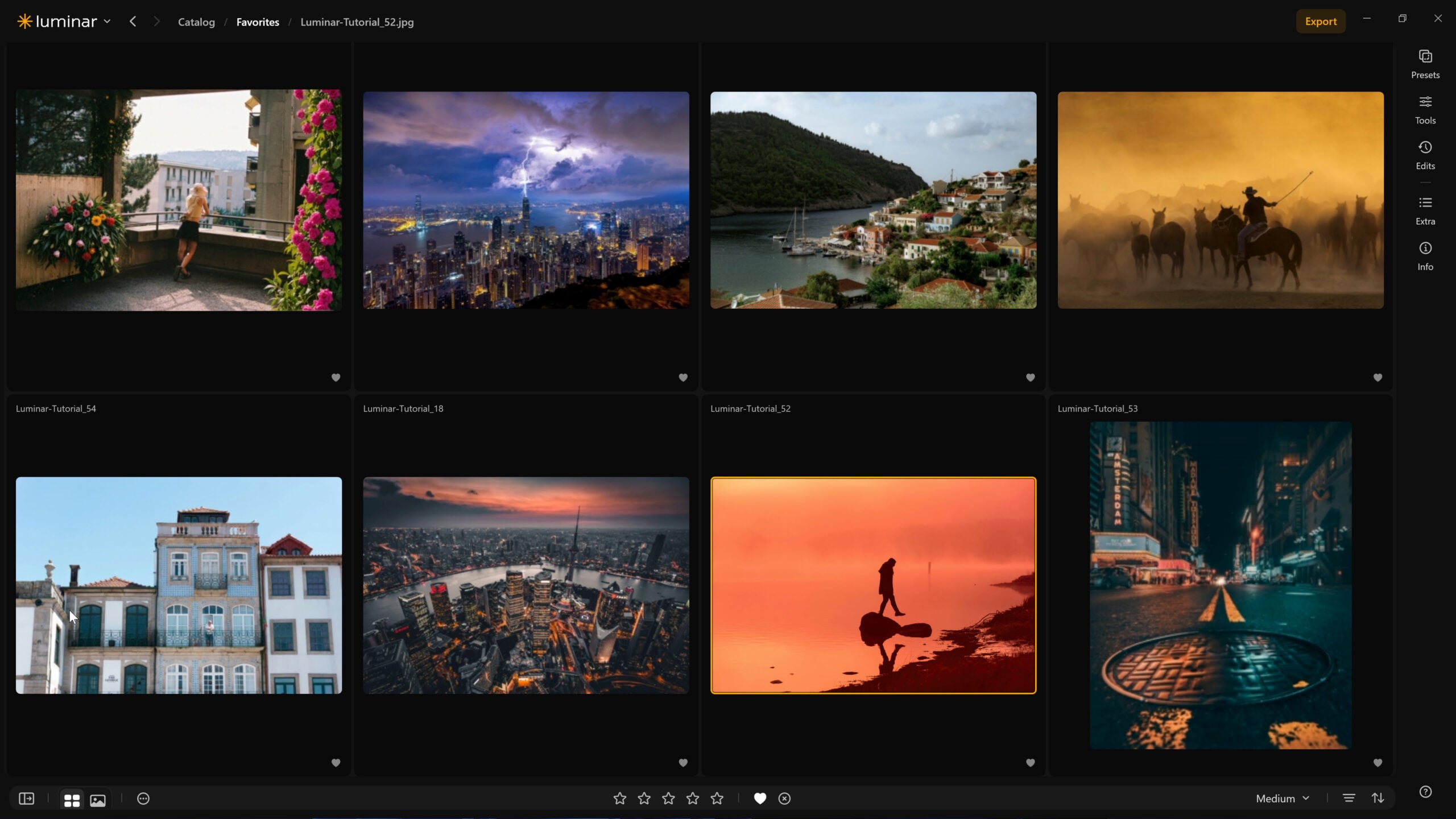
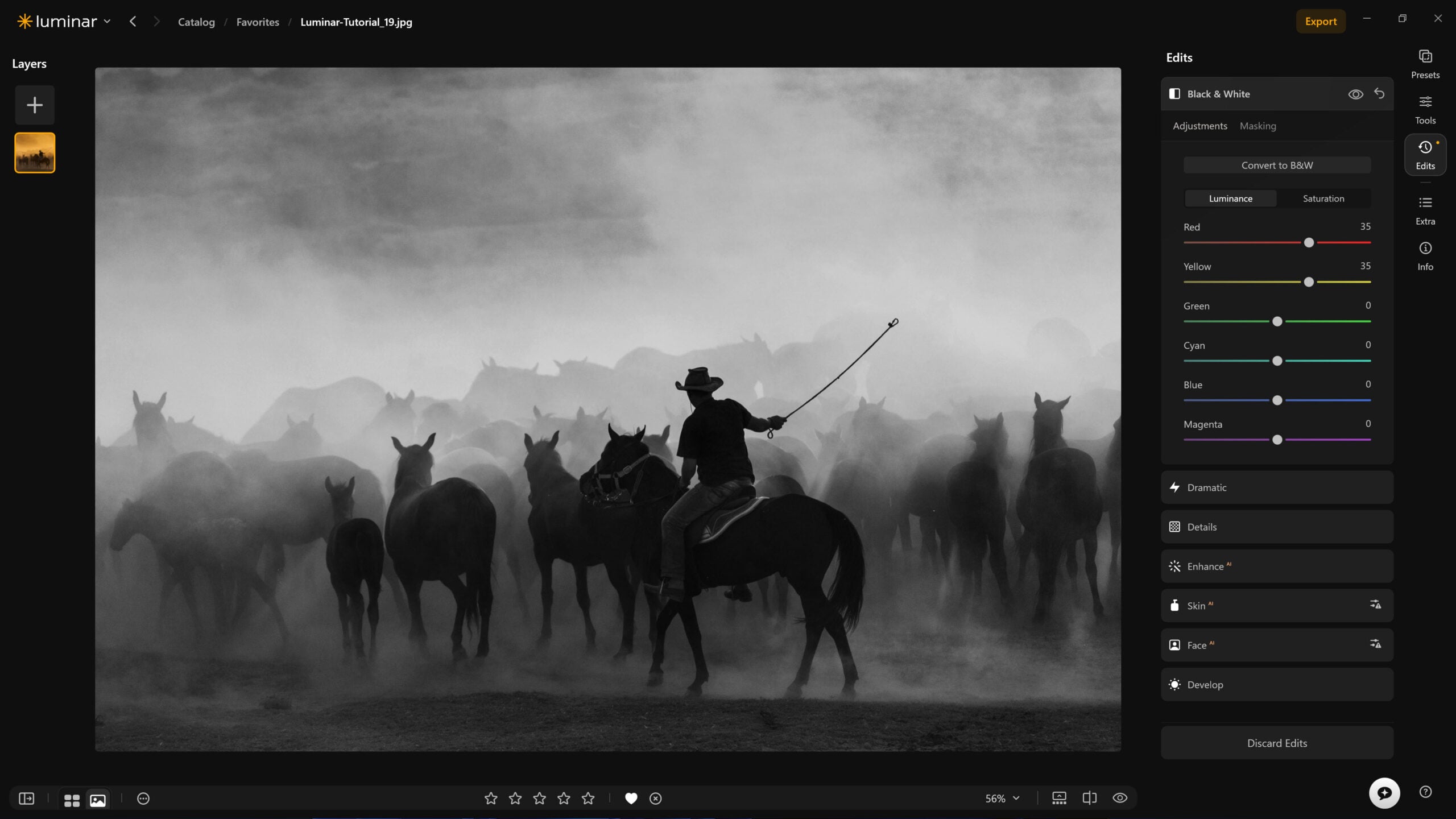
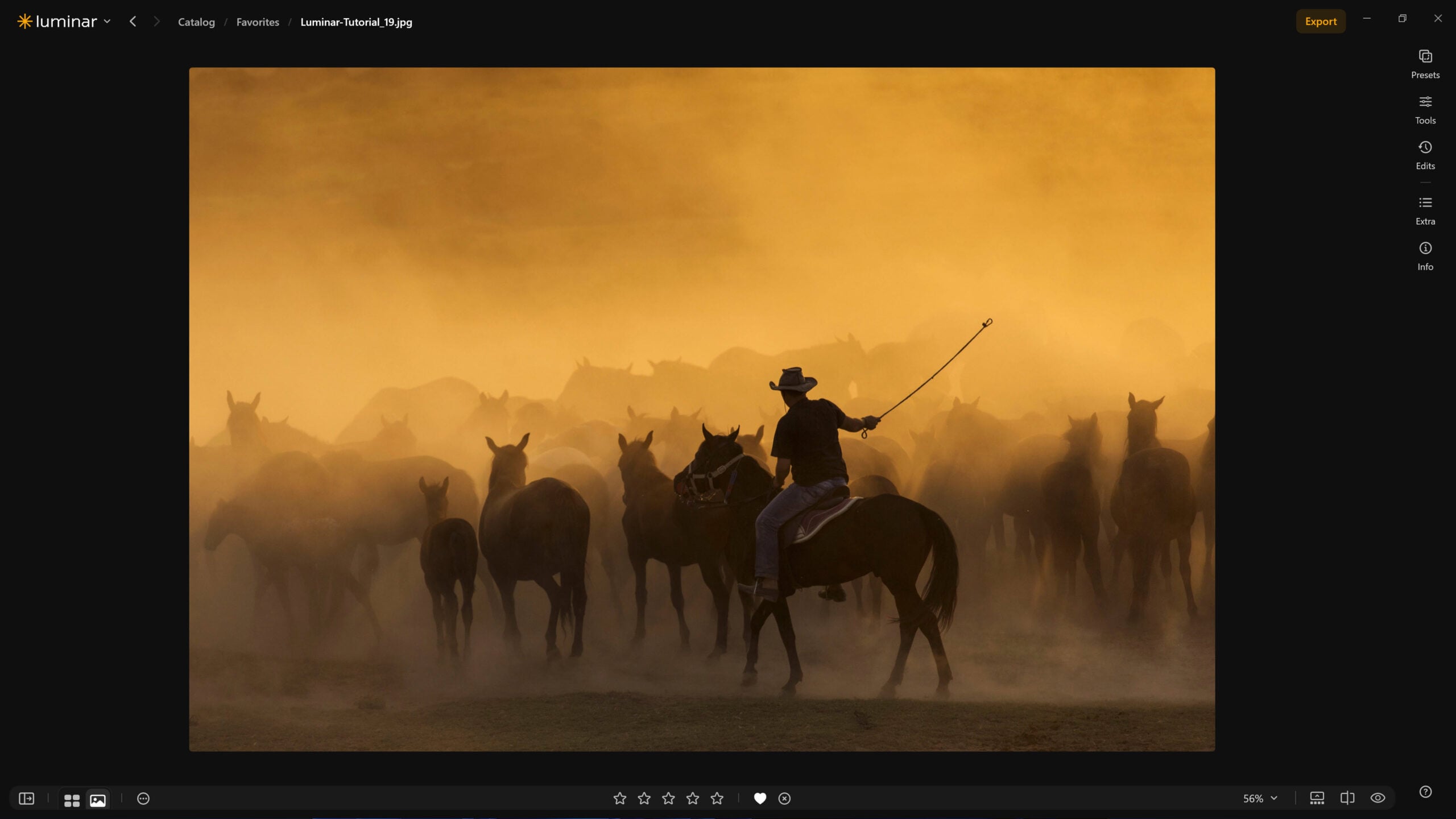
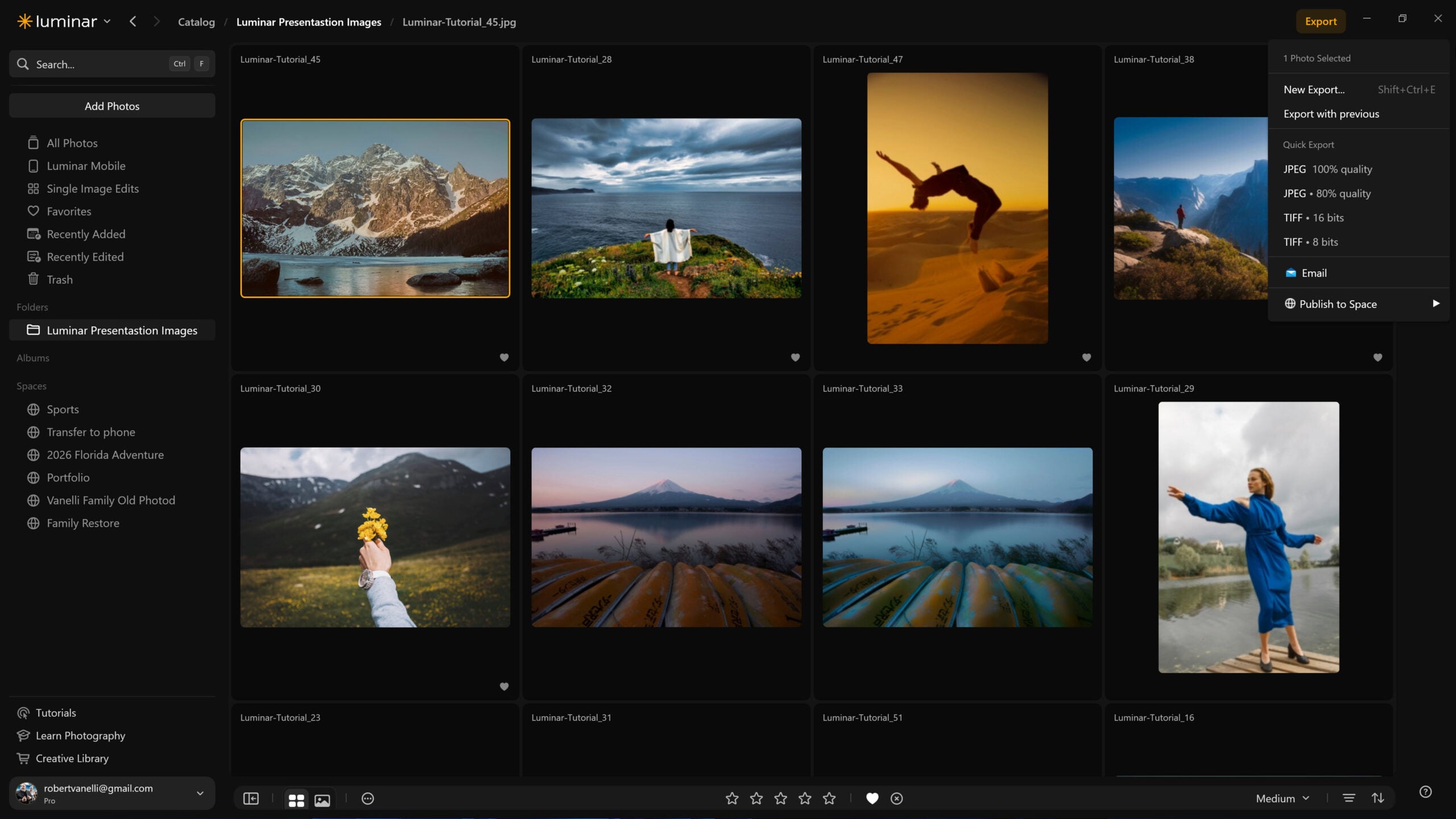
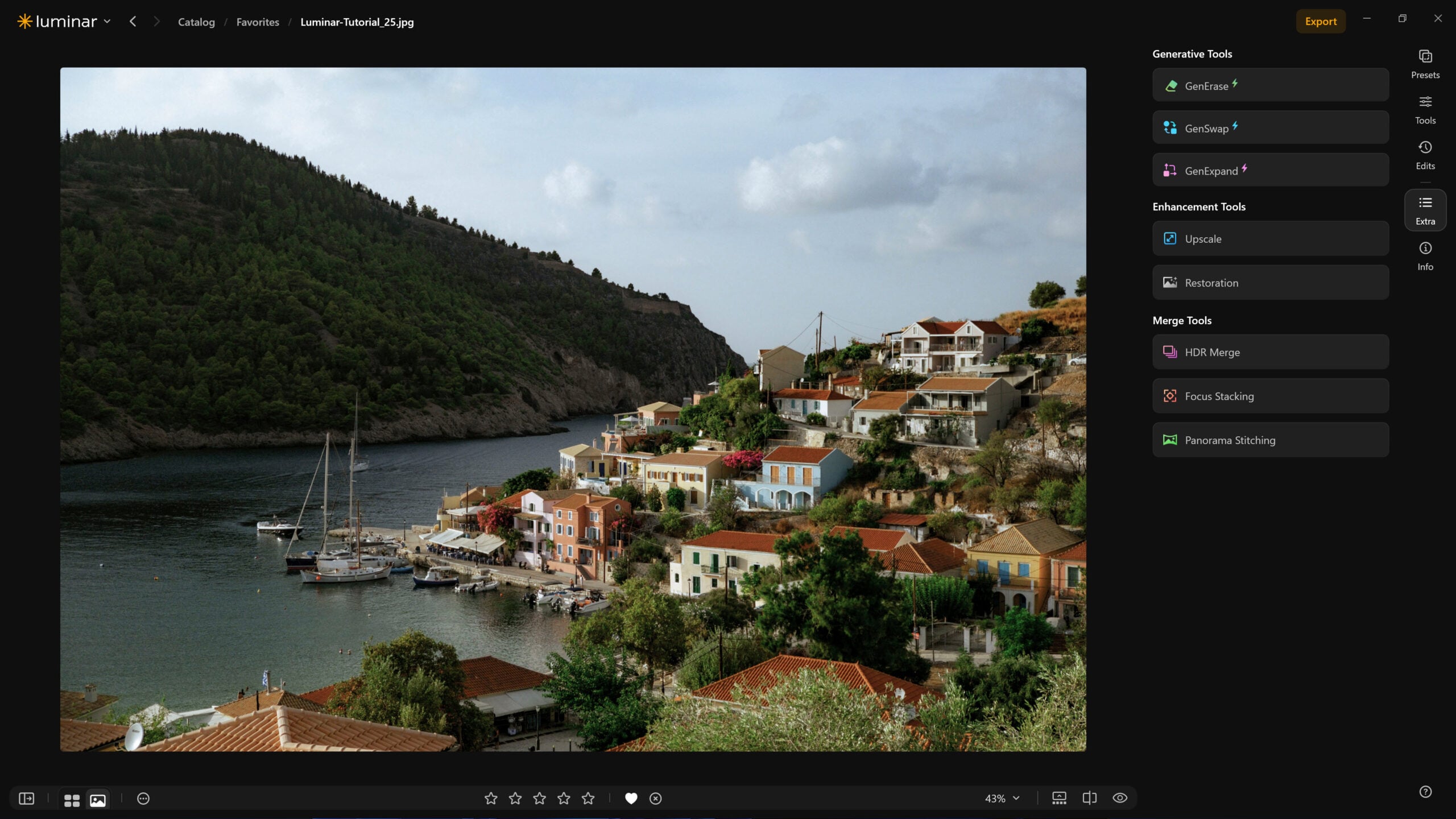
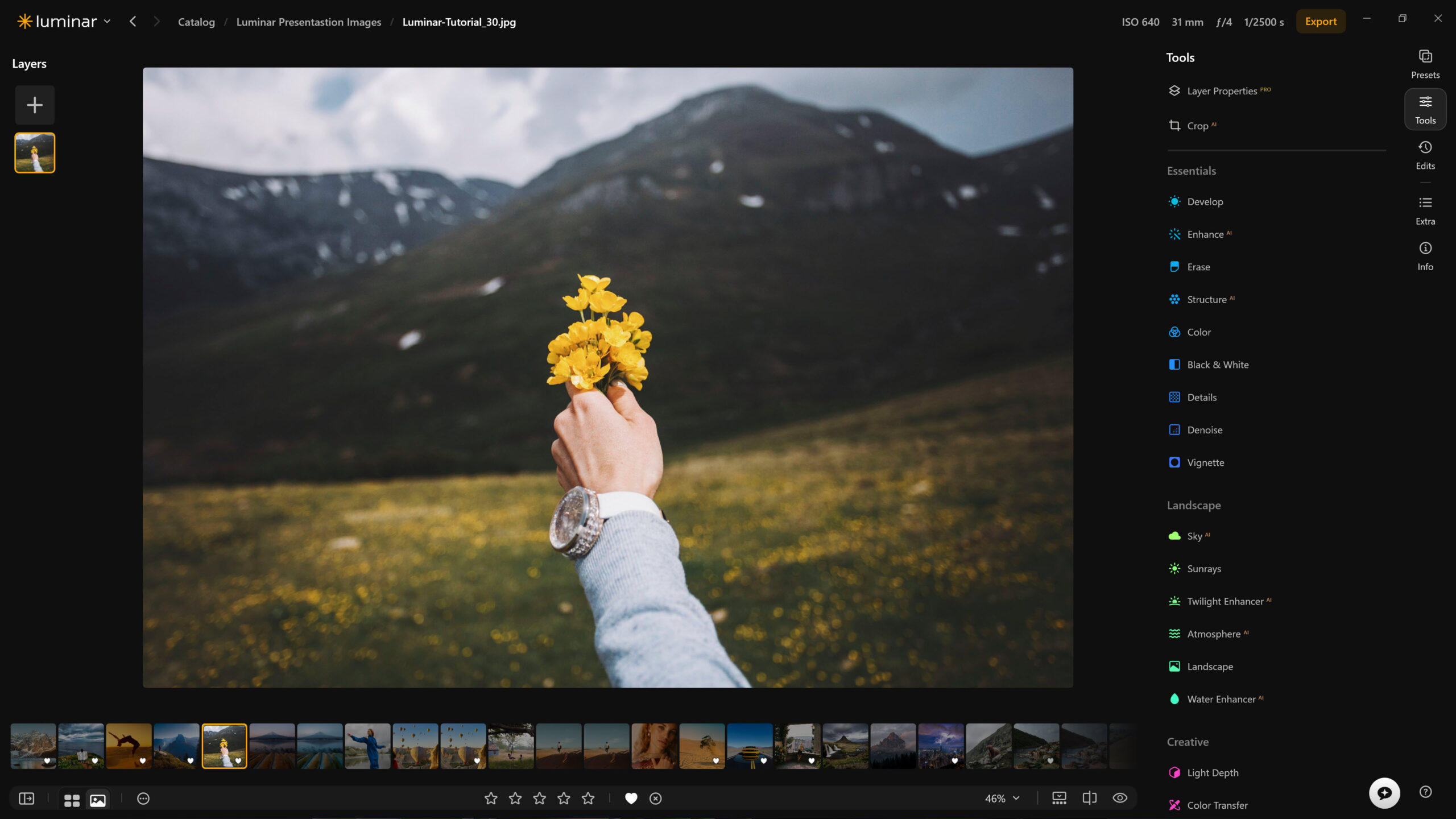
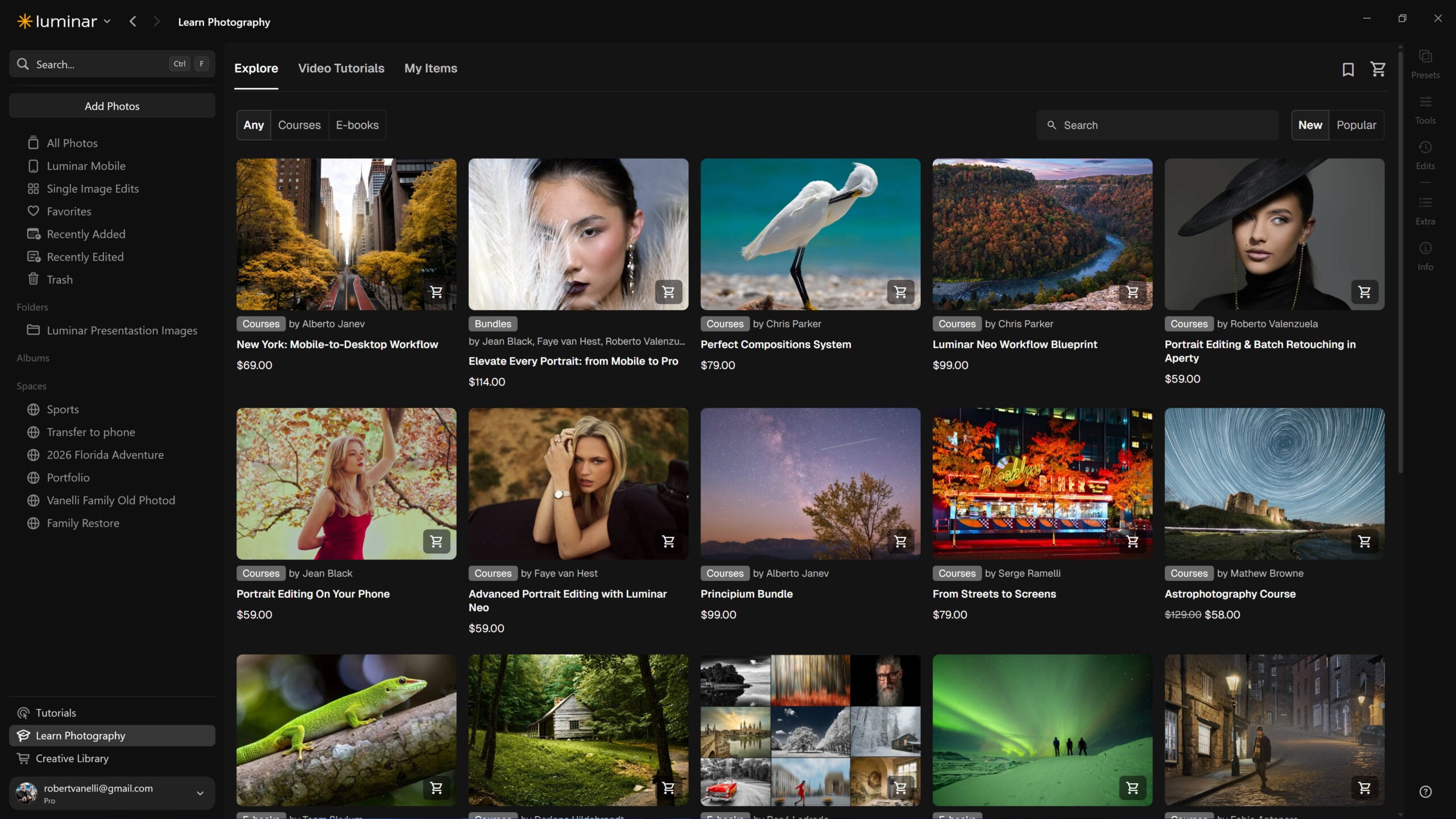
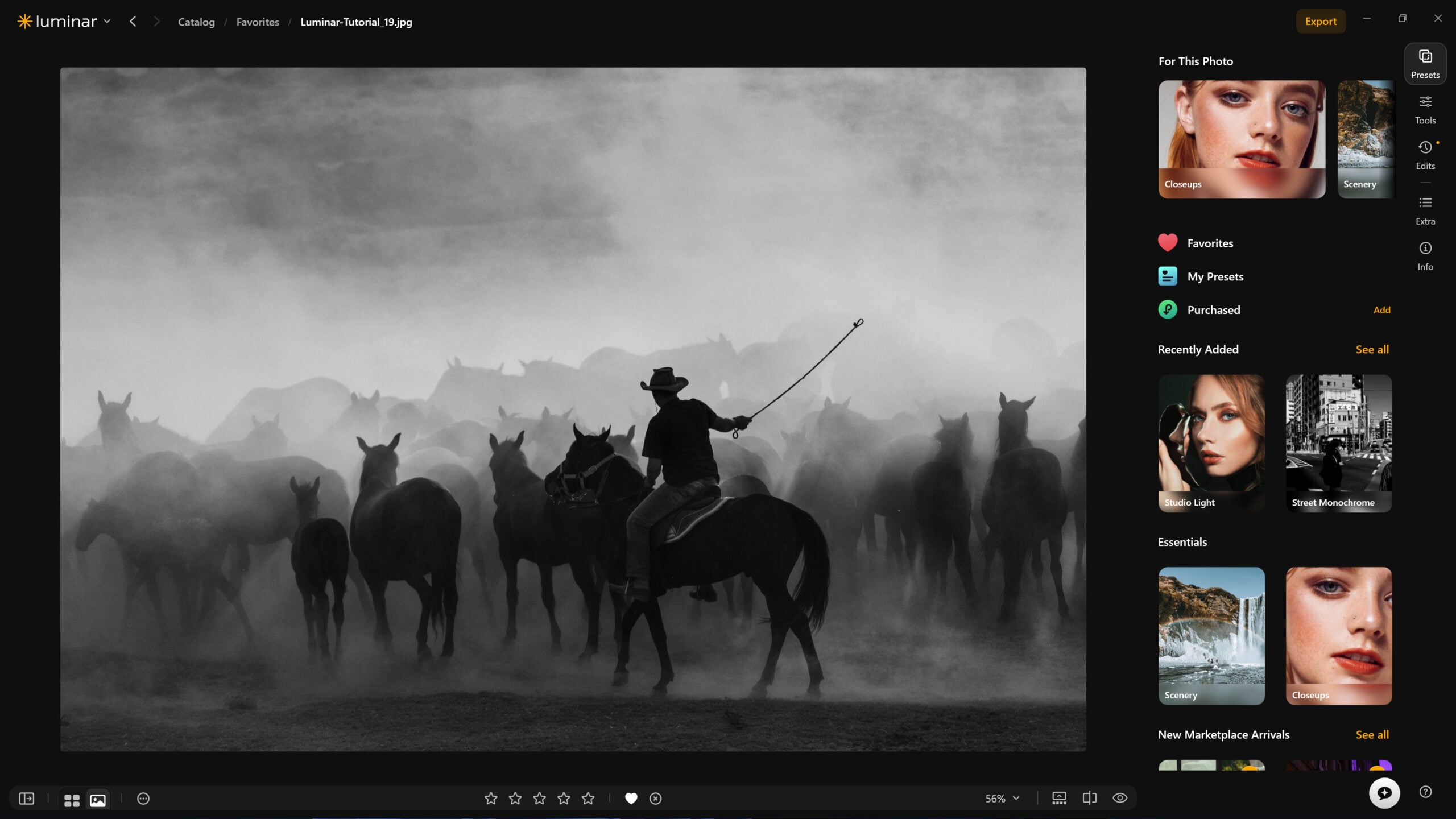
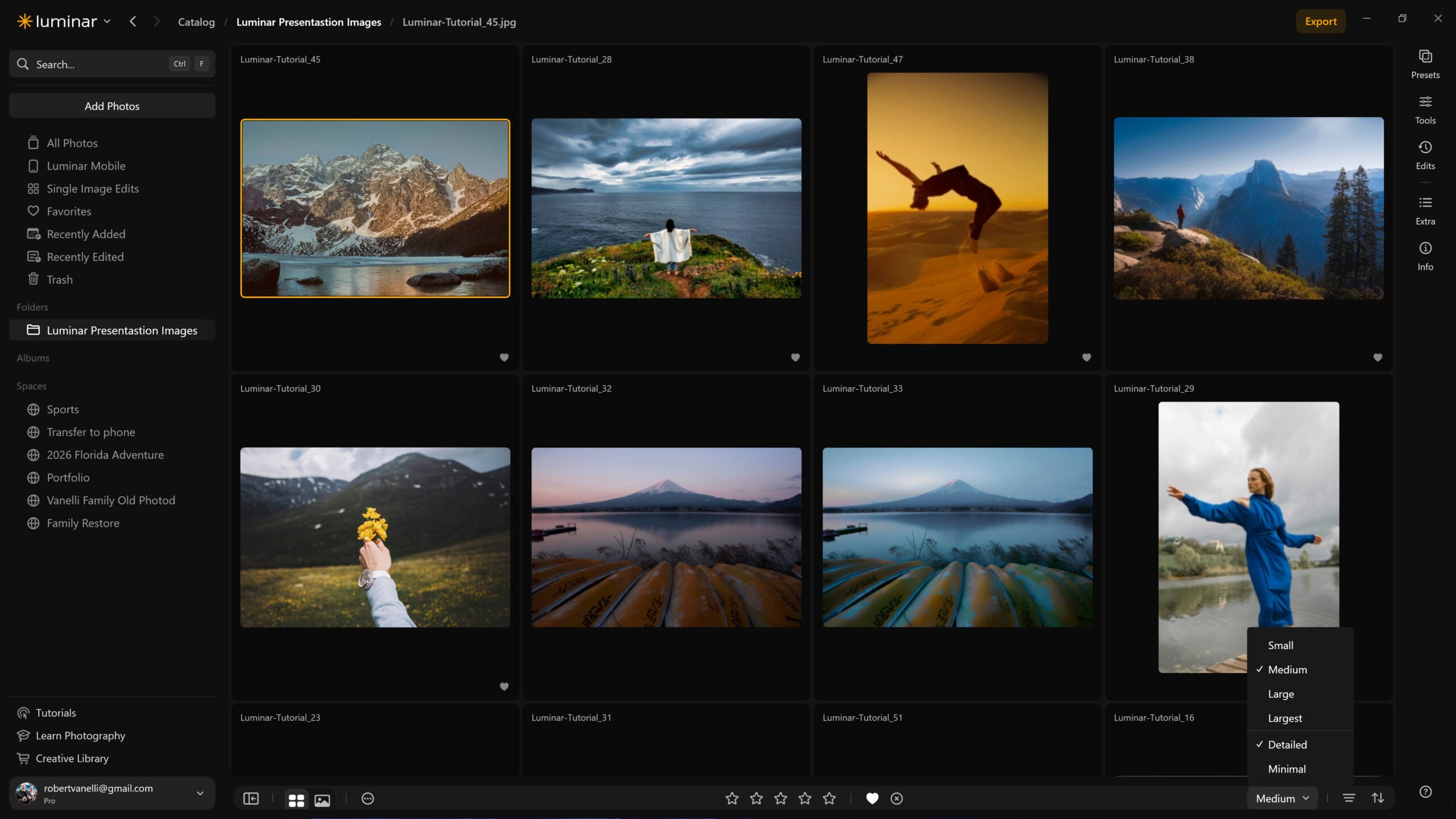
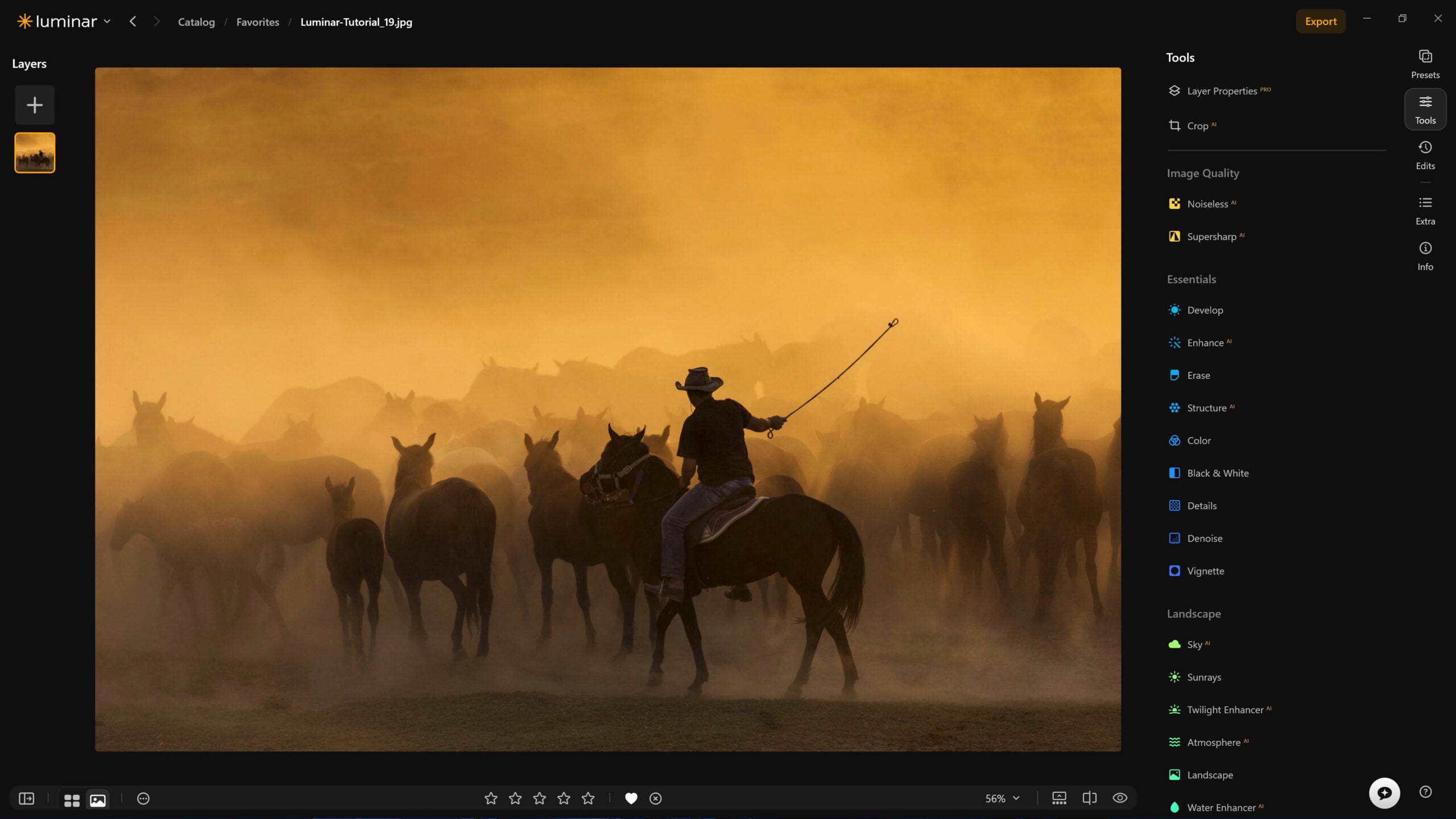
None of these are the kind of features that make headlines on their own. But together, they read like a company betting that photographers care more about a smooth workflow than about being told AI is doing the heavy lifting.
What’s Yet to Come
Phase two is where the bigger tools land, and they are leaning a bit more on AI than the first phase. Pre-orders are open now through August 31, with discounts up to 50% and packages starting at $99 for perpetual license. According to Skylum, the fall release will include:
- Crop: an AI-assisted tool that reads the image and suggests compositions based on subject placement, balance, and leading lines.
- Atmosphere – Fog: a more natural fog effect that responds to a scene’s existing light, color, and depth, instead of layering on a flat effect.
- AI Assistant: photographers describe the result they want, and the tool applies the right combination of Luminar tools to get there.
- Improved Enhance: an upgraded model that reads the photo first, then adapts its adjustments instead of applying a generic look.
- Web Editor: a browser-based version of Luminar, so editing can move between devices without losing progress.
Every one of these tools still runs on AI under the hood. However, Skylum just isn’t leading with that anymore. Given where the conversation around AI and creativity currently sits, that is probably a smart call.
A public beta for macOS and Windows is available now for anyone who wants to test the update early, ahead of the full fall rollout.
See more from DIYPhotography.net on Google
Add DIYPhotography.net as a trusted source. This makes
our stories more likely to appear in your Google Search results.
 Add as a preferred source on Google

Dunja Đuđić Kalinin
Dunja Djudjic is a multi-talented artist based in Novi Sad, Serbia. With 15 years of experience as a photographer, she specializes in capturing the beauty of nature, travel, concerts, and fine art. In addition to her photography, Dunja also expresses her creativity through writing, embroidery, and jewelry making.
Related Posts
 Adobe’s Major CC Update Puts The Photography Mobile Workflow Front And Center
 Aftershoot Promises to Speed Up Your Workflow With it’s Latest AI Editing Gamechanging Tool
 Large Canon EOS R5C firmware update adds a lot of usability fixes
 Luminar Neo Update Brings AI Auto Adjust, Realistic Fog, and Speed Boosts
Join the Discussion
DIYP Comment Policy
Be nice, be on-topic, no personal information or flames.