









Photoshop Gets Relight and Generative Restyle, and Compositors Will Love Them
Nov 10, 2026
Dunja Đuđić Kalinin
Dunja Djudjic is a multi-talented artist based in Novi Sad, Serbia. With 15 years of experience as a photographer, she specializes in capturing the beauty of nature, travel, concerts, and fine art. In addition to her photography, Dunja also expresses her creativity through writing, embroidery, and jewelry making.
Share:
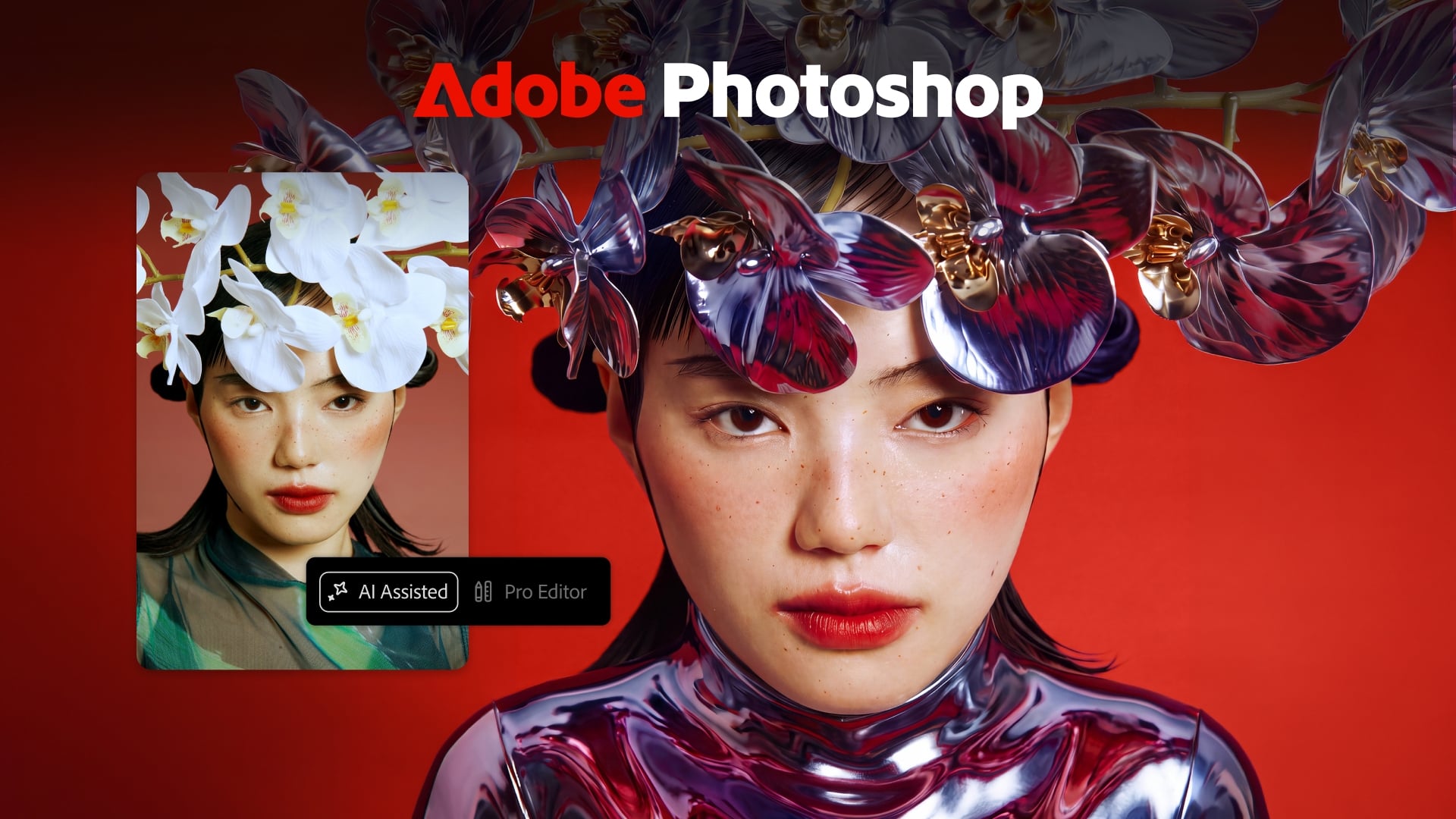
Today at Adobe MAX 2026, Adobe has announced plenty of new Creative Cloud features. For instance, Photoshop now has a Relight tool for adding and adjusting light in your photos. Lightroom can fix closed eyes using a reference photo. And these are only two of the new features alongside an AI agent that’s expanding across most of Adobe’s flagship apps.
Talented creators have demonstrated all the new tools at MAX’s 2026 opening keynote. But since we’re mainly about photography, let me begin with the new stuff inside a photographer’s most-used Adobe tools: Photoshop and Lightroom.
What’s New in Photoshop
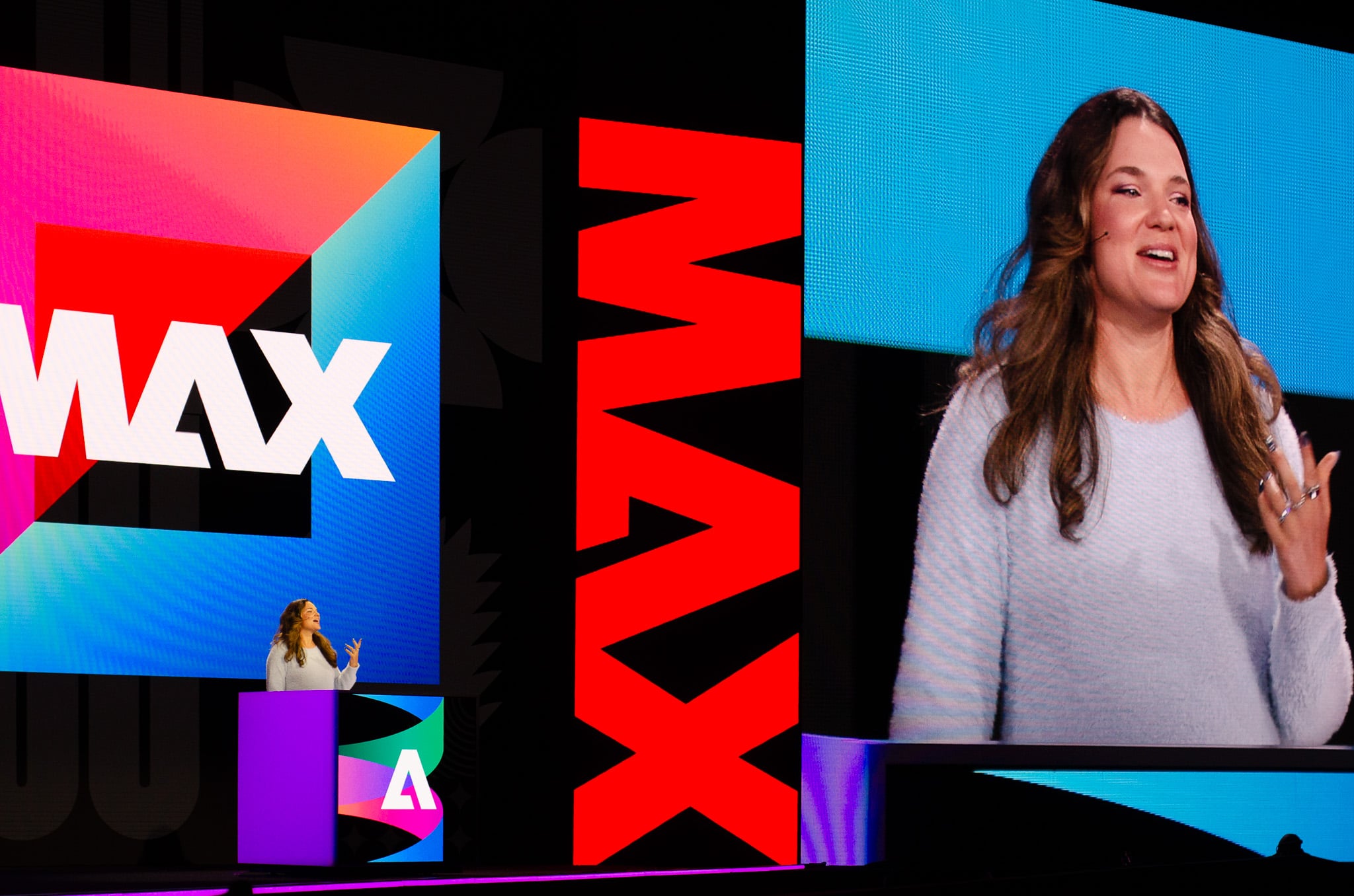
Talented composition artist Anna McNaught demonstrated the new Photoshop tools. While I personally don’t find them too useful for photo editing that I do (mainly concert or nature shots), if you do compositing, you’re going to love them!
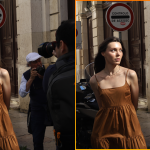
- Relight: add and adjust light in an image, be it a photo or an AI-generated image. You can change the position, intensity, and color of your light source, all as a separate layer. You can add several of them, and reposition and edit them even after you start bringing your layers together
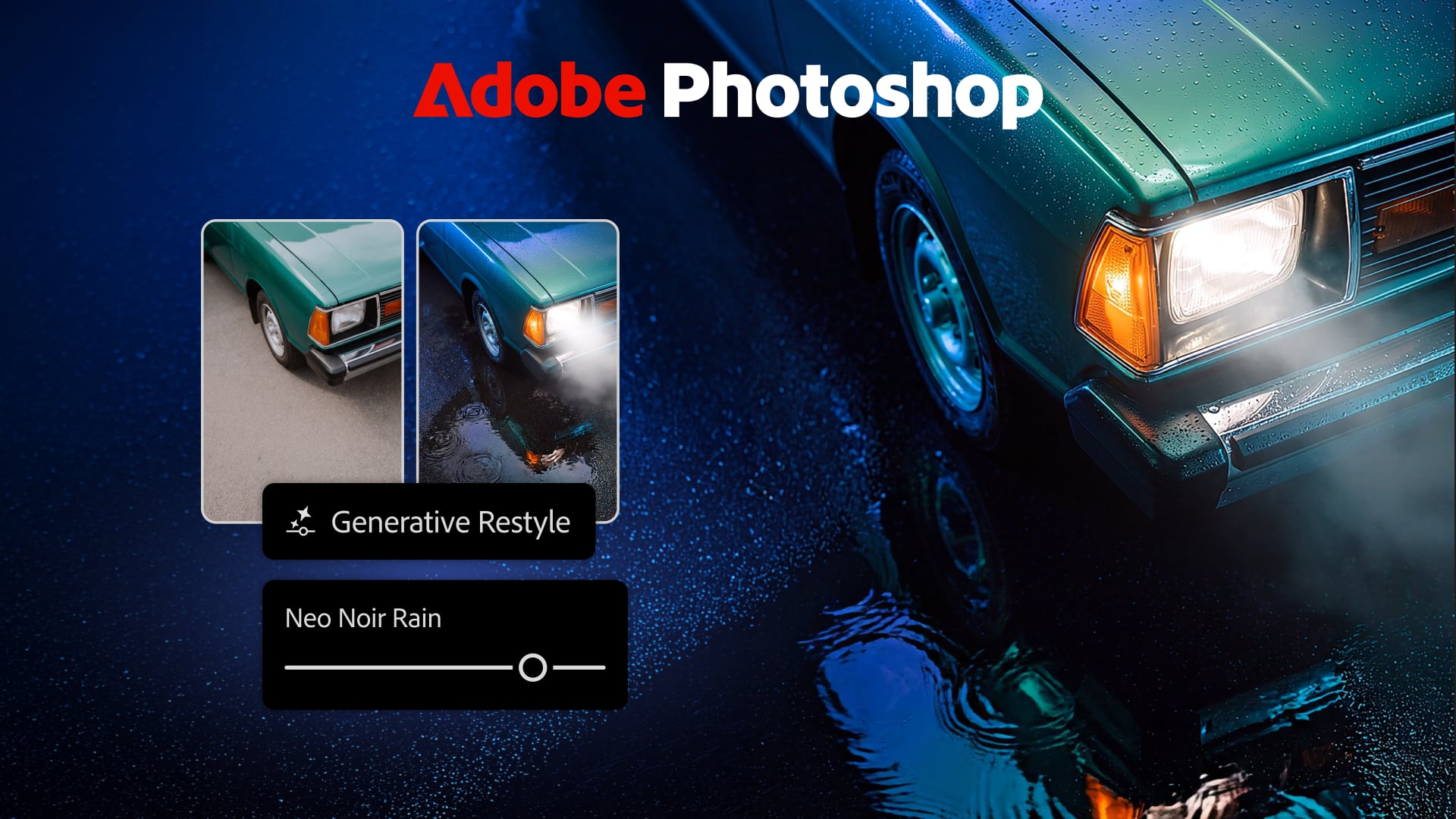
- Generative Restyle: it turns prompt-based edits into a new layer with – check this out – adjustable sliders. So rather than typing a prompt and hoping for the best, you get controls you can fine-tune. I have to say, I hate that I like this, considering that I am not that much into generative AI. But honestly speaking, this does look pretty impressive and it’s great that you get to control the effect.
- Remove Tool (related elements): smoother object removal that handles the related parts of an object, too.
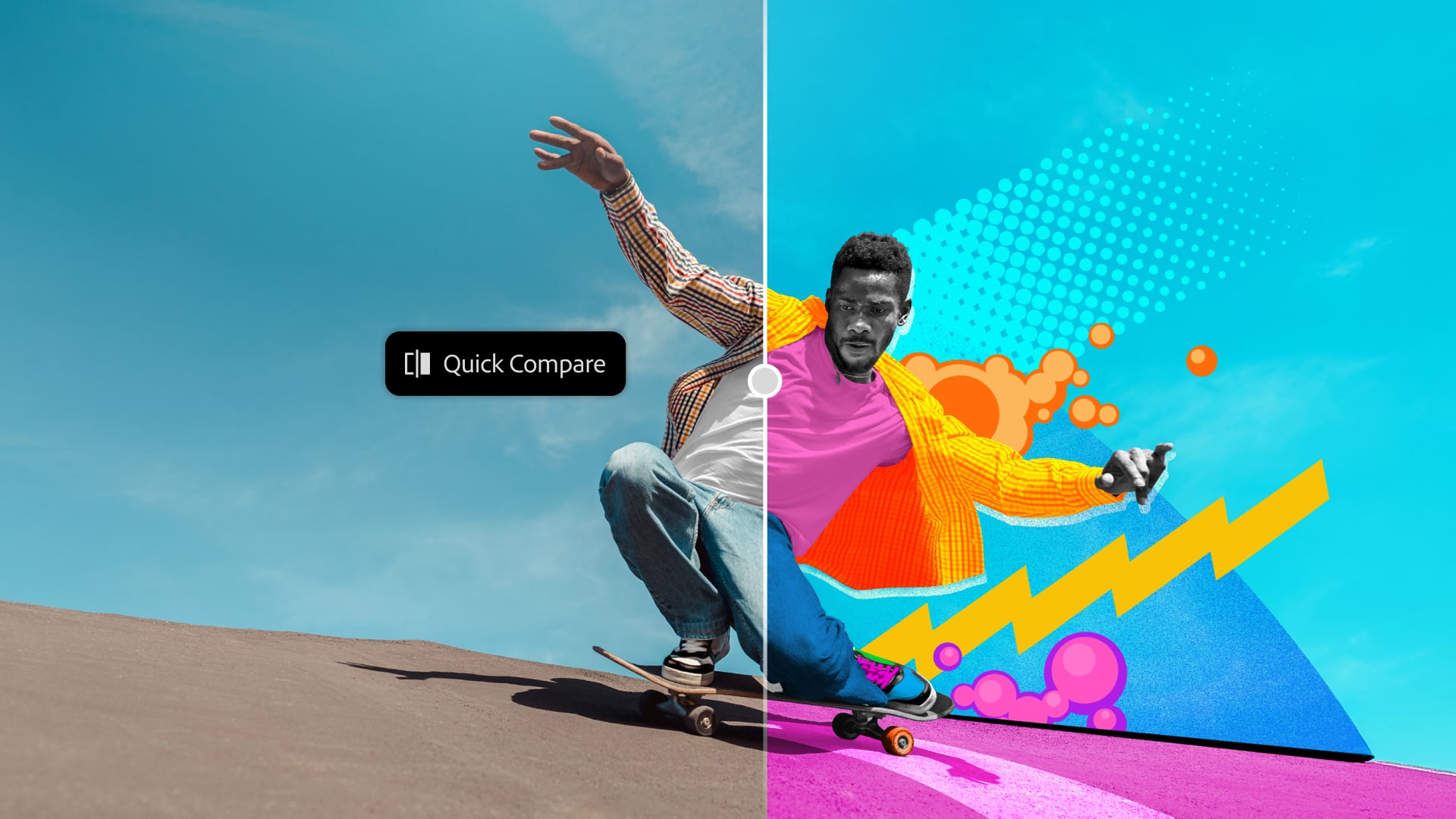
- Quick Compare: this is something I use in Lightroom all the time, and now you get it in Photoshop as you work on your composite work. It’s a quick way to view before-and-after versions of your edit.
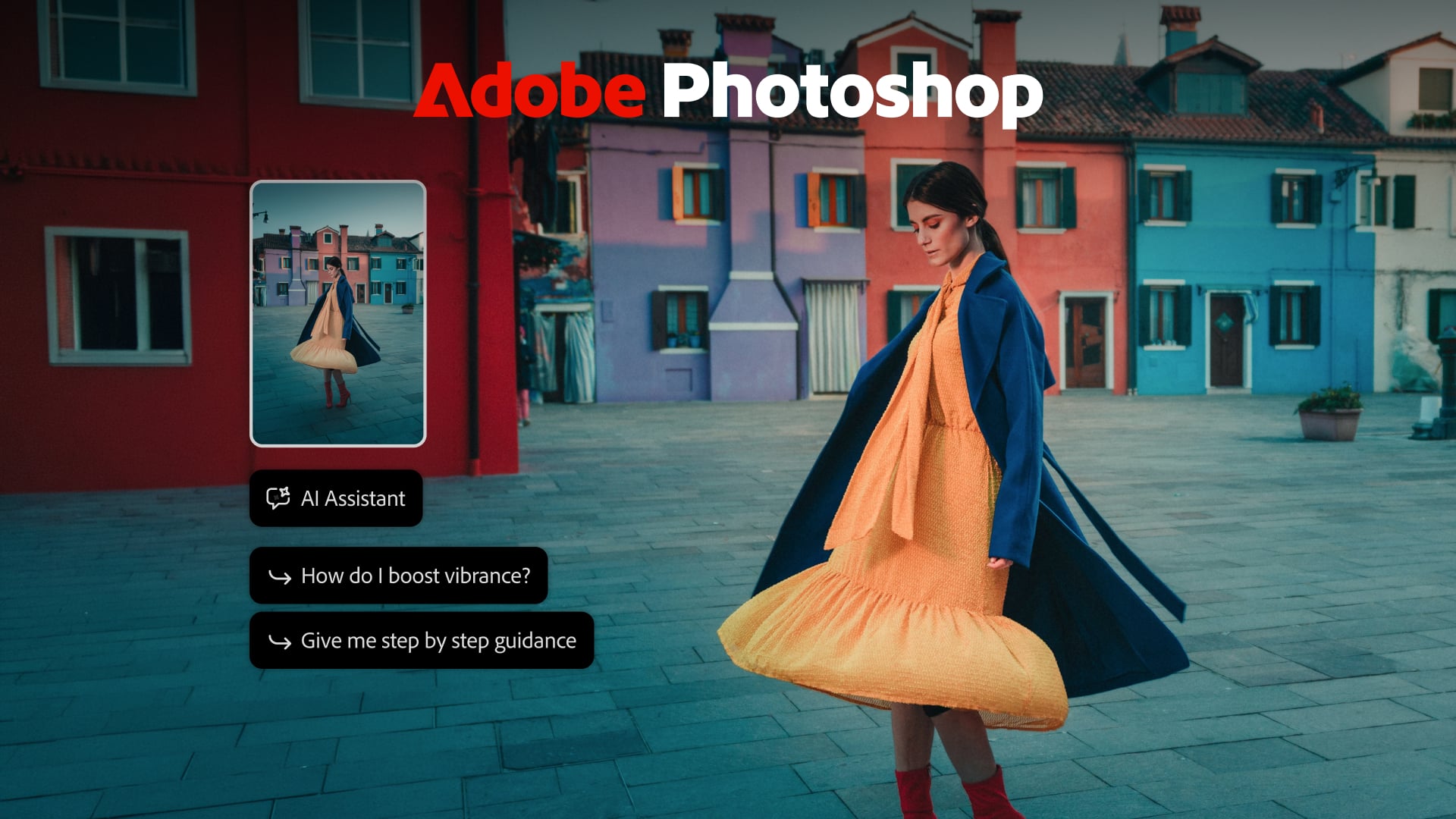
- AI Assisted Editor: a simplified, AI-first editing experience.
What’s New in Lightroom
Sadly, I didn’t get to see the demo for this, but I guess I’ll have to try it on my own. Here’s what’s new in Lightroom, and you can read more about the new features here:
- Glow: adds soft, cinematic light, with five style options.
- Blemish Removal: one-tap retouching, with controls for fine-tuning.
- Open Eyes (beta): fixes blinks using a reference photo, for natural-looking results. Group photographers, this one’s for you (and for that one relative who always blinks).
- Improved Camera Tethering: across Lightroom Desktop and iPad, for live review, organization and collaboration.
New Topaz Labs Models
Adobe has acquired Topaz Labs, and the company is launching two new image enhancement models. Wonder 4 combines upscaling, denoising, deblurring and sharpening in a single click, built on what Adobe calls a first-of-its-kind Mixture of Experts architecture. Image HDR uses AI to turn standard images into HDR, with brighter, richer detail. Both are sold separately.
The Creative Agent Moves Into Flagship Apps
The Adobe Creative Agent, the AI assistant you direct in plain language while it handles multi-step tasks, is now everywhere. You can access it in Premiere, Illustrator, InDesign, After Effects, and Frame.io. In Premiere, for example, it can apply effects across every clip in a sequence, track masked subjects, and adjust color and exposure across an entire sequence at once. Speaking of Premiere, it also gets the new Color Mode, which makes it so much easier to color grade your videos (with the AI agent or without).
Photoshop users will have to wait a bit longer: the AI Assistant is available only in the Photoshop beta app. Lightroom isn’t on the list at all.
Third-Party AI Agents in Your Photoshop Files
Adobe also previewed local integrations based on the Model Context Protocol (MCP), a standard that lets AI assistants operate other apps. In practice, you’ll be able to tell your preferred AI assistant to make changes directly in Photoshop, Illustrator, Premiere and After Effects files on your computer. Layers, vectors and sequences stay editable, so you can step in and continue by hand at any point.
If the assistant is connected to other tools, it can combine them in one workflow. Adobe’s example: pull a brief from Google Docs, do the work in Adobe’s apps, and share the result in Slack. This one isn’t here yet. It’s scheduled for private beta in early 2027.
Other New Features Across Adobe Apps
I’ll mention the new features across other Adobe apps as well, as they all seem pretty impressive and time-saving.
- Premiere: Color Mode, a new color grading system; Generative Media Tool for generating video, sound effects and music in the timeline; AI audio cleanup tools (Enhance Audio, Separate Crosstalk, Separate Sound Source); and Generative Remove (beta) for removing objects from video.
- Illustrator: refreshed content libraries and on-canvas Blend controls.
- InDesign: real-time Co-editing (beta), Flex Layout for resizing text frames, plus Check Document and Rewrite.
- Firefly Design (beta): a new canvas in Firefly that combines raster, vector, motion, 3D and print, included with Creative Cloud.
“The ideas, taste, style and vision that creative professionals bring to their work are what make their work stand out,” said Deepa Subramaniam, vice president of product marketing for Creative Cloud at Adobe.
Availability
Most of the new features are available today. Open Eyes in Lightroom, Co-editing in InDesign, Firefly Design and Firefly Graph are in beta. The AI Assistants are in beta in Adobe’s flagship desktop apps, except for Photoshop, where they’re in the Photoshop beta app. The Model Context Protocol integrations arrive in private beta in early 2027, and the Topaz models are available for purchase.
See more from DIYPhotography.net on Google
Add DIYPhotography.net as a trusted source. This makes
our stories more likely to appear in your Google Search results.
 Add as a preferred source on Google
Filed Under:
Tagged With:

Dunja Đuđić Kalinin
Dunja Djudjic is a multi-talented artist based in Novi Sad, Serbia. With 15 years of experience as a photographer, she specializes in capturing the beauty of nature, travel, concerts, and fine art. In addition to her photography, Dunja also expresses her creativity through writing, embroidery, and jewelry making.



Join the Discussion
DIYP Comment Policy
Be nice, be on-topic, no personal information or flames.