











How to make sure you don’t lose your presets, brushes and actions when you upgrade Photoshop
Dec 2, 2019
John Aldred
John Aldred is a photographer with over 25 years of experience in the portrait and commercial worlds. He is based in Scotland and has been an early adopter – and occasional beta tester – of almost every digital imaging technology in that time. As well as his creative visual work, John uses 3D printing, electronics and programming to create his own photography and filmmaking tools and consults for a number of brands across the industry.
Share:
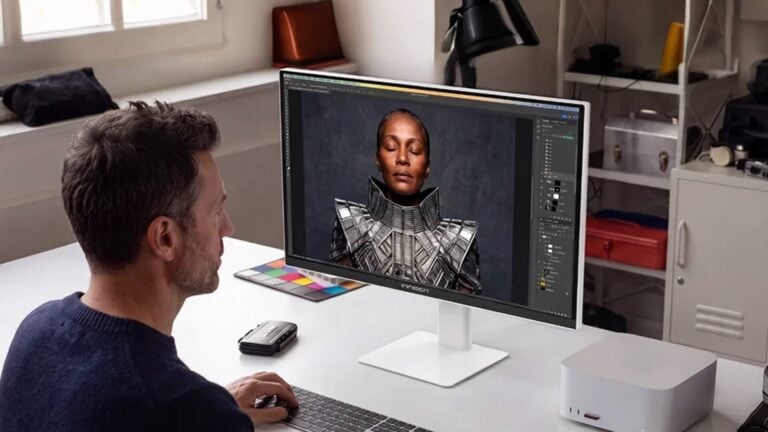
There’s been a lot of drama recently over the latest Photoshop updates, especially for Mac users. But regardless of compatibility issues, new bugs or whatever, many people put off upgrading to the latest version simply because they’re worried about losing their presets, despite the advantages the latest edition of Photoshop may offer.
In this video, Colin Smith at PhotoshopCAFE walks us through how to keep our presets when upgrading, as well as how to share them with others.

The simple way to keep your settings is to simply check the “Import previous settings and preferences” box when you go through the upgrade process. But that still doesn’t transition all of them over to your new version, and it can be a very confusing time for Photoshop users. They often resort to simply recreating their most useful ones again, but they may not be able to get them quite the same as they were before, or they think they’ve lost them forever.
And that’s where Colin’s video will help you out. He shows you how you can organise your brushes, actions, presets, plugins and so on, and how you can organise them to make it easy to bring into a new version of Photoshop. And he recommends always keeping the old version on your system until the new one is fully set up the way you like it.
Have you had issues updating to recent versions of Photoshop? Did you manage to keep all your presets, brushes and actions?

John Aldred
John Aldred is a photographer with over 25 years of experience in the portrait and commercial worlds. He is based in Scotland and has been an early adopter – and occasional beta tester – of almost every digital imaging technology in that time. As well as his creative visual work, John uses 3D printing, electronics and programming to create his own photography and filmmaking tools and consults for a number of brands across the industry.


Join the Discussion
DIYP Comment Policy
Be nice, be on-topic, no personal information or flames.
One response to “How to make sure you don’t lose your presets, brushes and actions when you upgrade Photoshop”
So much so that I contacted Adobe to suggest they add in a carry over, because the problem isn’t with the version changes, its with the app updater. So about every quarter year or so I would lose all my saved actions and sometimes brushes.