























Adobe Firefly Now Lets an AI Agent Run Your Edits, Videos and Designs in One Place
Nov 10, 2026
Dunja Đuđić Kalinin
Dunja Djudjic is a multi-talented artist based in Novi Sad, Serbia. With 15 years of experience as a photographer, she specializes in capturing the beauty of nature, travel, concerts, and fine art. In addition to her photography, Dunja also expresses her creativity through writing, embroidery, and jewelry making.
Share:
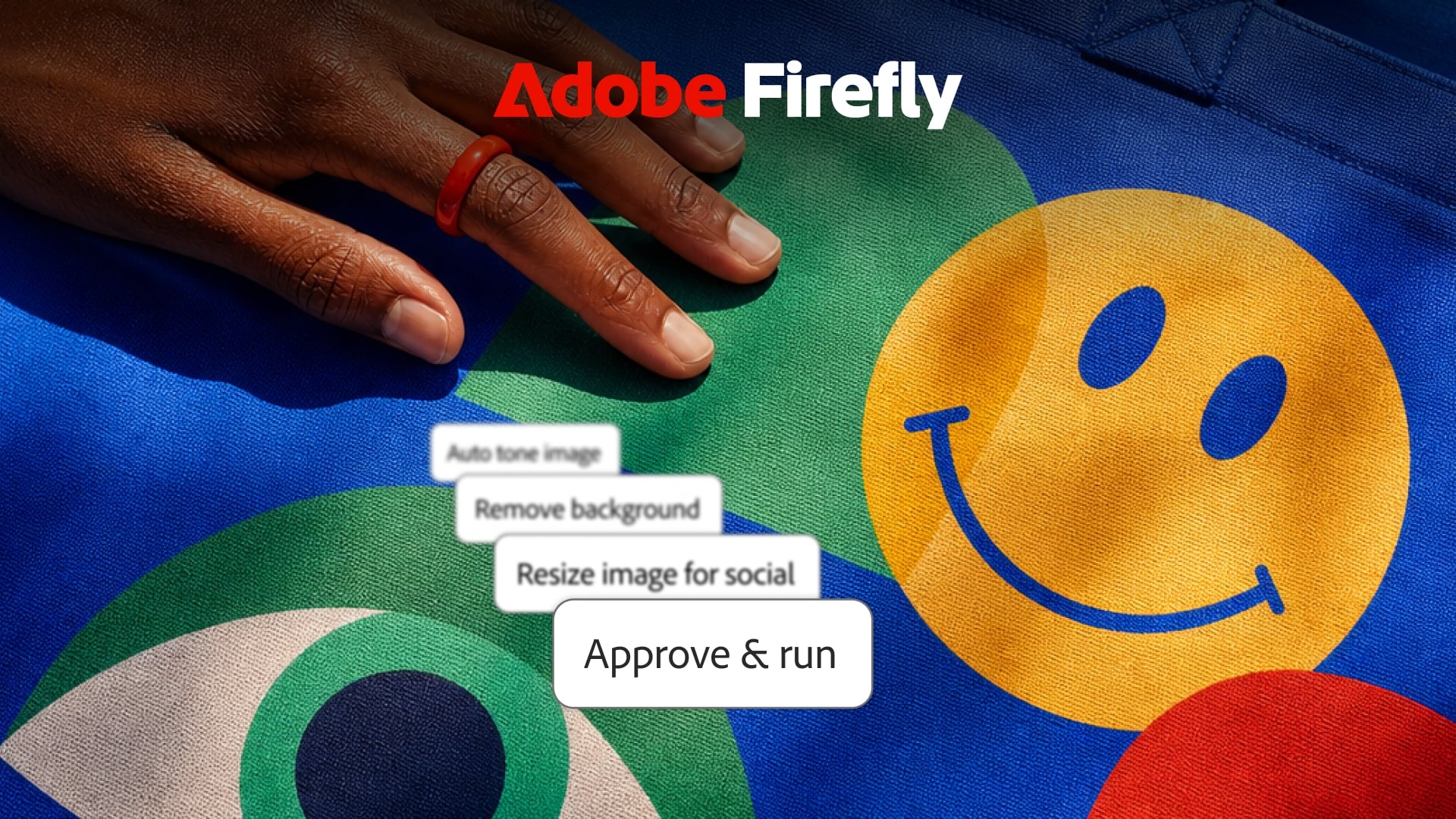
Adobe Firefly is no longer just Adobe’s AI image generator. At MAX 2026, Adobe turned it into what it calls an “AI creative studio”: one place that combines Adobe’s editing tools, a long list of third-party AI models, and the Adobe Creative Agent, an AI assistant you direct in plain language while it handles the steps.
In other words, the idea is that you won’t need to jump between apps, models and subscriptions. You tell Firefly what you want, and it figures out which tools and models to use. Whether that sounds like a dream or a nightmare probably depends on how much you enjoy doing the steps yourself.
What’s New With the Creative Agent
The Creative Agent powers the Firefly AI Assistant (still in beta). Adobe says creators have been using it for things like batch retouching portraits and turning product shots into short social videos. The new additions are:
- Customization and preferences: set your formats, colors, brand guidelines, characters, and products once, and the agent applies them across projects.
- Plan Mode: the agent shows you its plan before it starts. You can review it, edit it, approve it, or let it run on its own.
- Model Selector: pick a model yourself, or leave it on Auto-Select and let the agent choose.
- Firefly Boards integration: brainstorm mood boards and storyboards through conversation.
- Always-on agents (preview): agents that keep working in the background on recurring tasks, like organizing incoming assets, checking quality, and preparing content for different channels, even when you step away.
- Plan Mode is the one I’d want switched on by default. Knowing what an agent is about to do to your files before it does it is a welcome feature if you want to have more control and adjust the prompts.
Who Is This For?
Adobe calls the new Firefly the “onramp” to its creative tools, meant to put Creative Cloud’s power within reach of creators at every experience level. Forest Key, Vice President of Adobe Firefly and Agentic AI, described it this way:
“We’re excited to offer every creator an agent that supports the creative process from the moment you first explore an idea, to the moment you bring it into the world, working across tools, models and workflows where your taste, style and vision lead. That’s our approach across Adobe, and we built Firefly to be the AI creative studio where it comes together: the best models, the tools creators already trust and an agent that acts as a creative partner.”
Firefly AI Assistant, Firefly Design, and Firefly Graph are in beta, while Firefly Builder is in private beta. Always-on agents are available as a preview.
See more from DIYPhotography.net on Google
Add DIYPhotography.net as a trusted source. This makes
our stories more likely to appear in your Google Search results.
 Add as a preferred source on Google

Dunja Đuđić Kalinin
Dunja Djudjic is a multi-talented artist based in Novi Sad, Serbia. With 15 years of experience as a photographer, she specializes in capturing the beauty of nature, travel, concerts, and fine art. In addition to her photography, Dunja also expresses her creativity through writing, embroidery, and jewelry making.




Join the Discussion
DIYP Comment Policy
Be nice, be on-topic, no personal information or flames.